Choosing an HP OfficeJet Pro 8125: What Home Office Users Should Know
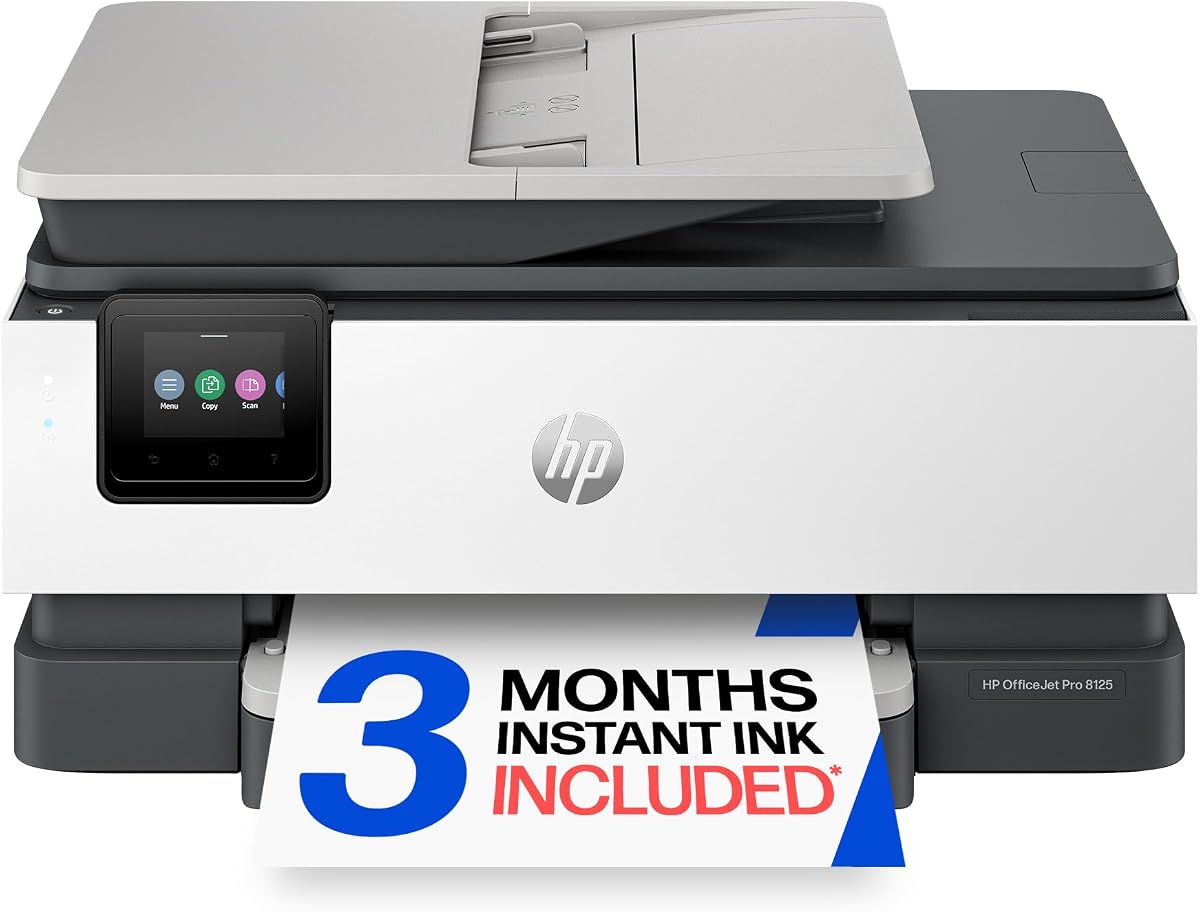
The HP OfficeJet Pro 8125 is a wireless all-in-one color inkjet printer designed for home offices, featuring print, scan, copy, an automatic document feeder (ADF), and automatic duplex printing. It also includes a 3-month trial of HP Instant Ink and AI-capable features, making it a versatile option for small businesses and remote workers.
Key Considerations Before Buying
- Ink costs can add up quickly with inkjet printers, but the included Instant Ink trial helps offset initial expenses. Consider your monthly print volume to determine if a subscription plan suits your needs.
- The 35-page ADF and duplex printing streamline multi-page scanning and copying, but if you frequently handle large jobs, check the paper tray capacity (typically 250 sheets) to avoid constant refills.
- Wireless connectivity and AI capabilities like smart scanning and mobile printing add convenience, but ensure your network supports 2.4/5 GHz bands for reliable performance.
What Our Analysts Recommend
When evaluating inkjet printers for home offices, prioritize print speed (ISO ppm), cost per page, and connectivity options. The OfficeJet Pro 8125 offers up to 22 ppm black and 18 ppm color, which is competitive for its class. Also, look for energy efficiency certifications like ENERGY STAR to reduce long-term operational costs.
Inkjet Printers Market Context
Market Overview
The inkjet printer market is increasingly focused on subscription-based ink services and smart features to differentiate products. HP's Instant Ink and AI capabilities position the OfficeJet Pro 8125 as a modern solution for home offices, competing with similar models from Brother, Canon, and Epson.
Common Issues
Common complaints in this category include high ink replacement costs, clogged printheads from infrequent use, and connectivity drops. The OfficeJet Pro 8125 addresses some of these with Instant Ink and self-healing Wi-Fi, but users should still print regularly to maintain printhead health.
Quality Indicators
A quality inkjet printer for home office use should offer robust build quality, reliable wireless connectivity, and efficient ink usage. Look for models with high-yield ink cartridges, automatic duplexing, and a flatbed scanner with an ADF. The OfficeJet Pro 8125 checks these boxes, but verify user reviews for long-term durability.
Review Authenticity Insights
Grade A Interpretation
With an authenticity grade of A and only 5% estimated fake reviews, the 4.33-star rating (adjusted to 4.20) is highly trustworthy. This means the positive feedback likely reflects genuine user experiences, making it a reliable indicator of product performance.
Trust Recommendation
Given the high authenticity, you can confidently rely on the review ratings when making a purchase decision. However, still read a mix of recent and older reviews to capture any changes in quality or firmware updates over time.
Tips for Reading Reviews
Focus on reviews that detail specific use cases, such as printing volume, ink costs, and wireless setup. Pay attention to mentions of customer support and Instant Ink enrollment process, as these can significantly impact your experience.
Expert Perspective
The HP OfficeJet Pro 8125 is a solid choice for home offices needing versatile color printing, scanning, and copying. Its strong authenticity rating and positive reviews suggest reliable performance, and the included Instant Ink trial adds immediate value. However, like all inkjets, it requires regular use to avoid printhead issues, and long-term ink costs depend on your subscription plan.
Purchase Considerations
Weigh the upfront cost against the ongoing expense of ink and potential subscription fees. If you print frequently, the Instant Ink plan can save money, but if you print sporadically, a laser printer might be more cost-effective. Also, consider the AI features—are they useful for your workflow, or just a gimmick?
Comparing Alternatives
Before buying, compare the OfficeJet Pro 8125 with similar models like the Brother MFC-J4335DW or Canon PIXMA TR8620, especially in terms of ink costs and feature sets.