
Choosing a 1080P Webcam: Balancing Video Quality, Privacy, and Audio Performance
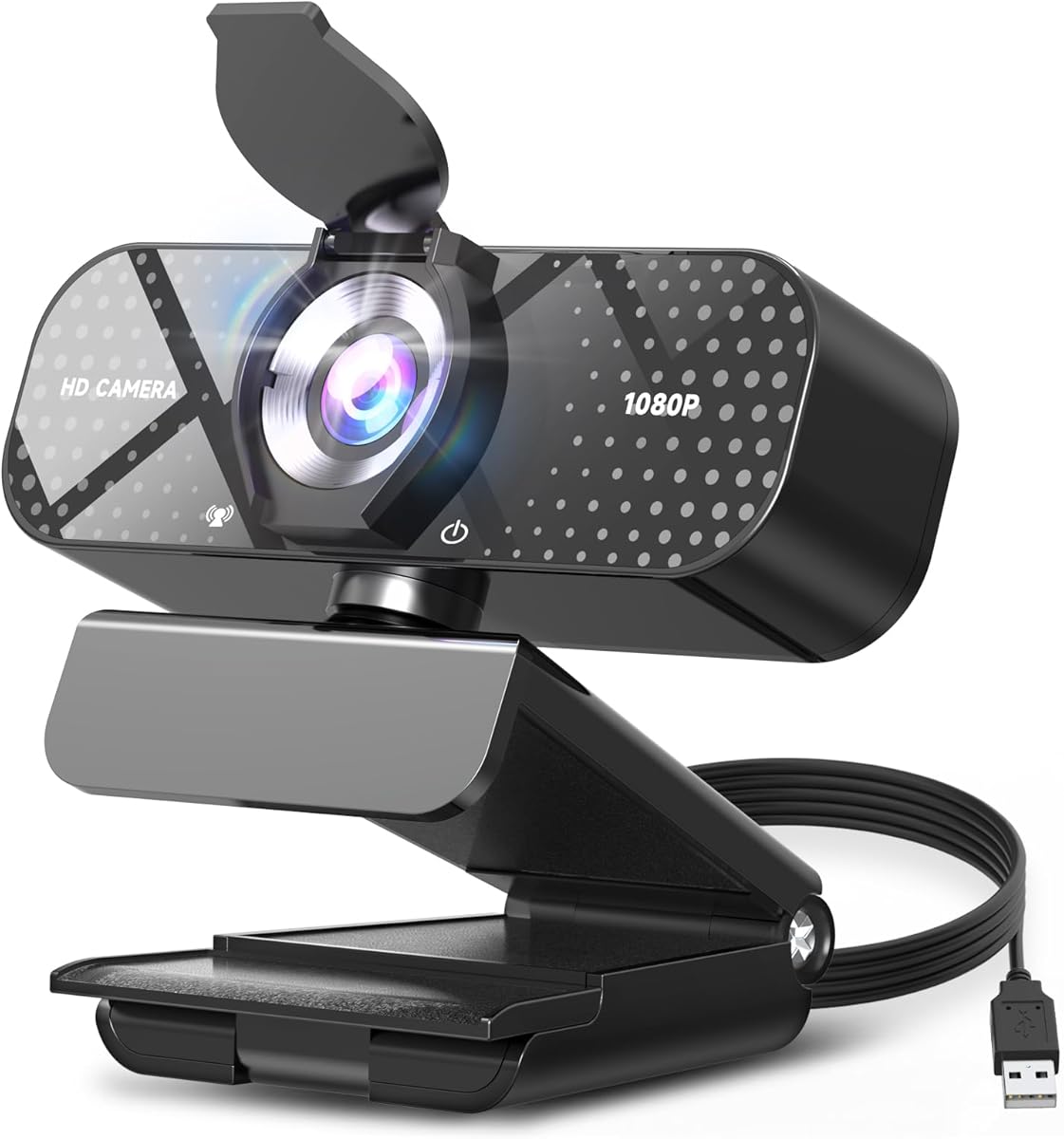
When evaluating this specific 1080P webcam with noise-canceling mic and privacy cover, focus on how its features address real-world video conferencing needs. The auto light correction and wide-angle lens are practical solutions for home office environments with variable lighting and framing requirements, while the plug-and-play USB connectivity offers convenience across platforms.
Key Considerations Before Buying
- The 1080P resolution is standard for professional use, but check if the wide-angle lens creates noticeable distortion at the edges of your frame during actual calls.
- Noise-canceling microphones vary significantly in effectiveness; test whether this model filters out common background noises like keyboard typing or household sounds.
- The physical privacy cover is a security feature, but ensure it doesn't interfere with the camera's autofocus or leave residue on the lens when removed frequently.
What Our Analysts Recommend
For this category, examine build quality around the USB connector and hinge mechanism, as these are common failure points. Genuine reviews often mention specific lighting conditions where auto-correction succeeds or fails, and whether the microphone maintains voice clarity when multiple people speak simultaneously.
Webcams Market Context
Market Overview
The sub-$100 webcam market has become crowded with nearly identical specifications, making build quality and software optimization the key differentiators. Many models, including this one, bundle privacy covers and wide-angle lenses as standard features that were previously premium add-ons.
Common Issues
Users frequently report over-aggressive noise cancellation that cuts off voice audio, wide-angle lenses that create a 'fish-eye' effect, and auto light correction that struggles with backlit situations. Plug-and-play compatibility claims sometimes conflict with specific operating system versions or video conferencing software.
Quality Indicators
Look for consistent praise about microphone performance in actual noisy environments, not just lab conditions. Quality webcams maintain color accuracy across different skin tones and handle mixed lighting without excessive graininess. The privacy cover should operate smoothly without scratching the lens.
Review Authenticity Insights
Grade B Interpretation
A Grade B authenticity rating with 15% estimated fake reviews suggests generally reliable feedback, but shoppers should be cautious of overly enthusiastic 5-star reviews lacking specific usage scenarios. The adjusted 4.60/5 rating from authentic reviews indicates strong but not perfect performance.
Trust Recommendation
Focus on reviews that describe specific use cases like 'Zoom calls with a window behind me' or 'recording in a home office with air conditioning noise,' as these demonstrate real testing. Be skeptical of reviews that only praise generic features without explaining how they performed in actual use.
Tips for Reading Reviews
For this webcam, prioritize reviews that compare its auto light correction to built-in laptop cameras or mention compatibility with specific software like OBS for streaming. Look for mentions of long-term use (2+ months) to assess durability of the USB connection and privacy cover mechanism.
Expert Perspective
This webcam's feature set addresses the core needs of remote workers: privacy (physical cover), audio clarity (noise-canceling mic), and visual consistency (auto light correction). The 4.60 adjusted rating from authentic reviews suggests it delivers on most promises, though the 15% fake review rate warrants careful evaluation of extreme positive claims. The wide-angle lens is particularly valuable for users who need to show whiteboards or multiple people, but may require software adjustment to minimize distortion.
Purchase Considerations
Consider whether your primary use involves frequent movement (where wide-angle helps) or stationary framing (where standard lenses may suffice). The noise-canceling microphone is most valuable in shared living spaces, while auto light correction matters most for users without dedicated lighting setups. Verify that your specific video conferencing software recognizes the camera without additional drivers.
Comparing Alternatives
Compare this model's wide-angle performance and privacy cover design against similar-priced competitors from Logitech, Razer, and Anker to assess value.


