
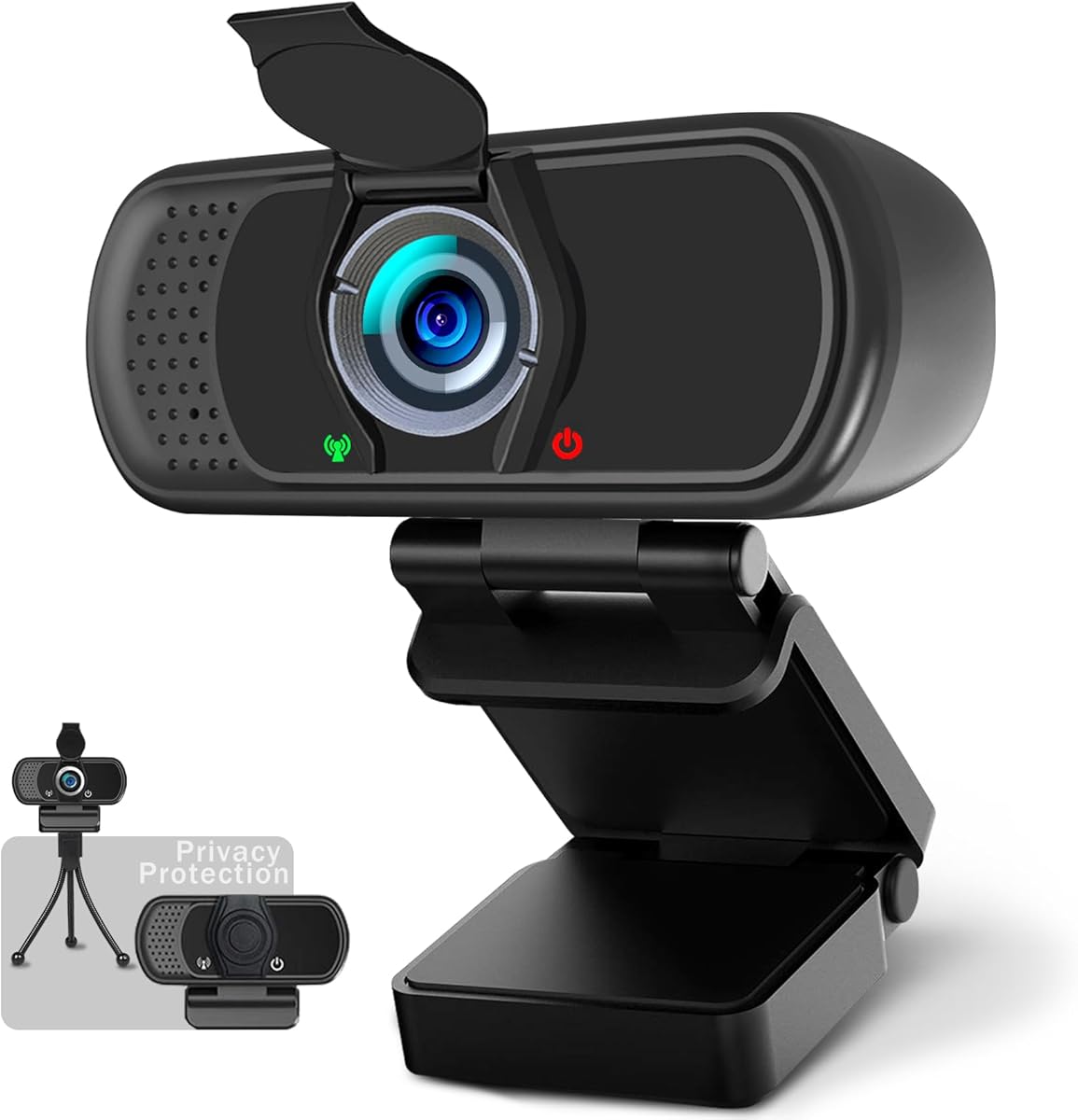
Choosing a 1080p webcam: What matters for video calls and streaming quality
When evaluating this specific 1080p webcam with a 110-degree wide-angle lens and included tripod, focus on how its features match your actual usage. The bundled privacy cover and plug-and-play USB connectivity are practical additions, but their real-world performance in your lighting conditions is key.
Key Considerations Before Buying
- The 110-degree field of view is wider than standard 78-degree webcams, ideal for group calls or showing your workspace, but may cause slight edge distortion in close-up shots.
- Integrated microphones in budget webcams often struggle with echo and background noise; test if the audio quality suffices or if you'll need an external mic.
- The included mini tripod offers flexibility for laptop users, but check its stability on your specific monitor or desk surface during extended use.
What Our Analysts Recommend
For this product category, examine low-light performance in reviews, as many affordable 1080p sensors produce grainy video in dim rooms. Also, verify USB cable length and compatibility with your operating system, as some 'plug-and-play' devices still require driver downloads for advanced features.
Webcams Market Context
Market Overview
The sub-$50 webcam market is saturated with similar 1080p offerings, where differentiation comes from bundled accessories like tripods, privacy covers, and software features. Most compete on field of view and plug-and-play simplicity rather than sensor quality.
Common Issues
Users frequently report autofocus hunting during movement, overexposure in bright backgrounds, and muffled microphone audio that picks up keyboard clicks. Built-in microphones often lack noise cancellation found in premium webcams.
Quality Indicators
Look for consistent praise across multiple reviews for specific scenarios like 'Zoom calls in home office' or 'streaming with natural light.' Genuine reviews mention both the tripod's usefulness and limitations, not just generic praise.
Review Authenticity Insights
Grade B Interpretation
A Grade B with 15% estimated fake reviews indicates generally reliable feedback, but suggests some inflated positivity. The 0.32-point drop from the displayed 4.22 to the adjusted 3.90 rating is significant, hinting at strategic 5-star reviews.
Trust Recommendation
Prioritize reviews that mention specific use cases like 'MacBook Pro compatibility' or '110-degree view for two people,' as these demonstrate authentic testing. Be skeptical of reviews only praising generic 'great quality' without context.
Tips for Reading Reviews
Search for 3-star reviews first—they often provide balanced assessments of the wide-angle distortion and microphone limitations. Verified purchase reviews mentioning the privacy cover's fit or tripod's stability are particularly credible.
Expert Perspective
This webcam's adjusted 3.90 rating from verified purchasers suggests it delivers adequate performance for basic video conferencing, but may disappoint in demanding scenarios. The 110-degree lens and included accessories provide value, yet the microphone quality likely represents the primary compromise. The high number of genuine reviews (85%) means the reported issues—like occasional autofocus problems—are real considerations rather than isolated complaints.
Purchase Considerations
Choose this if you need a wide field of view and value the physical privacy cover for security-conscious setups. Consider alternatives if crystal-clear audio is crucial, as integrated mics in this price range typically capture ambient room noise. The tripod adds versatility for laptop users who don't have an ideal mounting surface.
Comparing Alternatives
Compare this model's 110-degree lens against standard 78-degree webcams if you primarily need head-and-shoulders framing without distortion.


