
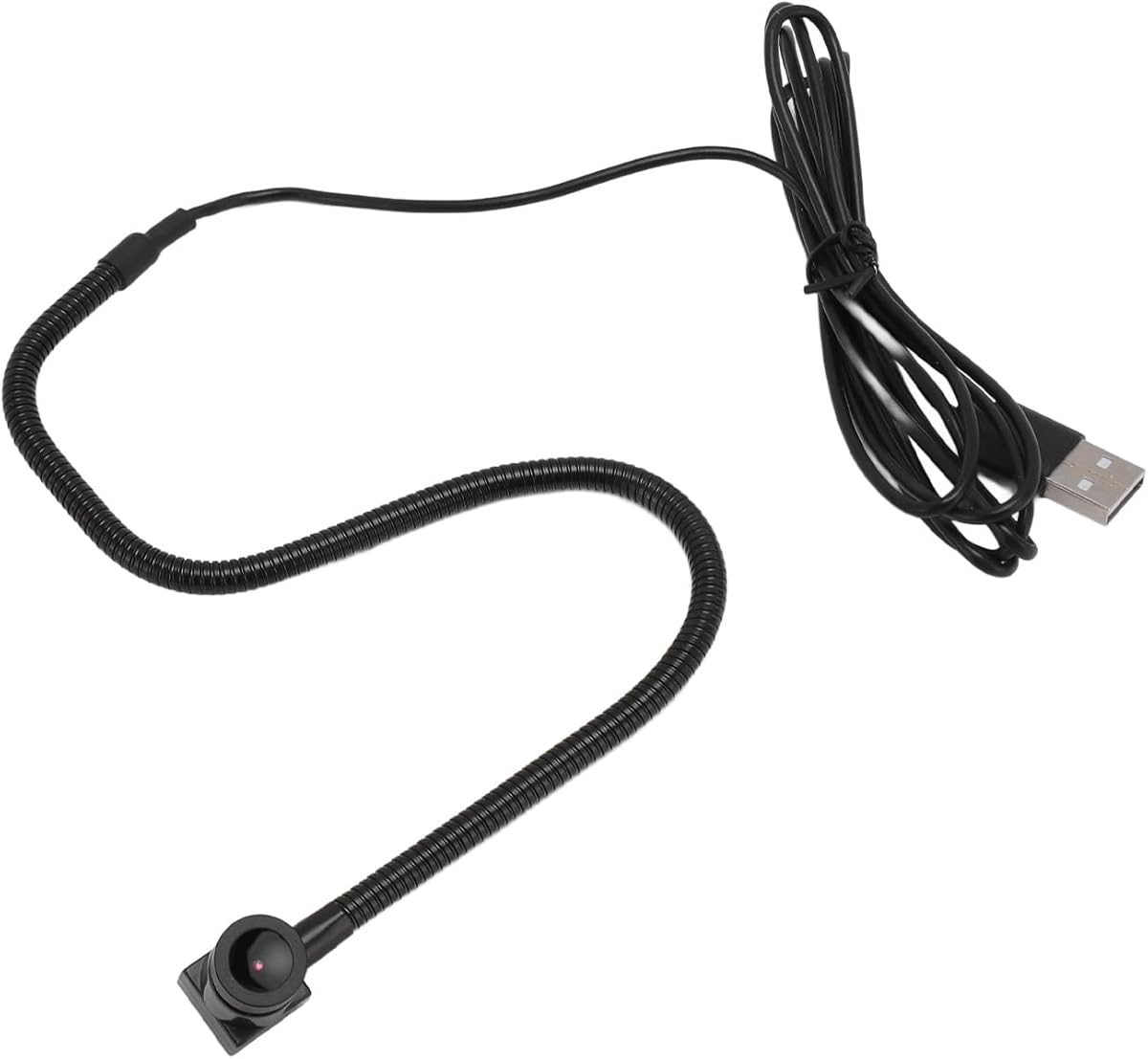
Evaluating Center-Mounted Webcams: Eye Contact Technology vs. Practical Performance
The Center Cam positions itself as a solution to the 'looking down' problem common with top-mounted laptop cameras by placing the lens in the center of your screen. This 'eye-to-camera' design promises more natural video calls, but buyers should understand that this unique form factor introduces specific trade-offs in mounting stability and compatibility compared to traditional clip-on webcams.
Key Considerations Before Buying
- The center-mount design requires a screen with adequate bezel thickness for the adhesive or clip; thin-bezel monitors or certain laptops may not provide a secure attachment point.
- The dual AF/MF focus mode mentioned in the title is crucial for a center-mounted camera, as the fixed distance to your face differs from traditional webcams and may require manual fine-tuning in different lighting conditions.
- Built-in microphones on center-mounted webcams often perform differently than top-mounted ones, potentially picking up more keyboard noise due to their proximity to the desk surface.
What Our Analysts Recommend
For center-mounted webcams specifically, examine reviews mentioning the adhesive strength or clip mechanism's durability over time. Quality indicators include consistent focus performance in both automatic and manual modes, and minimal fisheye distortion given the camera's typically wider field of view needed for this mounting position.
Webcams Market Context
Market Overview
The 1080p webcam market is saturated with conventional designs, making the center-mount niche one of the few areas with genuine innovation aimed at improving meeting ergonomics. However, these specialized designs often command a premium and face stricter compatibility requirements than universal clip models.
Common Issues
Center-mounted webcams frequently struggle with secure mounting on curved screens or displays with very narrow bezels. Users also report challenges with achieving optimal camera angle since height adjustment is limited compared to flexible-neck designs, potentially resulting in unflattering chin-up or forehead-heavy shots.
Quality Indicators
Look for products specifying the type of adhesive (reusable gel vs. permanent tape) and inclusion of alternate mounting options. High-quality center webcams will detail their lens construction (glass vs. plastic) and field of view (typically 78-90 degrees is ideal for this form factor) rather than just resolution.
Review Authenticity Insights
Grade B Interpretation
A Grade B authenticity rating with an 11% estimated fake review percentage suggests mostly genuine feedback but with some potentially manipulated content. For this niche product, this level of authenticity is actually above average, as unconventional designs often attract either genuine enthusiasm or authentic frustration.
Trust Recommendation
Focus on the 2-4 star reviews for this product, as they're most likely to detail the practical compromises of the center-mount design. Be particularly skeptical of 5-star reviews that don't mention specific mounting experiences or focus performance, as these may be the manipulated 11%.
Tips for Reading Reviews
Prioritize reviews that mention specific monitor models or laptop types they've mounted the Center Cam on, as compatibility is this product's primary constraint. Look for detailed comments about the AF/MF switching process and whether the manual focus ring provides precise control.
Expert Perspective
The Center Cam's 3.00 adjusted rating (down from 3.22) reflects a product solving a real ergonomic problem but with significant implementation challenges. The authenticity analysis confirms the polarized experiences are genuine: users who achieve perfect compatibility love the eye-contact benefit, while those with fit issues experience immediate frustration. The presence of both AF and MF modes is particularly important here, as fixed-position cameras require more focus control flexibility than traditional webcams.
Purchase Considerations
Only consider this webcam if you have confirmed your display has a flat, sufficiently thick bezel or frame for mounting. Weigh whether the psychological benefit of direct eye contact in video calls outweighs the potential stability and angle limitations. The built-in microphone should be considered a backup only, as its center-screen position is acoustically suboptimal.
Comparing Alternatives
Shoppers should compare this against traditional webcams with physical privacy shutters and flexible mounts, which offer more positioning versatility despite the 'looking down' camera angle.


