
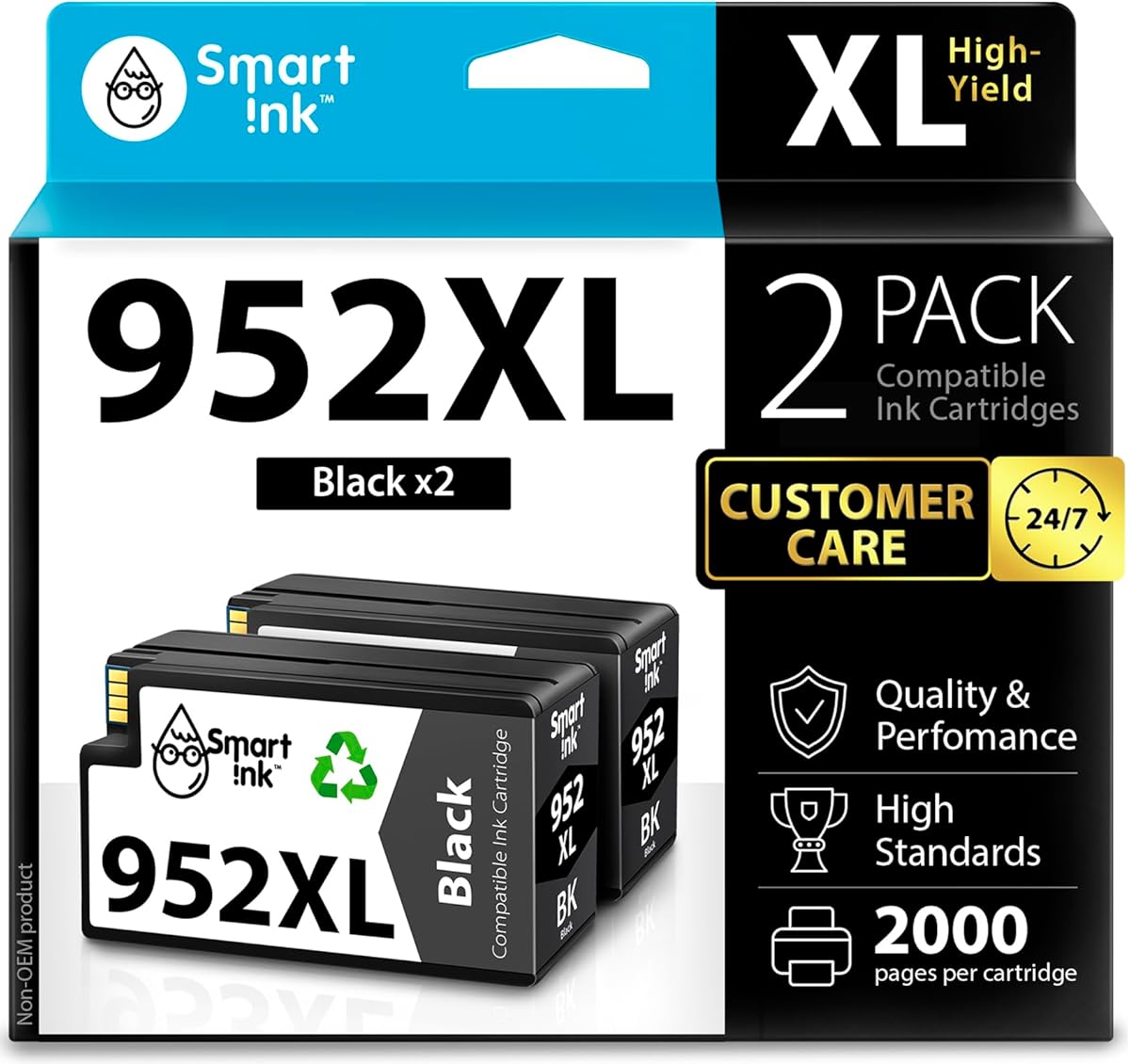
Smart Ink HP 952XL Compatible Cartridges: What Printer Owners Need to Know
When considering these Smart Ink compatible cartridges for your HP OfficeJet Pro printer, you're evaluating third-party alternatives to HP's original 952XL black ink. These cartridges claim compatibility with 10+ specific OfficeJet Pro models, offering a two-pack configuration that targets high-volume black printing needs. Understanding the trade-offs between OEM and compatible cartridges is essential for this purchase decision.
Key Considerations Before Buying
- Verify your exact printer model matches the compatibility list—OfficeJet Pro 8710, 8720, 8210, etc.—as installation issues often stem from model mismatches.
- These cartridges use chip technology to communicate with your printer; ensure they're recognized immediately to avoid setup frustrations.
- Consider your black ink consumption rate: this two-pack offers extended capacity but requires proper storage if not used immediately.
- Check your printer's warranty status, as some manufacturers void coverage when using third-party cartridges.
What Our Analysts Recommend
Quality compatible cartridges should maintain consistent ink flow without streaking or premature drying. Look for reviews mentioning successful installation without printer error messages and consistent page yield compared to OEM cartridges. Packaging should be sealed against air exposure to prevent ink degradation before use.
Inkjet Ink Cartridges Market Context
Market Overview
The compatible ink cartridge market for HP OfficeJet Pro printers is highly competitive, with dozens of brands vying for cost-conscious consumers tired of OEM pricing. Smart Ink enters this crowded space targeting the popular 952XL format, which serves mid-to-high-volume OfficeJet Pro models known for business and home office use.
Common Issues
Compatible cartridges frequently face recognition problems where printers reject non-OEM chips, leading to installation failures. Ink consistency varies dramatically between brands, with some exhibiting lighter print density or nozzle clogging after periods of inactivity. Page yield claims often don't match actual performance, particularly with high-coverage documents.
Quality Indicators
Reliable compatible cartridges feature precision-molded housings that fit seamlessly, not requiring forceful installation. Quality brands invest in chip programming that mimics OEM communication protocols, reducing error messages. Look for manufacturers that disclose ink formulation details (pigment vs. dye-based) appropriate for your printing needs.
Review Authenticity Insights
Grade B Interpretation
A Grade B authenticity rating with 11% estimated fake reviews indicates predominantly genuine feedback with moderate manipulation concerns. This suggests most reviews reflect real customer experiences, though some may be incentivized. The adjusted rating dropping from 4.44 to 4.20 after filtering suspicious reviews reveals slight inflation.
Trust Recommendation
Focus on reviews that mention specific printer models (OfficeJet Pro 8720, 8210, etc.) and describe installation details rather than generic praise. Be skeptical of reviews that don't mention long-term performance—ink cartridge quality often reveals itself after weeks of use, not just initial installation.
Tips for Reading Reviews
Prioritize reviews discussing actual page counts achieved, print quality comparisons to HP originals, and any error messages encountered. Look for patterns across multiple reviews mentioning the same specific benefits or problems rather than isolated extreme opinions.
Expert Perspective
The Smart Ink 952XL compatible cartridges present a typical value proposition in the third-party ink market: significant cost savings with potential trade-offs in reliability. The 4.20 adjusted rating suggests generally positive experiences among verified purchasers, though the authenticity analysis indicates some review manipulation exists. These cartridges appear to serve their purpose for users prioritizing cost over absolute consistency, particularly for text documents where slight quality variations matter less. The specific model compatibility list suggests Smart Ink has targeted the chip programming for these particular OfficeJet Pro variants.
Purchase Considerations
Weigh your tolerance for potential installation hassles against the cost savings—these cartridges typically cost 40-60% less than HP originals. Consider your printing patterns: if you print infrequently, ink shelf life and nozzle maintenance become more critical factors. Document-heavy users might appreciate the two-pack configuration, but ensure you have proper storage conditions.
Comparing Alternatives
Compare Smart Ink against other compatible brands like LD, INKTOPIA, or Aiva, paying attention to reviews specific to your exact printer model within the compatibility list.


