
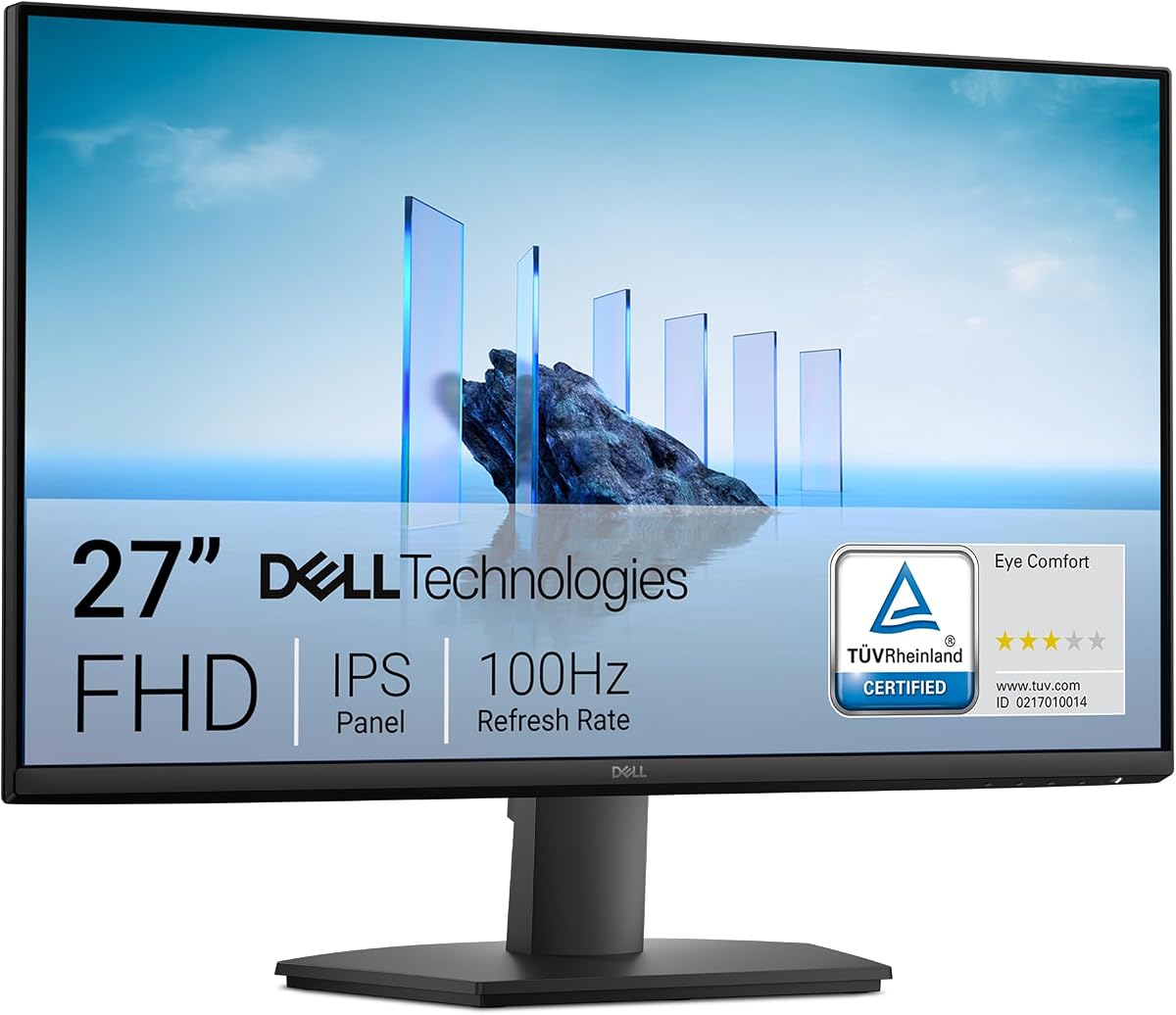
What to Know Before Buying a 27-Inch 1080p IPS Monitor
The Dell SE2725HM sits in the popular budget-to-midrange 27-inch segment, pairing a Full HD IPS panel with a 100Hz refresh rate and dual HDMI/VGA inputs. Understanding how 1080p scales at this screen size, and what 100Hz really delivers, will help you decide if it fits your setup.
Key Considerations Before Buying
- At 27 inches, a 1920x1080 panel yields roughly 82 pixels per inch—noticeably less sharp than 24-inch 1080p or 27-inch 1440p. Text and fine detail can look slightly soft, so consider your viewing distance and whether you prioritise screen real estate over crispness.
- The 100Hz refresh rate is a modest step up from standard 60Hz, making scrolling and cursor movement smoother, but it is not a gaming-grade panel. The 5ms response time and lack of adaptive sync mean fast-paced titles may show motion blur or tearing.
- Check your connectivity needs against the HDMI and VGA ports. There is no DisplayPort or USB-C, so laptop users relying on USB-C docking or high-refresh DisplayPort connections will need adapters or should look elsewhere.
What Our Analysts Recommend
For a monitor in this class, verify the panel type (IPS here offers wide viewing angles and consistent colour), confirm VESA 100x100mm compatibility if you plan to wall-mount or use a monitor arm, and check the warranty length—Dell's three-year cover is a meaningful quality signal. Also look for reviews mentioning backlight bleed and stand ergonomics, as these vary unit to unit.
Market Context
Market Overview
The 27-inch 1080p monitor market is crowded with budget options, but many cut corners on panel quality or warranty. Dell's SE series targets home and office buyers who want reliable basics—IPS colour, a tidy stand, and long support—rather than gaming features or high resolution.
Common Issues
Buyers in this segment frequently report backlight bleed, limited stand adjustability (often tilt-only), and disappointment with 1080p sharpness at 27 inches. Port selection is another common gripe, as many budget monitors omit DisplayPort or USB-C.
Quality Indicators
A three-year warranty, IPS panel confirmation, and VESA mounting support are strong indicators of a dependable office monitor. Consistent review scores above 4.5 across hundreds of ratings, as seen here, suggest fewer systemic defects than typical budget models.
Review Authenticity Insights
Grade A Interpretation
An A authenticity grade with an estimated 5% fake review rate means the 4.7/5 rating (4.6 adjusted) is highly trustworthy for this Dell monitor. The small adjustment suggests only minor noise, likely from incentivised or low-quality reviews rather than coordinated manipulation.
Trust Recommendation
You can rely on the adjusted 4.6/5 score as a fair reflection of owner satisfaction. When buying, still confirm the seller is reputable and that the listing matches the SE2725HM model, as third-party sellers sometimes substitute similar models.
Tips for Reading Reviews
Focus on reviews that mention specific use cases—office work, coding, or console gaming—and note comments on pixel sharpness and stand wobble. Reviews complaining about 1080p at 27 inches are common and worth heeding if you sit close to the screen.
Expert Perspective
The Dell SE2725HM is a sensible choice for buyers who want a large, comfortable IPS screen for productivity, web browsing, or light media, backed by a three-year warranty. The 100Hz refresh rate adds a welcome smoothness over 60Hz panels without pretending to be a gaming monitor. Its main compromise is the 1080p resolution at 27 inches, which trades sharpness for affordability. With a verified 4.6/5 adjusted rating from over 500 reviews, it appears to deliver consistent quality for the price.
Purchase Considerations
Weigh whether you need sharper text (consider 1440p at this size) and whether your devices support HDMI or VGA. If you use a monitor arm, the VESA mount is a plus; if you need height adjustment out of the box, check the stand specs carefully.
Comparing Alternatives
Compare with 27-inch 1440p IPS monitors and 24-inch 1080p models to see which resolution-to-size ratio suits your desk and eyesight before committing.