
Evaluating 32-inch curved gaming monitors: balancing immersion with pixel density
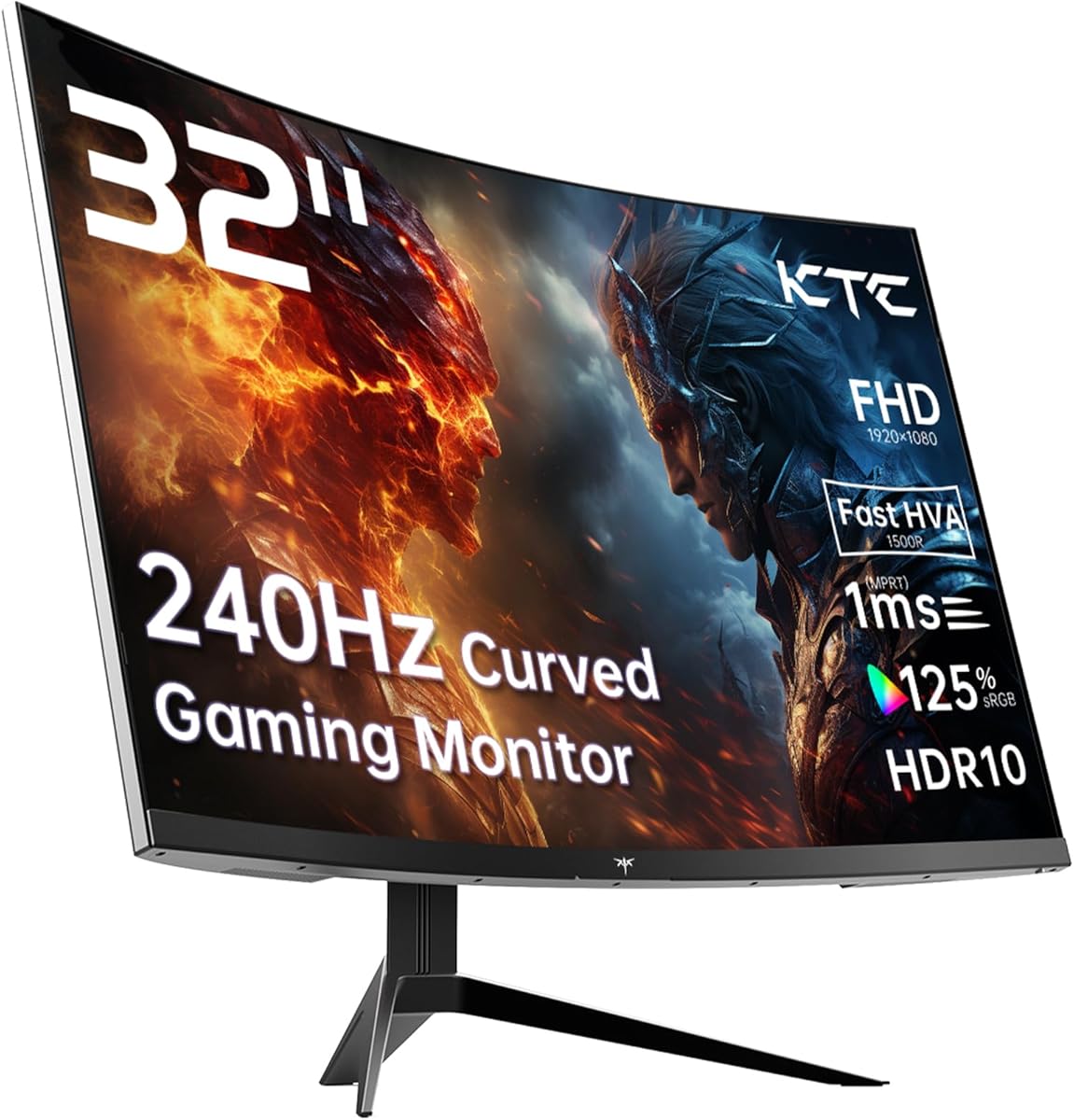
The KTC 32-inch curved monitor presents a specific value proposition: maximum screen immersion at a 1080p resolution. Buyers should understand that this combination delivers a cinematic experience but requires careful consideration of viewing distance and pixel visibility. The 1500R curvature and 240Hz refresh rate target gamers seeking fluid motion in fast-paced titles.
Key Considerations Before Buying
- At 32 inches with 1080p resolution, pixel density is approximately 70 PPI, meaning individual pixels may be visible at typical desk distances under 80cm.
- The VA panel's 125% sRGB coverage suggests vibrant colors, but true HDR performance is limited by typical peak brightness levels in this price segment.
- The 240Hz refresh rate with Adaptive Sync is ideal for competitive gaming, but requires a powerful GPU to fully utilize in modern titles.
What Our Analysts Recommend
For curved gaming monitors, examine the curvature rating (1500R is moderately curved) and response time implementation—the advertised 1ms often requires specific overdrive settings that may introduce inverse ghosting. Check for VESA mount compatibility if you plan to use monitor arms, as the included stand may not offer optimal ergonomics.
Market Context
Market Overview
The 32-inch curved gaming monitor market is divided between 1080p budget options and higher-resolution premium models. KTC competes in the value segment where brands balance specifications like high refresh rates against panel quality and feature sets. UK pricing typically positions these monitors as entry-level large-screen gaming solutions.
Common Issues
VA panels at this size can exhibit noticeable black smearing in fast motion, despite advertised 1ms response times. Some users report backlight bleed in dark scenes, particularly with curved designs. Compatibility claims with consoles like PS5 may be limited by the monitor's HDMI 2.0 bandwidth capping at 144Hz for 1080p signals.
Quality Indicators
Look for consistent build quality in the curvature without panel warping, and verify that Adaptive Sync works across the full refresh range without flickering. Genuine HDR10 support should provide noticeable contrast improvement over SDR, though don't expect OLED-level performance.
Review Authenticity Insights
Grade B Interpretation
A Grade B authenticity rating with 11% estimated fake reviews indicates generally reliable feedback, though approximately 1 in 9 reviews may be inauthentic. The adjusted rating of 3.80/5 (down from 4.00/5) suggests genuine satisfaction sits between 'good' and 'very good' rather than excellent.
Trust Recommendation
Focus on verified purchase reviews that mention specific gaming experiences or setup details. The natural distribution of ratings—including critical 1-star reviews—suggests authentic feedback about real-world performance limitations alongside positive experiences.
Tips for Reading Reviews
Prioritize reviews discussing the 240Hz performance with specific games, pixel visibility at their viewing distance, and console compatibility details. Be skeptical of reviews that only praise generic features without mentioning actual usage scenarios.
Expert Perspective
The KTC monitor offers compelling specifications for its price point, particularly the 240Hz refresh rate on a large curved display. However, the 1080p resolution at 32 inches represents a calculated trade-off—excellent for fast-paced competitive gaming where frame rate trumps detail, but potentially underwhelming for productivity or cinematic experiences. The VA panel should deliver good contrast ratios typical of the technology, though response time performance in dark transitions warrants scrutiny. The 3.80 adjusted rating aligns with a product that delivers well on its core promise (high refresh gaming) but may disappoint users expecting crisp text or detailed imagery.
Purchase Considerations
This monitor makes most sense for gamers prioritizing immersion and fluidity over pixel-perfect detail, particularly those playing fast-paced shooters or racing games. Consider your viewing distance carefully—if you sit closer than arm's length to your monitor, the lower pixel density may become distracting during desktop use.
Comparing Alternatives
Shoppers should compare similar 32-inch curved options with different panel types (IPS for better viewing angles) or consider 27-inch 1440p monitors that offer higher pixel density at similar price points.


