
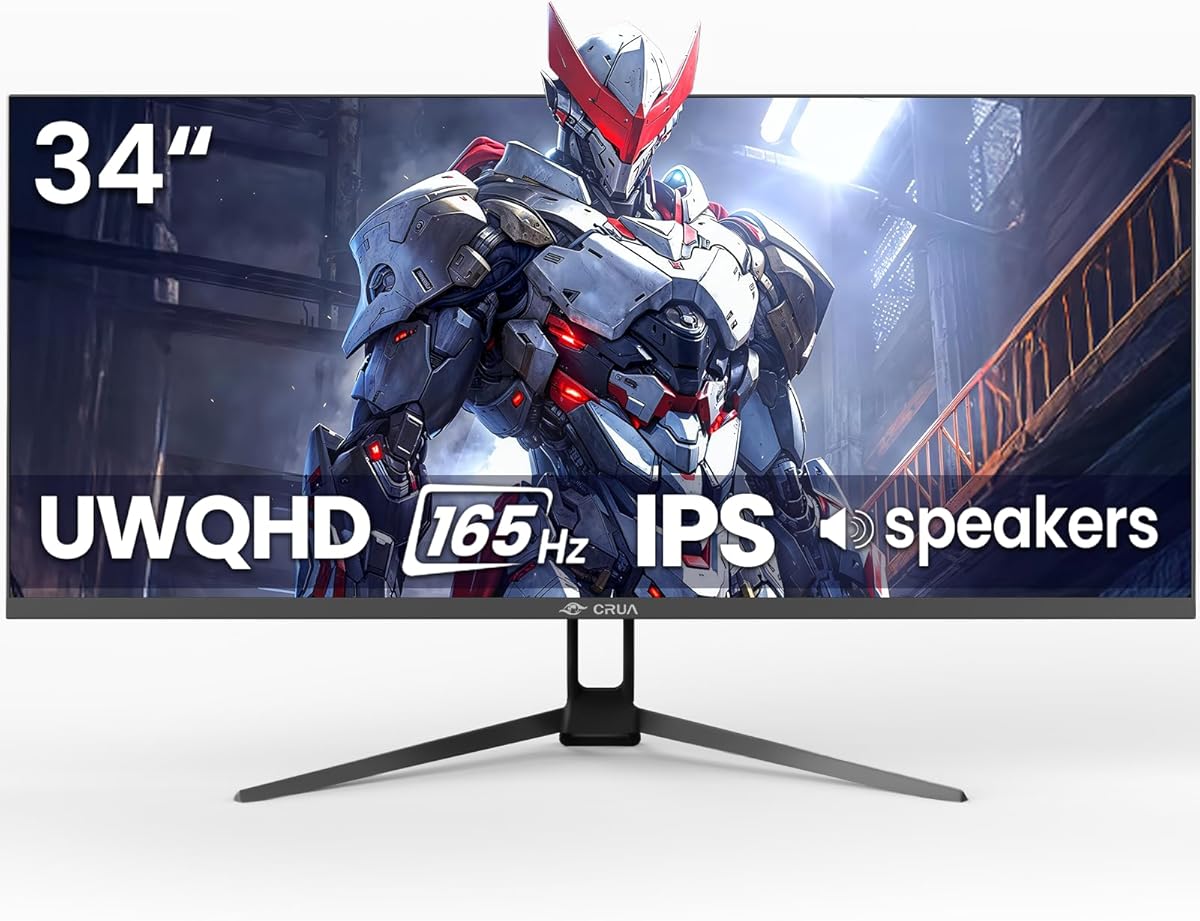
Choosing a 34-inch Ultrawide Gaming Monitor: What CRUA's UWQHD Specs Mean for You
The CRUA 34-inch monitor offers a specific combination of a 21:9 UWQHD (3440x1440) IPS panel with a 165Hz refresh rate, which creates a distinct value proposition in the crowded ultrawide market. Buyers should understand that this resolution and aspect ratio demand more from your graphics card than standard 1440p, but deliver immersive gaming and productivity. The inclusion of both high refresh rates and AMD FreeSync targets a smooth experience for both competitive and cinematic gameplay.
Key Considerations Before Buying
- The 120% sRGB color gamut claim suggests a wide color space, which is beneficial for vibrant gaming and media consumption, but professionals needing precise color for print or DCI-P3 for HDR content should verify deeper specs.
- The 165Hz/144Hz dual specification and AMD FreeSync support are crucial for eliminating screen tearing; ensure your PC's GPU (AMD or compatible NVIDIA) can consistently drive high frames at this demanding 3440x1440 resolution to fully utilize it.
- Features like PIP/PBP (Picture-in-Picture/Picture-by-Picture) and wall-mountability add multi-tasking and setup flexibility, but the built-in speakers are typically supplemental; dedicated speakers or a headset are recommended for serious audio.
What Our Analysts Recommend
For a monitor in this class, scrutinize real-world feedback on IPS panel uniformity and backlight bleed, common issues that can detract from the immersive ultrawide experience. Also, verify the performance of the specific ports (HDMI 2.0, DP 1.4) in achieving the advertised 165Hz refresh rate at the native resolution without chroma subsampling.
Market Context
Market Overview
The 34-inch ultrawide gaming monitor segment is highly competitive, with brands differentiating on panel type (IPS vs. VA), curve radius, and feature sets like USB hubs. CRUA positions itself as a value-focused entrant with high refresh rates and UWQHD resolution, challenging established brands at a potentially lower price point in the Canadian market.
Common Issues
Common user-reported issues in this category include backlight bleed on IPS panels, dead pixels, and challenges with achieving maximum refresh rates over certain connections. Some monitors also struggle with consistent HDR performance despite supporting the feature, though this CRUA model does not advertise HDR.
Quality Indicators
Look for consistent praise in reviews for sharp image clarity at 3440x1440, smooth performance at high frame rates with FreeSync/G-Sync Compatible enabled, and a lack of significant ghosting. Build quality, particularly of the stand and adjustability, is also a tangible indicator of overall product investment.
Review Authenticity Insights
Grade B Interpretation
A Grade 'B' authenticity score with an estimated 10% fake review rate indicates a generally trustworthy review pool for the CRUA monitor. This suggests the 4.1/5 Amazon rating is slightly inflated but still fundamentally reflects authentic user experiences, with a solid base of genuine feedback to inform your decision.
Trust Recommendation
Given the adjusted rating of 3.9/5, pay particular attention to the critical 3 and 4-star reviews, as they are more likely to contain nuanced, genuine feedback about specific pros and cons like panel quality or OSD menu usability, balancing the enthusiastic 5-star praise.
Tips for Reading Reviews
Focus on reviews that discuss specific use cases, such as pairing this monitor with a particular GPU (e.g., RTX 3070, RX 6800) or using it for both work and play. Look for mentions of real-world performance metrics, like achieving 165Hz in specific games, or detailed comments on color calibration out of the box.
Expert Perspective
The CRUA 34-inch monitor presents a compelling spec sheet for gamers seeking an immersive ultrawide experience without a premium brand price tag. The combination of UWQHD, high refresh rate, and IPS panel is the current sweet spot for many. The authenticity analysis, showing a 3.9/5 adjusted rating from largely genuine reviews, suggests a product that generally meets expectations, with critiques likely centered on common value-segment trade-offs like stand quality or minor panel lottery issues. The high authentic review volume (over 1,000) provides a reliable data set.
Purchase Considerations
Weigh the importance of brand reputation and warranty service against the cost savings. Consider if your system can leverage 165Hz at 3440x1440—if not, a 144Hz model might offer better value. Also, assess your need for the ultrawide aspect ratio for productivity versus gaming, as it is the core differentiator here.
Comparing Alternatives
Shoppers should compare this model directly against similarly priced 34-inch UWQHD monitors from brands like Gigabyte, AOC, or MSI, focusing on real-world contrast ratios, warranty terms, and stand adjustability.


