
Evaluating Wireless HDMI Kits: What 328ft Range and 4K Decode Really Mean
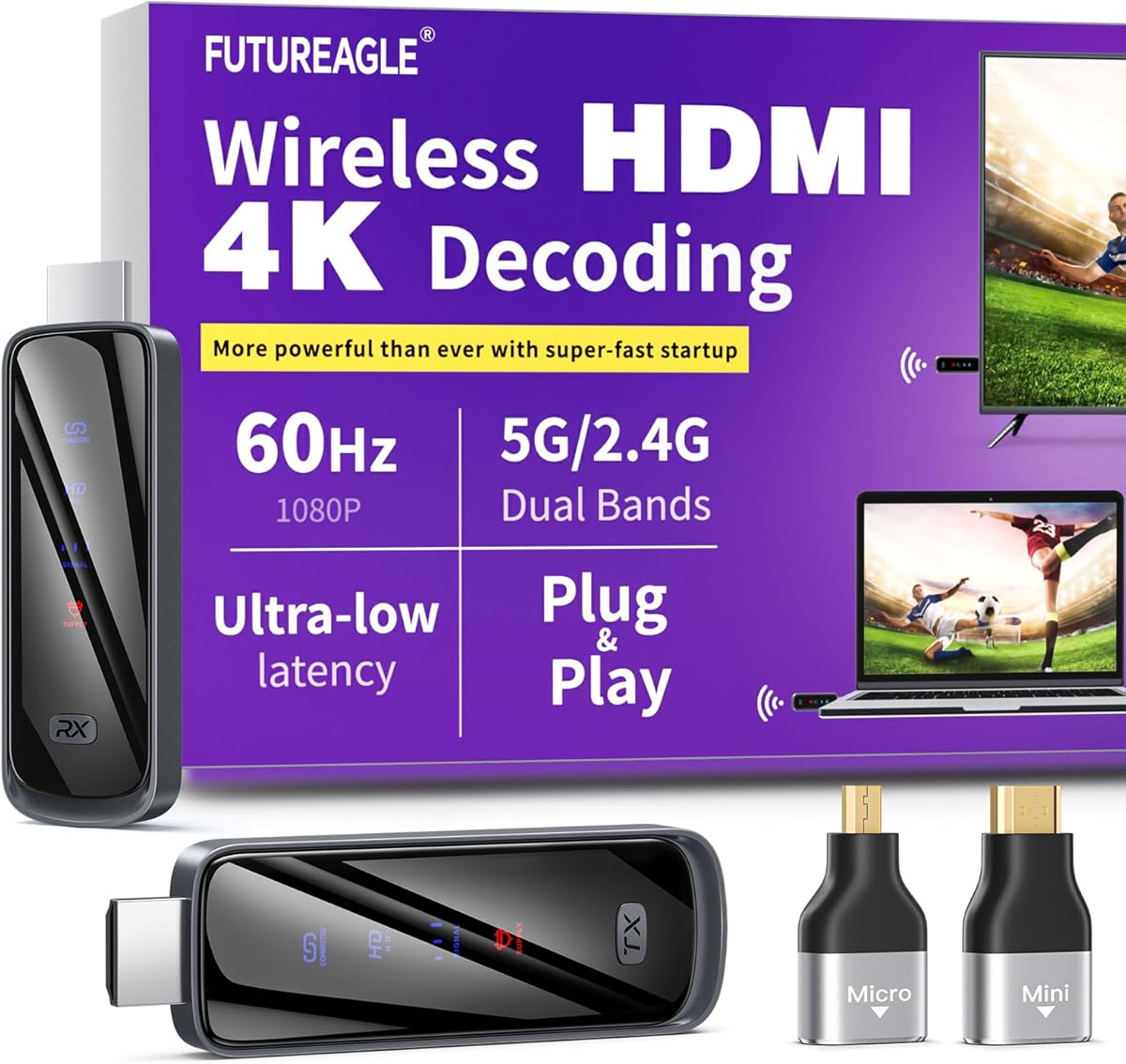
This specific wireless HDMI extender kit promises 328ft/100m range with 4K decoding using dual-band 5G+2.4G technology. Buyers should understand that '4K decode' refers to the receiver's ability to process 4K signals, not necessarily flawless 4K/60Hz transmission, and that real-world range depends heavily on environmental interference. The plug-and-play design eliminates software installation but requires proper HDMI handshake between devices.
Key Considerations Before Buying
- The 328ft/100m specification represents ideal line-of-sight conditions; in typical home environments with walls and interference, expect 30-50% reduced effective range.
- Dual-band 5G+2.4G operation allows automatic frequency switching to avoid interference, but 5G band typically provides better video quality while 2.4G offers longer range through obstacles.
- This transmitter-receiver pair uses compression to maintain signal integrity over distance, which can introduce slight latency (typically 50-100ms) unsuitable for competitive gaming but acceptable for media playback.
What Our Analysts Recommend
Quality wireless HDMI kits should maintain stable connections without dropouts at advertised distances and handle HDCP 2.2 content protection for streaming services. Check for heat dissipation design in the transmitter unit, as extended 4K transmission generates significant heat that can cause throttling or disconnects in poorly designed units.
AV Receivers & Amplifiers Market Context
Market Overview
The wireless HDMI market has shifted from proprietary solutions to more affordable consumer-grade kits, with most current models supporting 4K at varying compression levels and latency profiles. Competition has intensified around the $80-150 price point where this product likely sits.
Common Issues
Wireless HDMI systems frequently struggle with HDMI handshake issues between source devices and transmitters, particularly with older PCs or gaming consoles. Signal dropout in congested wireless environments and lip-sync audio delays are recurring complaints across the category.
Quality Indicators
Superior wireless HDMI kits feature external antenna options for range extension, dedicated power buttons to prevent overheating during standby, and status LEDs that clearly indicate connection quality and active frequency band. Look for units with adequate ventilation and quality HDMI connectors that won't loosen over time.
Review Authenticity Insights
Grade B Interpretation
A Grade B authenticity rating with 15% estimated fake reviews indicates generally trustworthy feedback with some review manipulation present. The adjusted 4.60/5 rating (down from perfect 5.00) suggests genuine satisfaction but with more realistic performance expectations than perfect scores imply.
Trust Recommendation
Focus on reviews that mention specific setup scenarios like 'through two interior walls' or 'with my 2019 MacBook Pro,' as these demonstrate actual use testing. Be skeptical of reviews claiming 'zero latency' or 'perfect 4K at maximum range' as wireless transmission always involves tradeoffs.
Tips for Reading Reviews
For wireless video products, prioritize reviews discussing specific source devices (like 'NVIDIA Shield' or 'PS5') and display combinations, as compatibility varies. Look for mentions of sustained use over hours rather than initial setup impressions, as heat buildup affects performance over time.
Expert Perspective
This kit's specifications position it as a mid-range wireless HDMI solution with above-average claimed range (328ft) that likely performs adequately for home theater and presentation scenarios. The 4.60 adjusted rating from verified purchasers suggests reliable performance for basic 4K streaming and desktop mirroring, though professional applications requiring zero-frame latency should look elsewhere. The dual-band design indicates the manufacturer has addressed basic interference management, a common weakness in single-band units.
Purchase Considerations
Consider your specific distance requirements and whether you need true 4K/60Hz or can accept 4K/30Hz or 1080p for longer stable connections. Evaluate your wireless environment—homes with many smart devices may experience more interference on the 2.4G band despite its better wall penetration.
Comparing Alternatives
Shoppers should compare compression technologies (some use more advanced codecs for better quality at distance) and verify compatibility with their specific source devices before purchasing.


