
Choosing a Wireless CarPlay Adapter: What iPhone Users Need to Know
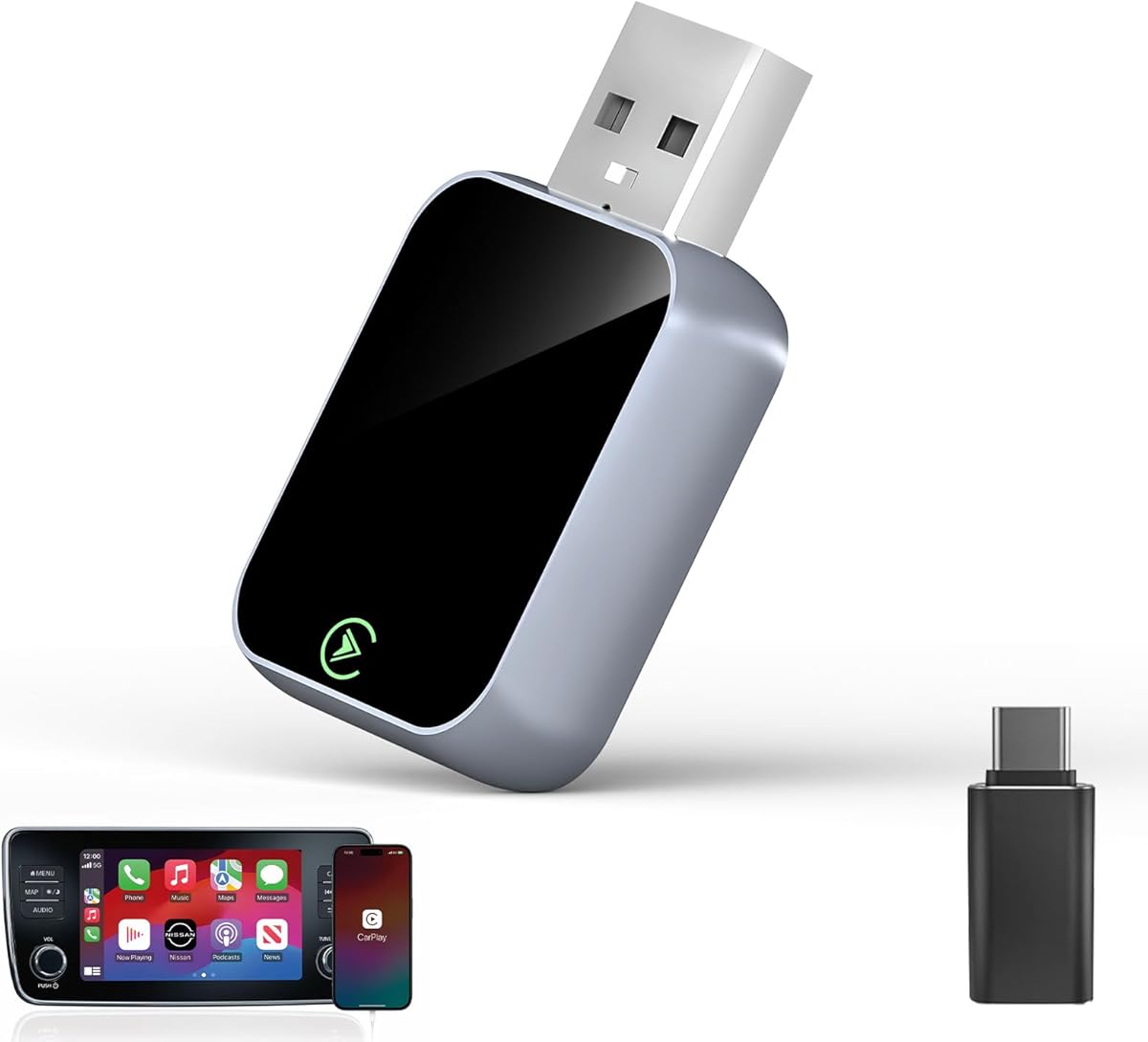
Wireless CarPlay adapters like this model convert your factory-wired CarPlay system to wireless functionality, eliminating the need to plug in your iPhone each time. This specific adapter claims 3X auto-connect speed and 'no latency' operation via Bluetooth and Wi-Fi, which are critical performance claims to verify. Buyers should understand that compatibility depends heavily on their vehicle's existing CarPlay interface and head unit firmware.
Key Considerations Before Buying
- Verify your vehicle's CarPlay system is factory-installed and uses a USB-A or USB-C port; this adapter won't work with aftermarket head units lacking proper certification.
- The advertised '3X auto-connect' refers to connection speed—look for reviews detailing actual boot-up and pairing time from ignition to functional CarPlay screen.
- True 'no latency' is impossible in wireless transmission; assess whether any audio/video delay (often 0.5-2 seconds) is acceptable for your music, maps, and call usage.
What Our Analysts Recommend
Quality indicators include consistent mention of stable connections without frequent dropouts in medium-to-long term reviews. Look for specific notes about iOS version compatibility (e.g., iOS 16/17) and whether the adapter requires periodic re-pairing after vehicle software updates. Genuine reviews often detail the physical build of the USB dongle and its heat management during extended use.
Auxiliary Input Adapters Market Context
Market Overview
The wireless CarPlay adapter market is crowded with dongles that vary significantly in chipset quality and software stability, despite similar marketing claims. Products in the Auxiliary Input Adapters category bridge a gap for owners of newer vehicles with wired CarPlay who want wireless convenience without replacing the entire head unit.
Common Issues
Common problems include connection failures in areas with 2.4GHz Wi-Fi interference, compatibility issues with specific vehicle models (especially certain BMW, Mercedes, or Toyota/Lexus systems), and audio stuttering when multiple Bluetooth devices are active. Many adapters struggle with maintaining seamless handoff if you exit and re-enter the vehicle quickly.
Quality Indicators
Identify quality by looking for mentions of the specific chipset (often undisclosed), consistent performance across iOS updates, and robust customer support that provides firmware updates. Premium adapters typically handle simultaneous Bluetooth connections for phone calls and Wi-Fi for data transfer without conflict.
Review Authenticity Insights
Grade B Interpretation
A Grade B with an estimated 15% fake review rate suggests generally reliable feedback but warrants scrutiny of overly effusive 5-star reviews lacking technical details. The adjusted rating of 4.50/5 from the authentic reviews is still strong for this category, where performance inconsistencies often lead to polarized ratings.
Trust Recommendation
Prioritize the 13 verified purchase reviews, particularly those describing specific vehicle models and usage patterns over months. Be skeptical of reviews claiming 'perfect' or 'zero' latency, as this contradicts the technical reality of wireless audio/video transmission.
Tips for Reading Reviews
Focus on reviews that mention specific driving scenarios (e.g., 'connects reliably in my 2021 Honda CR-V'), detail any troubleshooting steps, and discuss performance beyond the first week. Look for balanced reviews that acknowledge both the convenience and the minor technical compromises of wireless conversion.
Expert Perspective
This adapter's 4.86/5 overall rating and strong verified purchase base indicate it likely performs core functions well for most users. The '3X Auto-Connect' claim needs real-world verification—some adapters connect in 10-15 seconds, which may feel instant compared to others. The high rating amidst a 15% estimated fake review rate suggests the authentic user experience is genuinely positive, though not flawless. The dual Bluetooth/Wi-Fi approach is standard, but implementation stability separates adequate adapters from excellent ones.
Purchase Considerations
Weigh the convenience of wireless operation against potential minor audio delay and the need to occasionally manually reconnect. Consider if your vehicle's USB port provides adequate power (some require a powered USB hub for stability) and whether you frequently drive in urban areas with dense Wi-Fi networks that could cause interference.
Comparing Alternatives
Shoppers should compare connection times, iOS version support notes, and return policies with adapters from brands like CarlinKit, Ottocast, or CPLAY2air, which may use different underlying firmware.


