Evaluating Budget Windows Laptops: What the OTVOC's Specs Mean for You
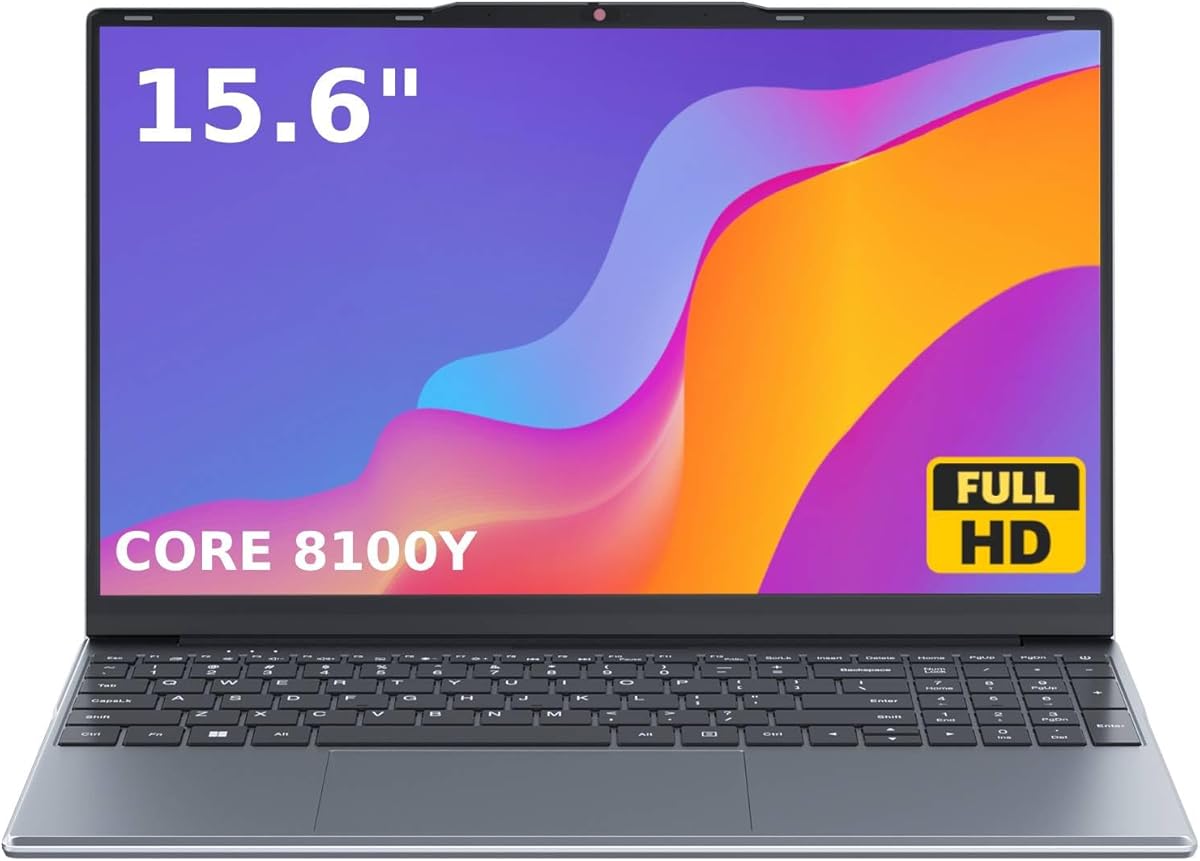
The OTVOC laptop represents a specific segment of the market: budget-friendly Windows machines with entry-level Intel Core processors. When considering this 15.6-inch model, you're evaluating a device built for basic productivity, not intensive computing. Its 4GB RAM and 128GB SSD define its core use case, making it essential to align expectations with its technical capabilities.
Key Considerations Before Buying
- The 'Core CPU (Beats Pentium, Celeron)' designation indicates an entry-level Intel processor from the N-series, like the N100 or N95; these are efficient for web browsing and document editing but lack the power for demanding software.
- With only 4GB of RAM, multitasking is severely limited; having more than a few browser tabs and a word processor open will likely slow the system down noticeably.
- The 128GB SSD provides fast boot times but minimal storage; the 'Up to 2TB' claim refers to expansion via external drives or potentially replacing the internal SSD, which requires technical know-how.
What Our Analysts Recommend
For this category, scrutinize real-world performance mentions in reviews, not just specs. Look for comments on battery life during actual use, the quality of the IPS display's brightness and viewing angles, and any mentions of fan noise or heat during basic tasks. These are true indicators of build quality in budget laptops.
Traditional Laptops Market Context
Market Overview
The sub-$300 laptop market is crowded with brands like OTVOC offering similar specifications, competing on price and display quality. These devices fill a niche for secondary machines or very specific, lightweight computing needs where a Chromebook's limitations are a concern.
Common Issues
Common pitfalls include overstated performance claims, poor battery life despite efficiency chips, and the use of lower-grade IPS panels that are dim or have slow response times. Build quality and keyboard feel are also frequent compromise points to hit a low price.
Quality Indicators
A genuine FHD (1920x1080) IPS screen is a key differentiator from cheaper HD panels. Look for confirmation of Windows 11 compatibility out-of-the-box and the presence of multiple USB ports (especially USB-C) for connectivity. Reviews mentioning quiet operation under load suggest better thermal design.
Review Authenticity Insights
Grade B Interpretation
A 'B' grade with a 15% estimated fake review rate suggests the majority of feedback is reliable, but a moderate level of incentivized or biased reviews may be present. The high 4.89/5 rating should be viewed in the context of the adjusted 4.50/5, which is still strong for this category.
Trust Recommendation
Prioritize reviews that detail specific use cases like 'for my online classes' or 'running accounting software,' as these provide context for the performance claims. Be slightly more skeptical of overly effusive reviews that don't mention any minor drawbacks, as a perfect score is rare for budget hardware.
Tips for Reading Reviews
Focus on verified purchase reviews that discuss longevity ('after 3 months...') and specific tasks. For this OTVOC model, pay special attention to comments about the trackpad precision, screen brightness in well-lit rooms, and how Windows 11 runs on only 4GB of RAM.
Expert Perspective
The OTVOC laptop's profile is consistent with a competent, ultra-budget device for defined tasks. The high adjusted rating of 4.5/5 from verified purchasers is a significant positive signal, indicating most buyers' expectations for basic computing are being met. The combination of an FHD IPS screen and an SSD, rather than a slow hard drive, are its standout features in this price bracket. However, the 4GB RAM is a severe constraint that will define the user experience, making it unsuitable as a primary machine for most adults.
Purchase Considerations
Only consider this if your needs are strictly limited to web browsing, streaming, and light document work. Students should verify their required educational software will run smoothly on this hardware. Business users need to be certain their workflow doesn't involve multiple large spreadsheets or databases open concurrently.
Comparing Alternatives
Shoppers should compare the OTVOC directly with similarly priced laptops from brands like Lenovo, HP, or ASUS in their 'Essential' series, specifically comparing screen type, port selection, and included warranty.