
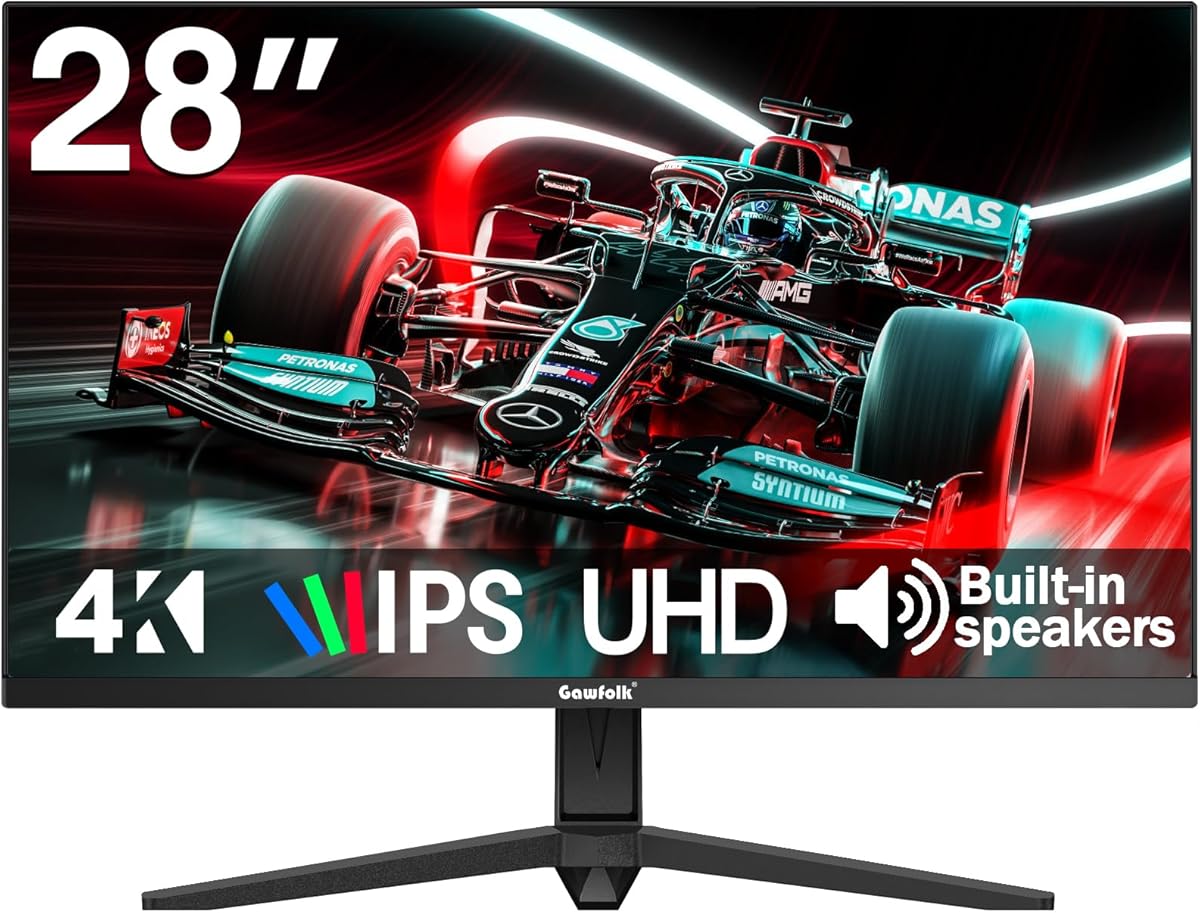
Evaluating a 28-inch 4K IPS monitor with unique 3:2 aspect ratio for productivity
The Gawfolk 28-inch monitor stands out with its 3:2 aspect ratio and 3840x2560 resolution, offering 18% more vertical screen space than standard 16:9 4K displays. This specific configuration targets users who prioritize document work, coding, or web browsing over media consumption. Buyers should understand how this unusual aspect ratio affects compatibility and workflow compared to conventional monitors.
Key Considerations Before Buying
- The 3:2 aspect ratio provides exceptional vertical workspace but may cause black bars or cropping in full-screen 16:9 video content.
- At 60Hz refresh rate with IPS panel technology, this monitor prioritizes color accuracy and viewing angles over gaming performance.
- Built-in speakers are convenient for basic audio but lack the quality of dedicated external speakers for media consumption.
What Our Analysts Recommend
For this specific monitor, check for consistent backlight uniformity across the 28-inch IPS panel and test the 10-bit color depth support with your graphics card. Verify that your applications and operating system properly support the unusual 3840x2560 resolution, as some older software may have scaling issues with this non-standard aspect ratio.
Monitors Market Context
Market Overview
The 4K monitor market has diversified beyond standard 16:9 displays, with 3:2 and 16:10 aspect ratios gaining popularity among productivity-focused users. Gawfolk enters this niche segment competing against established brands like Dell and LG, offering similar specifications at potentially lower price points.
Common Issues
Monitors in this price segment often exhibit backlight bleed around the edges of IPS panels, and some struggle with consistent color calibration out of the box. The 60Hz refresh rate, while standard for productivity monitors, may show motion blur during fast scrolling that higher refresh rate displays minimize.
Quality Indicators
Look for monitors with factory color calibration reports, consistent pixel density above 150 PPI at this size, and robust stand adjustability. The inclusion of both HDMI 2.0 and DisplayPort 1.4 connections indicates better compatibility with modern and legacy devices.
Review Authenticity Insights
Grade B Interpretation
A Grade B authenticity rating with 15% estimated fake reviews suggests generally reliable feedback, though shoppers should approach extremely positive reviews with caution. The adjusted rating of 3.90/5 (down from 4.22) indicates genuine user experiences are slightly less enthusiastic than the overall average suggests.
Trust Recommendation
Focus on verified purchase reviews that mention specific use cases like programming, office work, or photo editing that match this monitor's 3:2 strength. Be particularly skeptical of reviews that don't address the aspect ratio's impact, as authentic users of this niche product typically comment on this defining characteristic.
Tips for Reading Reviews
Prioritize reviews that discuss real-world experiences with the 3:2 aspect ratio, color accuracy for work tasks, and build quality observations. Look for detailed mentions of text clarity at 3840x2560 resolution and how Windows or macOS handles scaling at this unusual resolution.
Expert Perspective
The Gawfolk monitor fills a specific niche for productivity users who value vertical screen space over widescreen media consumption. The 3:2 aspect ratio at 28 inches creates a pixel density of approximately 164 PPI, resulting in exceptionally sharp text rendering ideal for extended reading or coding sessions. While the 60Hz refresh rate limits gaming appeal, the IPS panel with 1.07 billion color support suggests decent color reproduction for non-professional photo work. The discrepancy between the raw 4.22 rating and adjusted 3.90 rating indicates some review inflation, but still places this as a competent mid-range option in its category.
Purchase Considerations
This monitor makes most sense for users who spend significant time with documents, spreadsheets, or coding environments where vertical space directly impacts productivity. Consider your graphics card's ability to drive 3840x2560 at 60Hz, as this resolution demands more GPU power than standard 4K. Evaluate whether your workflow involves frequent full-screen video playback, where the 3:2 aspect ratio becomes a limitation rather than advantage.
Comparing Alternatives
Shoppers should compare this against similarly priced 32-inch 4K monitors with standard aspect ratios or premium 27-inch 4K displays from established brands that may offer better color calibration.






