
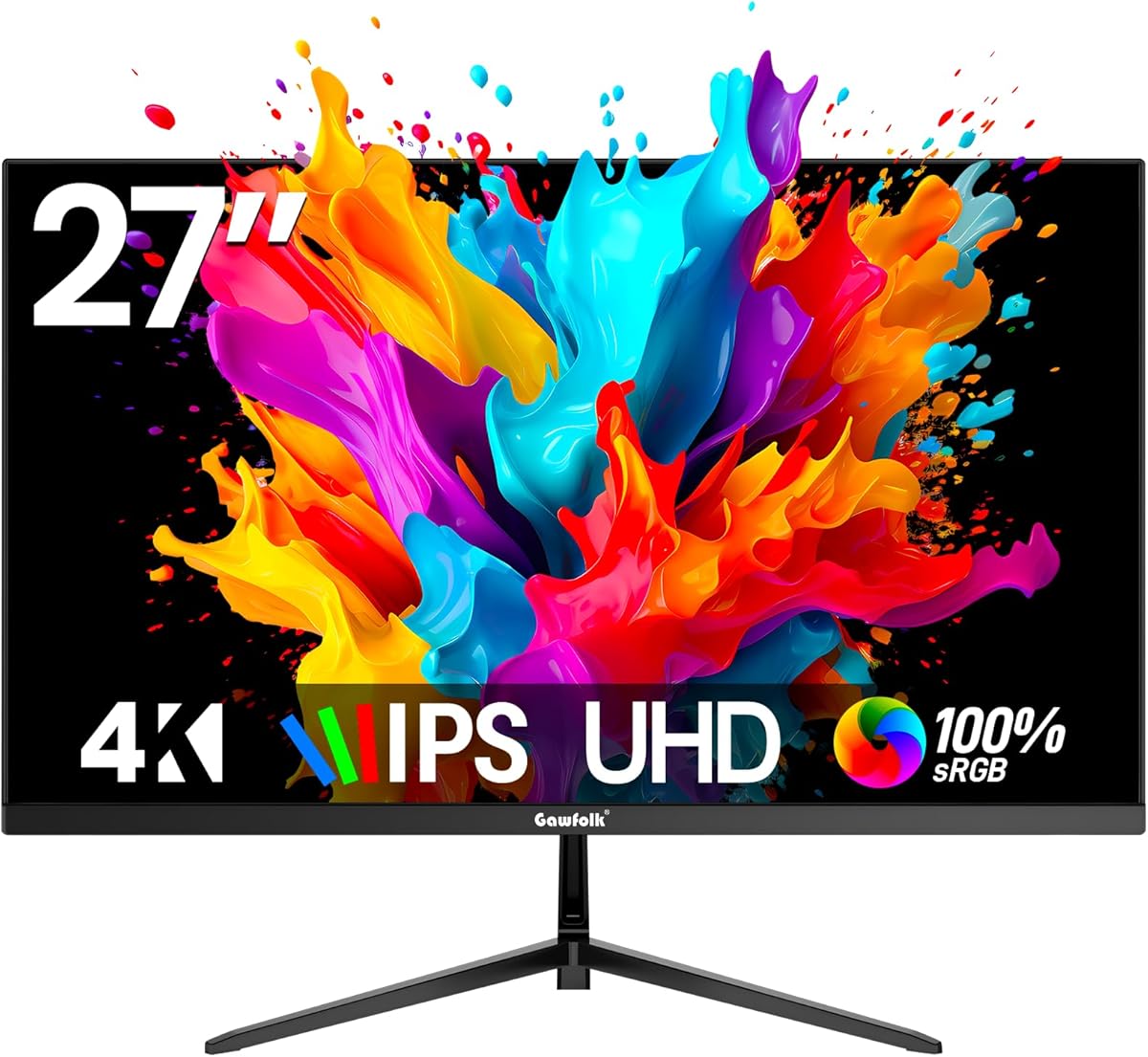
Evaluating 27-inch 4K IPS monitors for home office productivity and media consumption
The Gawfolk 27-inch 4K monitor represents a specific segment of the display market: budget-friendly UHD productivity monitors with IPS panels. Unlike gaming-focused displays, this model prioritizes resolution and color accuracy over refresh rate, making it ideal for document work, photo editing, and media viewing where 60Hz is sufficient.
Key Considerations Before Buying
- At 27 inches with 4K resolution (3840×2160), pixel density reaches 163 PPI, delivering exceptionally sharp text and images ideal for reducing eye strain during extended work sessions.
- The 60Hz refresh rate indicates this monitor targets productivity and content consumption rather than competitive gaming, though it may support casual gaming if response times are adequate.
- Wall mount compatibility and HDMI/DP connectivity offer flexibility in home office setups, but check VESA mount specifications and included cables to avoid additional purchases.
What Our Analysts Recommend
For IPS monitors in this price range, examine reviews for backlight uniformity and color accuracy out of the box. Genuine user feedback often mentions specific applications like coding, spreadsheet work, or photo editing where the 4K resolution and IPS viewing angles provided tangible benefits.
Monitors Market Context
Market Overview
The 27-inch 4K monitor market has become increasingly competitive, with numerous brands offering similar specifications at aggressive price points. This has driven down costs but increased variability in quality control and panel sourcing.
Common Issues
Budget 4K monitors frequently exhibit backlight bleed, inconsistent color calibration, or limited adjustability in their stands. Some models use lower-quality IPS panels with reduced color gamut coverage or higher response times than premium alternatives.
Quality Indicators
Look for consistent mentions of sharp text rendering, minimal bezel gaps, and reliable connectivity in verified reviews. Quality IPS panels should maintain color consistency across viewing angles without significant gamma shift.
Review Authenticity Insights
Grade B Interpretation
A Grade B authenticity rating with 15% estimated fake reviews suggests generally reliable feedback but warrants careful scrutiny. The adjusted rating of 4.10/5 (down from 4.44/5) indicates some review inflation, though the majority of feedback appears genuine.
Trust Recommendation
Focus on reviews that detail specific use cases like programming, video editing, or office work rather than generic praise. The one-star reviews may reveal consistent hardware issues not apparent in the overall rating.
Tips for Reading Reviews
Prioritize reviews mentioning actual pixel density benefits, specific color performance in applications like Photoshop, or detailed ergonomic observations about the stand and connectivity.
Expert Perspective
The Gawfolk monitor presents a compelling value proposition for productivity-focused users who prioritize resolution over refresh rate. The 4.10 adjusted rating suggests solid performance for the price, though the authenticity analysis indicates some review manipulation. This monitor's 60Hz refresh rate and UHD resolution make it particularly suitable for document-intensive work, content creation, and media consumption where motion performance is secondary to visual clarity.
Purchase Considerations
Consider whether your workflow benefits more from 4K sharpness at 27 inches versus higher refresh rates. For programming, design work, or multi-document tasks, the pixel density advantage is significant. However, verify the stand's adjustability meets your ergonomic needs, as budget monitors often offer limited height or tilt options.
Comparing Alternatives
Compare with similarly priced 27-inch 4K monitors from brands like LG, Dell, and AOC, paying particular attention to warranty terms and color gamut specifications.






