
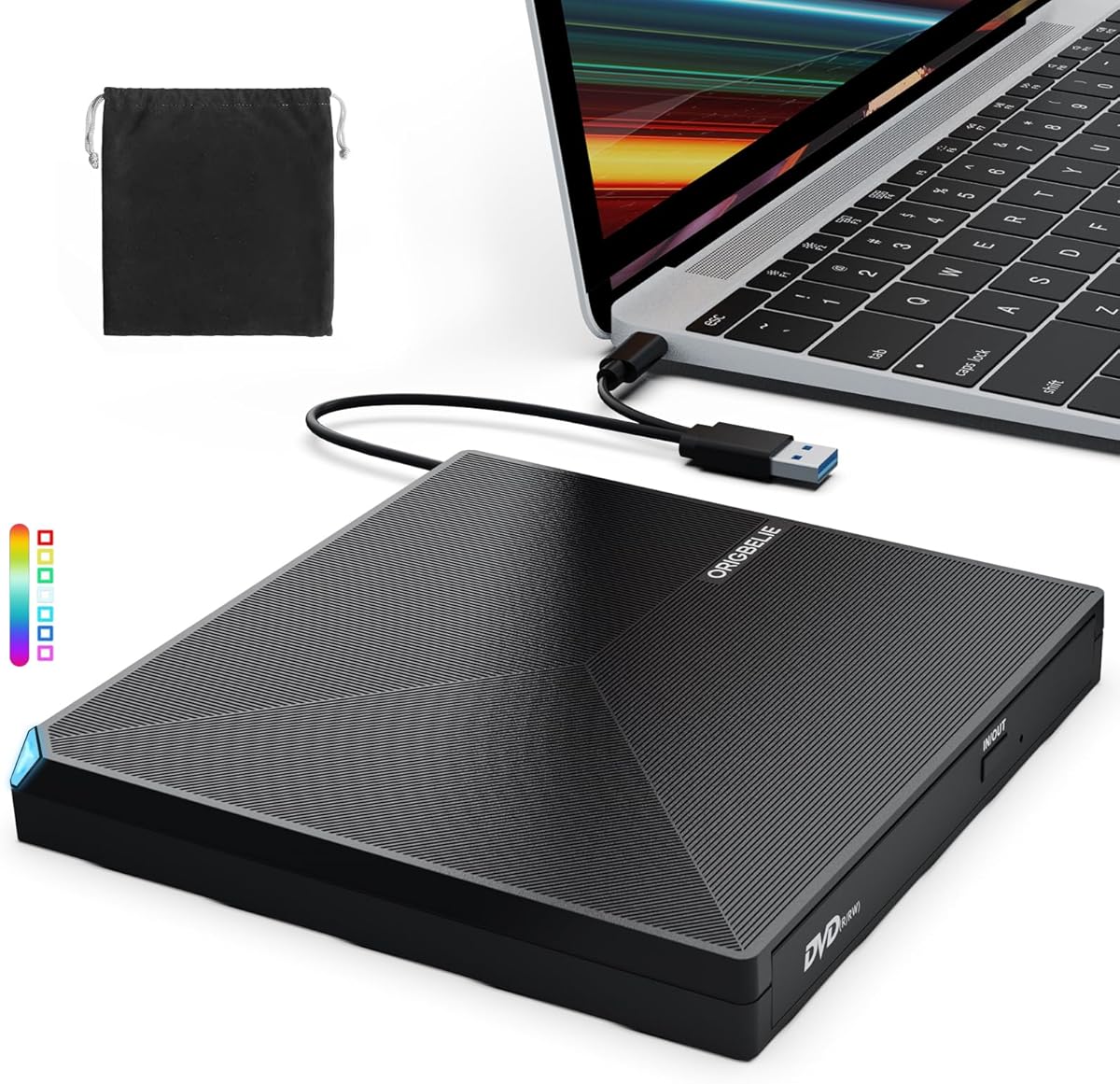
Choosing a modern external optical drive: USB-C compatibility and reliability factors
This specific USB 3.0/Type-C external drive bridges legacy media with modern laptops lacking built-in optical bays. Buyers should prioritize its cross-platform compatibility claims (Windows 11 down to XP, macOS, Linux) and verify its actual performance with both reading and burning (+/-RW) tasks. The portable form factor makes it suitable for both desktop and mobile use cases.
Key Considerations Before Buying
- Verify the drive's actual write speeds for both CD-R/RW and DVD±R/RW media, as some budget drives struggle with consistent burning, particularly on dual-layer DVDs.
- Check that the included USB-C to USB-A adapter is robust if your system only has traditional ports, as flimsy adapters can cause disconnections during critical burns.
- Confirm driverless operation for your specific OS, especially for older systems like Windows 7 or Linux distributions, where plug-and-play isn't always guaranteed.
What Our Analysts Recommend
Quality indicators include consistent performance across multiple disc formats (CD-ROM, DVD±R, DVD±RW) and a stable, non-slip housing that doesn't vibrate excessively during operation. Genuine reviews often mention successful burns of archival data or installation discs, not just playback.
CD & DVD Drives Market Context
Market Overview
The external optical drive market now serves niche but essential functions: software installation from legacy discs, media playback, data recovery from archives, and burning for specific professional or personal needs. Products like this one compete primarily on reliability and broad compatibility rather than cutting-edge speed.
Common Issues
Common problems include overheating during extended burns, poor quality SATA-to-USB bridge controllers causing buffer underrun errors, and incompatibility with certain USB-C ports that don't provide adequate power. Some drives also struggle with scratched or older CD-RW media.
Quality Indicators
Look for mentions of consistent read performance with various disc conditions and successful burns without 'coaster' creation. Quality drives maintain stable rotation without excessive noise and include proper padding in the packaging to protect the laser mechanism during shipping.
Review Authenticity Insights
Grade B Interpretation
A Grade B with a 15% estimated fake review rate suggests generally trustworthy feedback with some promotional padding. The adjusted rating of 3.50/5 (down from 3.78/5) indicates that authentic user experiences are slightly less positive than the overall average suggests.
Trust Recommendation
Focus on the 8 out of 9 reviews displaying authentic characteristics and the 100% verified purchase rate—these provide reliable insights into real-world performance. Pay particular attention to mid-range (3-star) verified reviews, which often detail specific compatibility scenarios or minor performance quirks.
Tips for Reading Reviews
Prioritize reviews that mention specific use cases like burning bootable Linux ISOs, installing older Windows versions, or playing commercial DVD movies. Be skeptical of reviews that only praise packaging or generic 'fast shipping' without detailing technical performance across multiple disc types.
Expert Perspective
This drive's 3.50/5 adjusted rating from authentic reviews places it as a mid-tier option in the external optical market. Its broad OS compatibility is a significant strength, but potential buyers should temper expectations regarding write speeds and long-term durability. The high verified purchase rate (100%) means the feedback reflects actual ownership experiences, making the reported issues with certain USB-C implementations particularly noteworthy.
Purchase Considerations
Weigh your need for true USB-C native support versus using an adapter, as some users report better stability with USB 3.0 Type-A connections. Consider whether you primarily need read functionality for existing media or reliable burning capabilities, as performance often differs between these tasks.
Comparing Alternatives
Shoppers should compare this drive's specific compatibility claims and verified user feedback against similar models from brands like ASUS, LG, or Pioneer in the same price segment.


