
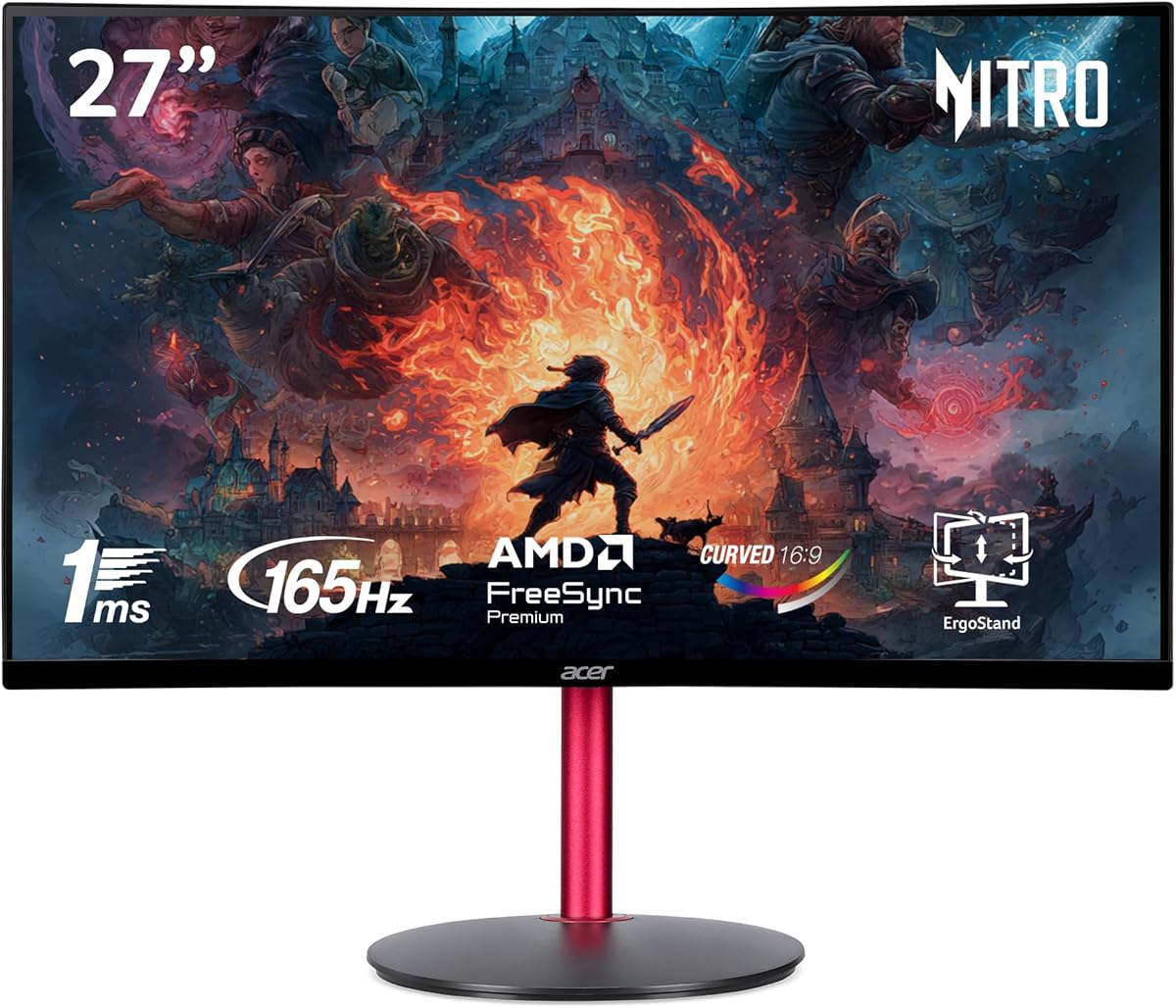
Balancing 165Hz Performance with 27-Inch 1080p Pixel Density for Gaming
The Acer Nitro ED270R presents a specific value proposition: a 27-inch curved gaming monitor with a 165Hz refresh rate at a Full HD resolution. Buyers should understand that at this screen size, the 1920x1080 pixel density (approximately 82 PPI) means individual pixels are more noticeable than on higher-resolution 27-inch panels, which is a trade-off for achieving high frame rates with mid-range graphics cards.
Key Considerations Before Buying
- The 1500R curvature is designed to enhance immersion and reduce eye strain by matching the natural curve of your field of vision, but it's a personal preference that may not suit productivity tasks requiring straight lines.
- AMD FreeSync Premium (not just standard FreeSync) ensures a smooth, tear-free experience down to at least 48Hz with low framerate compensation, a key feature for maintaining fluidity when game performance dips.
- The 1ms VRB (Visual Response Boost) response time is achieved via a backlight strobing technique that can reduce motion blur but may cause flickering that some users find uncomfortable; it's different from native GTG response.
What Our Analysts Recommend
For this monitor, scrutinize reviews mentioning the clarity of text and image sharpness at a normal viewing distance to gauge your tolerance for the lower pixel density. Also, look for feedback on the implementation of the ZeroFrame design in multi-monitor setups and the usability of the on-screen display menu for adjusting the overdrive and FreeSync settings.
Monitors Market Context
Market Overview
The 27-inch 1080p high-refresh-rate segment is competitive, targeting gamers who prioritize high frame rates over maximum detail. It's a sweet spot for users with GPUs like the NVIDIA GTX 1660 Super or AMD RX 5600 XT that can drive 165+ FPS at 1080p in many titles without requiring a top-tier card.
Common Issues
Common issues in this category include backlight bleed, particularly in curved VA panels like this one, and color accuracy out of the box often requiring manual calibration. Some monitors also struggle with 'black smearing' or ghosting in dark scenes, a known challenge for VA panel technology.
Quality Indicators
Look for monitors with robust stand adjustability (tilt, swivel, height), a comprehensive set of ports (like this model's DisplayPort 1.4 and dual HDMI 2.0), and verified support for adaptive sync protocols. Build quality of the bezels and stand are tangible indicators of overall manufacturing standards.
Review Authenticity Insights
Grade B Interpretation
A Grade B with a 10% estimated fake review rate indicates a generally trustworthy review pool. The adjusted rating of 4.60/5 is still exceptionally strong and suggests the core positive feedback—regarding the 165Hz smoothness, curve, and FreeSync performance—is reliable, though a small portion of reviews may be artificially inflated.
Trust Recommendation
Focus on the 90% of reviews deemed authentic. Pay particular attention to verified purchase reviews that discuss specific games, frame rate experiences, and any criticisms about pixel density or the stand's limitations, as these nuanced perspectives are hallmarks of genuine feedback.
Tips for Reading Reviews
For gaming monitors, prioritize reviews that mention specific titles (e.g., 'Apex Legends,' 'Warzone') and GPU models, as performance is hardware-dependent. Be skeptical of reviews that only praise generic features like 'great picture' without context or that appear in unnatural clusters.
Expert Perspective
The Acer Nitro ED270R's analysis data paints a picture of a well-received monitor that delivers on its core gaming promises. The high authentic rating of 4.60/5, especially within its competitive price bracket, strongly indicates user satisfaction with the 165Hz/FreeSync Premium combo and the immersive curved screen. The primary compromise, as noted in the buyer's guide, is the inherent pixel density of a 27-inch 1080p display, which is the critical factor for prospective buyers to weigh.
Purchase Considerations
This monitor is an excellent match for a dedicated gaming setup where high frame rates and smooth gameplay are the top priorities, and you sit at a typical gaming distance. It's less ideal as a primary monitor for mixed productivity use where text clarity and screen real estate are paramount. Ensure your graphics card can consistently output high frames to fully utilize the 165Hz refresh rate.
Comparing Alternatives
Shoppers should compare this model directly against other 27-inch 1080p 144Hz+ curved monitors from brands like MSI, Samsung, and AOC, paying close attention to panel type (IPS vs VA) and stand features.






