
Choosing a Surface-Compatible Stylus: Battery Life, Tilt Support, and Palm Rejection
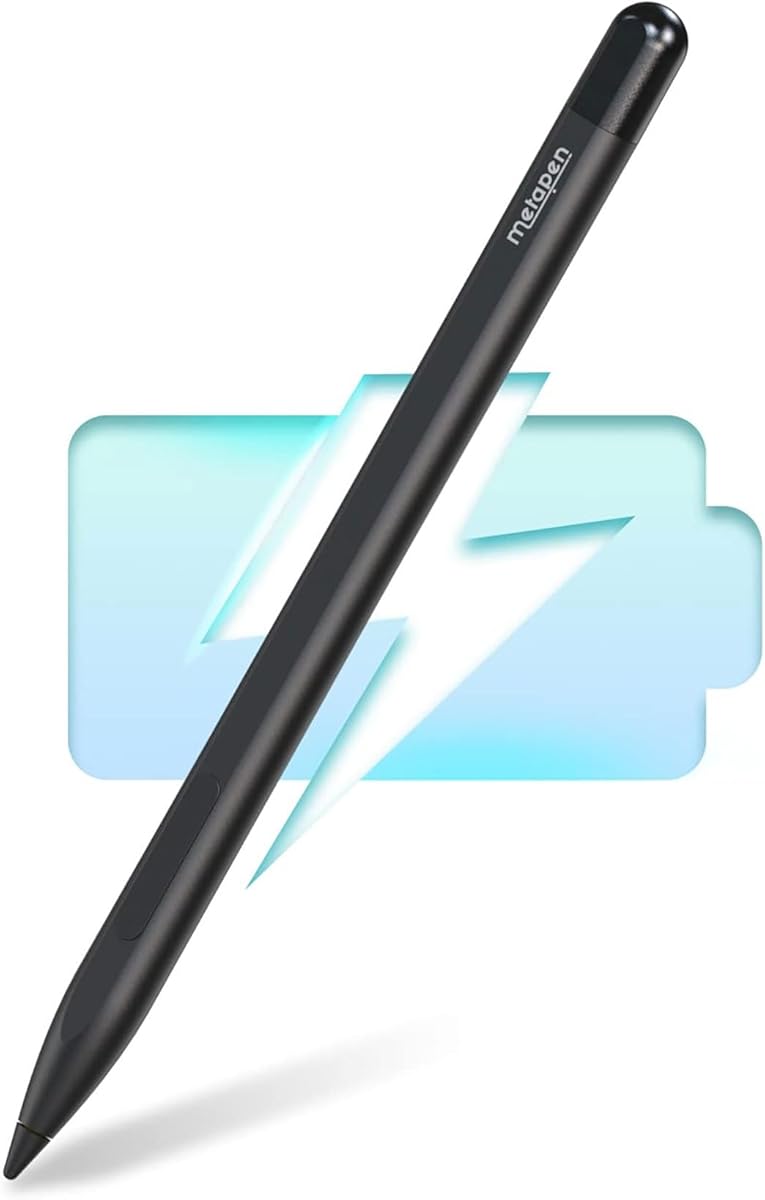
When selecting a third-party stylus like the Metapen M1 for your Microsoft Surface device, compatibility extends beyond simple pairing. The M1's advertised 75-day battery life and smooth writing experience must be evaluated against real-world pressure sensitivity levels (typically 4096 levels for this tier) and the specific Surface model's firmware support for non-Microsoft pens. Unlike the proprietary Surface Slim Pen 2, third-party options often rely on MPP (Microsoft Pen Protocol) for basic functionality.
Key Considerations Before Buying
- Verify exact model compatibility: The M1 lists broad Surface Pro/Book/Laptop support, but performance nuances like tilt recognition or shortcut button functionality can vary between a Surface Pro 3 and a Pro 11.
- Assess battery reality: The 75-day claim is based on 2 hours of daily use; heavy note-takers or digital artists will see significantly shorter cycles, and the USB-C charging speed matters for workflow interruptions.
- Evaluate the tip: The 'smooth writing' claim hinges on the pen nib material (often a hard plastic or rubberized tip) and its friction coefficient on your specific Surface screen protector, if used.
What Our Analysts Recommend
High-quality third-party styli demonstrate minimal initial activation force for fine lines and consistent pressure curves without jitter. Reviews should mention the absence of significant parallax (the lag between pen tip and cursor) and reliable palm rejection that doesn't require driver tweaks on your specific Surface model.
Stylus Pens Market Context
Market Overview
The market for Microsoft Surface-compatible styli is crowded with MPP-based pens ranging from budget $20 options to near-OEM priced models, with the Metapen M1 positioned in the mid-range focusing on extended battery as a key differentiator. Many brands, including Metapen, now offer multi-device compatibility extending to some ASUS and Lenovo models to increase value.
Common Issues
Common frustrations include shortcut buttons that only work with specific apps, inconsistent palm rejection after Windows updates, and nibs that wear down quickly on textured screen protectors. Some third-party pens also suffer from connectivity drops when the device enters sleep mode.
Quality Indicators
Look for mentions of driver software or firmware update capability, which indicates manufacturer support. Premium build materials like aluminum barrels and magnetic attachment (if offered) are tangible quality markers. Consistent reviews praising low latency, especially in fast diagonal strokes, signal superior signal processing.
Review Authenticity Insights
Grade B Interpretation
A Grade B with a 15% estimated fake review rate suggests a generally trustworthy review pool for the Metapen M1, but shoppers should be moderately vigilant. This grade indicates most reviews are from verified purchases with authentic experiences, though a portion may be incentivized or overly simplistic.
Trust Recommendation
Focus on the 4.30 adjusted rating, which excludes suspicious patterns—this is a more reliable performance indicator than the headline 4.67. Prioritize detailed reviews that discuss specific use cases like note-taking in OneNote versus digital art in Clip Studio Paint, as these are harder to fabricate.
Tips for Reading Reviews
Seek out reviews that mention long-term battery performance over weeks, not just days, and any issues with specific Surface models (e.g., 'on my Surface Pro 7...'). Be skeptical of reviews that only parrot marketing terms like 'smooth writing' without personal context.
Expert Perspective
The Metapen M1 presents a compelling value proposition based on its adjusted 4.30 rating from over 5,300 verified purchases, indicating strong user satisfaction for a third-party stylus. Its standout marketed feature—75-day battery life—addresses a common pain point versus frequent-charge OEM pens. However, the broad compatibility list necessitates careful confirmation for your specific device, as performance of advanced features like tilt can be model-dependent. The high volume of genuine reviews provides a robust data set for evaluating real-world reliability.
Purchase Considerations
Weigh the M1's cost savings against the potential lack of seamless integration like the haptic feedback and automatic pairing of a Microsoft Surface Slim Pen 2. If your primary use is note-taking and annotation, the M1's battery life and pressure sensitivity are likely sufficient; for professional art, test the tilt support and pressure curve consistency in your preferred software.
Comparing Alternatives
Shoppers should compare the M1's specifications and reviews against contemporaries like the Renaisser Raphael 520 or the Vion ST-101, which may offer different ergonomics or button configurations at similar price points.


