
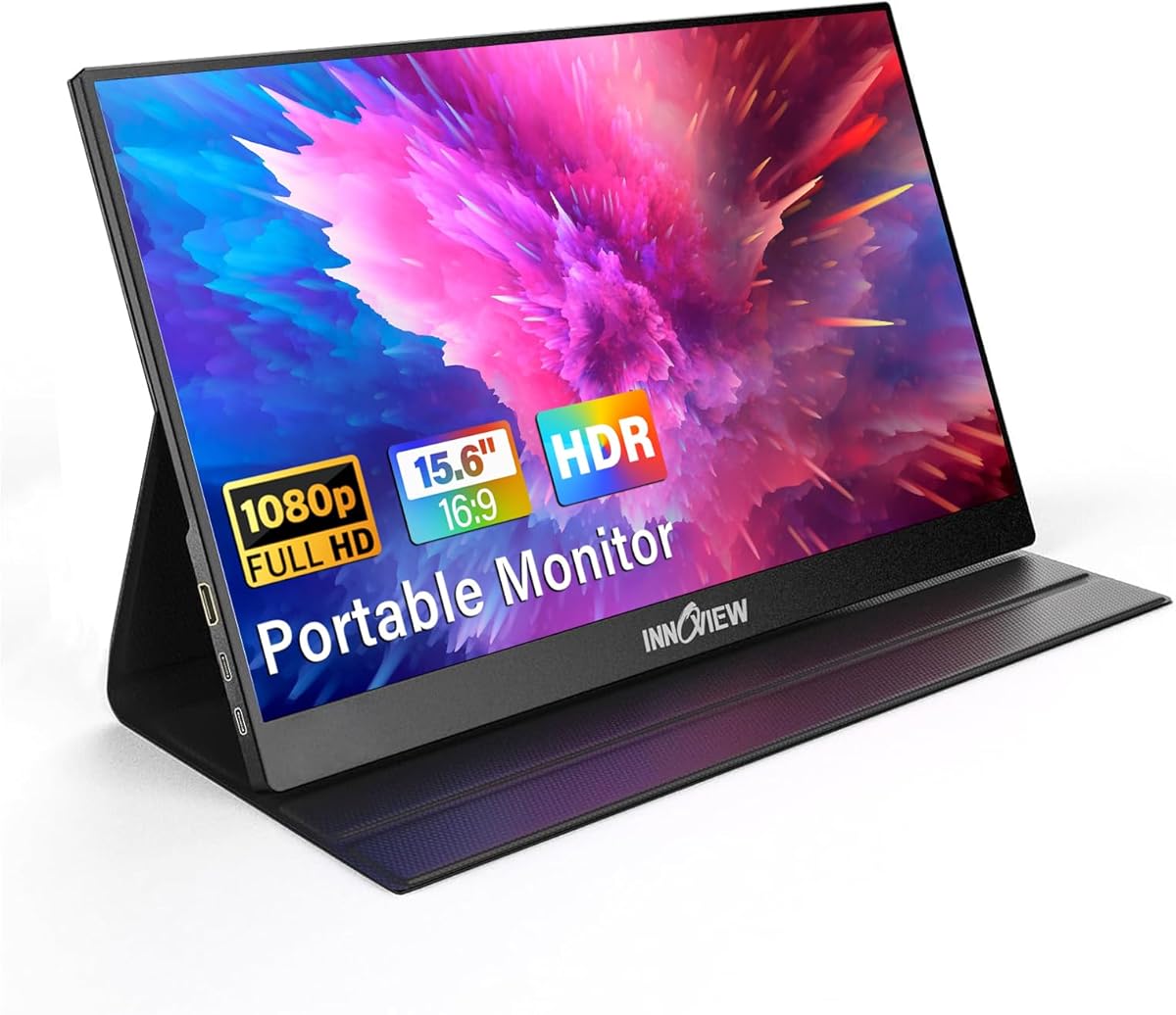
Choosing a Portable Monitor: What the InnoView 15.6" FHD Model Reveals
The InnoView 15.6-inch FHD portable monitor exemplifies the trade-offs in this category: maximum portability versus potential connectivity compromises. Buyers should understand that a built-in protective case and multi-device compatibility come with specific performance considerations, particularly around USB-C power delivery and display latency.
Key Considerations Before Buying
- Verify your device's USB-C port supports both video and power delivery (USB-C DP Alt Mode), as some laptops and phones require specific cables or adapters to drive this monitor properly.
- Consider the 1080p resolution on a 15.6-inch screen for your primary use; it's sharp for productivity but may show pixelation if used for detailed photo editing or alongside a higher-resolution primary display.
- Assess the value of the included protective case against potential bulk—it adds durability but means the total package isn't as slim as some bare-panel competitors.
What Our Analysts Recommend
For portable monitors, scrutinize reviews mentioning specific device compatibility (e.g., 'worked with my MacBook M1 but not my Samsung S22') and cable requirements. Genuine feedback often details the exact setup process, including whether the monitor draws power from one USB-C cable or needs separate power, a key differentiator for the InnoView.
Monitors Market Context
Market Overview
The portable monitor market is saturated with brands like InnoView offering similar 15.6-inch FHD panels, creating intense competition on price and bundled accessories. Differentiation often comes from software features (like touchscreens), superior stands, or more reliable single-cable solutions, which are not this model's strong suit.
Common Issues
Widespread issues include inconsistent 'plug-and-play' functionality across devices, screens that are overly glossy or dim, and built-in speakers of negligible quality—a common trait noted in reviews for this InnoView model. Many units also suffer from backlight bleed, a quality control challenge in thin portable panels.
Quality Indicators
Look for mentions of panel uniformity, minimal backlight bleed in dark scenes, and robust hinge mechanisms on any included stand. High-quality portable monitors maintain consistent brightness and color, and their reviews will contain specific, technical praise rather than just generic compliments on portability.
Review Authenticity Insights
Grade C Interpretation
A 'C' grade and 28% estimated fake reviews suggest a manipulated review environment. For this InnoView monitor, it indicates a significant portion of 5-star ratings may be inauthentic, artificially inflating its perceived reliability above its adjusted 3.8-star rating.
Trust Recommendation
Prioritize the 3- and 4-star reviews for this product, as they're more likely to contain authentic, balanced assessments of its real-world USB-C performance and speaker quality. Be highly skeptical of reviews that don't mention any setup hurdles or device-specific testing.
Tips for Reading Reviews
Search reviews for your specific device (e.g., 'PS5', 'Switch', 'MacBook Air M2') and focus on those detailing the exact cable configuration used. Authentic critical reviews often cite specific technical failures like 'screen flicker at 60Hz' or 'would not wake from sleep with my Dell laptop'.
Expert Perspective
The InnoView portable monitor presents a classic value proposition: decent core specs (15.6" FHD) with concerning authenticity signals. The gap between its 4.47 displayed rating and the adjusted 3.80 is substantial, pointing to potentially overstated ease of use. Its strength is its accessory bundle—case and cables—but its weakness appears to be inconsistent compatibility, a critical flaw for a device marketed for universal use. The built-in speakers are typically an afterthought in this form factor, as confirmed by user notes describing them as 'tinny'.
Purchase Considerations
Weigh the convenience of the all-in-one bundle against the risk of needing additional dongles or power bricks for your specific devices. This monitor is best suited for users who value the protective case and have confirmed its plug-and-play functionality with their primary laptop or game console.
Comparing Alternatives
Shoppers should compare the InnoView's connectivity requirements and authenticity-adjusted rating against competitors like Arzopa or Lepow, which may offer more reliable single-cable operation or better-reviewed panels in a similar price bracket.






