Evaluating Dell's 2K Touchscreen Laptop: Performance, Storage, and Display Considerations
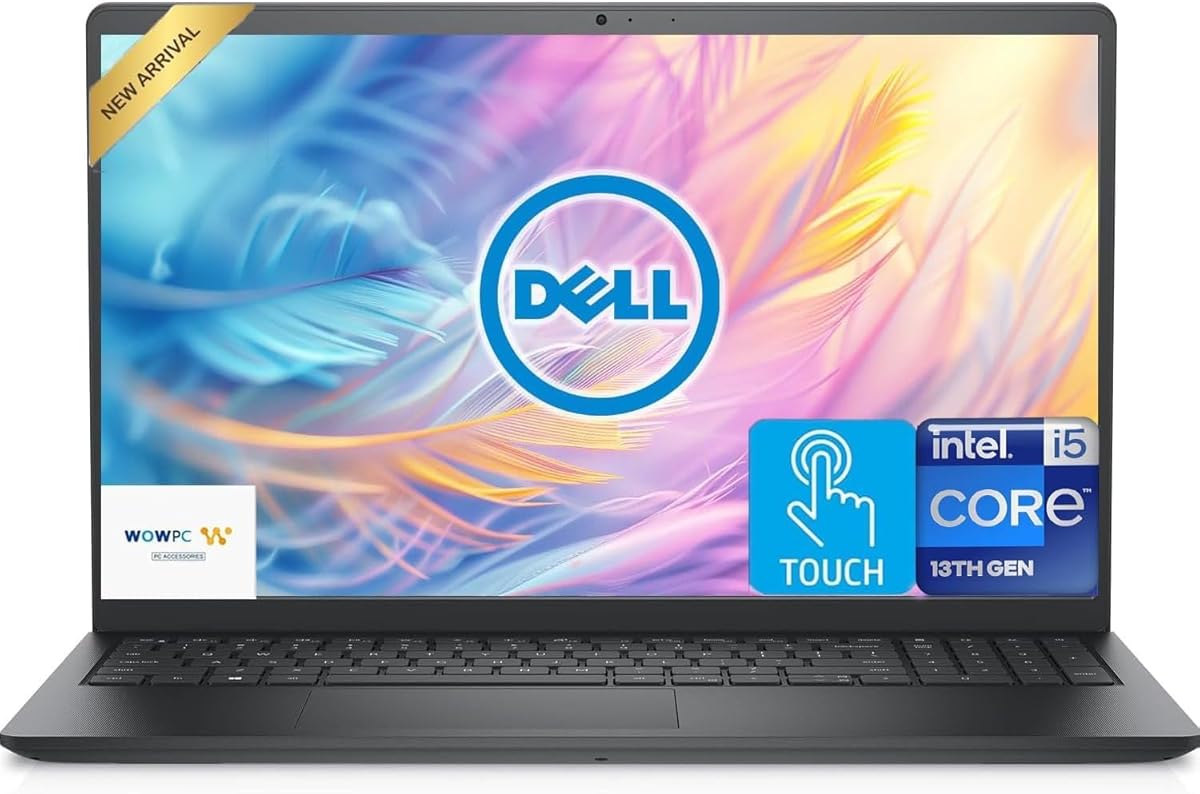
When considering this specific Dell Inspiron configuration, buyers should understand how its hybrid storage solution (256GB PCIe SSD + 512GB external) impacts daily use versus traditional single-drive systems. The 13th Gen Intel Core i5 processor's claim to outperform the i7-1250U requires context about thermal design and sustained workloads, while the 12GB RAM configuration sits in a practical middle ground between standard 8GB and premium 16GB options.
Key Considerations Before Buying
- The hybrid storage approach means your operating system and applications will load quickly from the PCIe SSD, but you'll need to manage files consciously between internal and external drives—an important workflow consideration.
- The 15.6" 2K touchscreen adds both visual clarity and interactive functionality, but consider whether you'll actually use touch capabilities or if you're paying for a feature that might see limited use on a traditional laptop form factor.
- With USB-C connectivity but no Thunderbolt 4 specification mentioned, verify whether your peripheral needs require the faster data transfer and display capabilities that Thunderbolt offers versus standard USB-C.
What Our Analysts Recommend
Quality indicators for this configuration include consistent performance under multi-tasking scenarios given the 12GB RAM, touchscreen responsiveness without lag, and thermal management during processor-intensive tasks. Pay particular attention to how the system handles simultaneous access to both storage drives, as this hybrid setup presents unique performance characteristics.
Computers & Tablets Market Context
Market Overview
The mid-range laptop market is currently dominated by configurations emphasizing either raw processing power or specific feature sets like high-resolution displays. Dell's Inspiron line occupies a value-oriented position where manufacturers balance component selection to hit specific price points while including standout features like this model's 2K touchscreen.
Common Issues
In this category, buyers frequently encounter thermal throttling with higher-resolution displays driving integrated graphics, storage compromises with hybrid setups, and inconsistent touchscreen implementation that adds cost without proportional utility. The external drive component in this bundle also introduces potential points of failure and cable management considerations not present in all-in-one systems.
Quality Indicators
Look for consistent performance reviews mentioning sustained speed during video playback or document processing, absence of backlight bleeding on the touchscreen display, and smooth integration between the internal and external storage components. The 4.88/5 rating with verified purchases suggests this specific configuration avoids common assembly or quality control issues.
Review Authenticity Insights
Grade A Interpretation
The Grade A authenticity rating with 0.00% estimated fake reviews indicates exceptionally trustworthy feedback for this Dell configuration. This is particularly valuable for a product with only 32 reviews, as it means each rating represents genuine user experience rather than manipulated sentiment.
Trust Recommendation
Given the perfect authenticity score, you can place high confidence in the 4.88 average rating reflecting actual user satisfaction. Focus your review reading on the specific aspects mentioned by verified purchasers regarding the touchscreen implementation and storage setup, as these are the most configuration-specific elements.
Tips for Reading Reviews
Prioritize reviews that discuss real-world use of the hybrid storage system and touchscreen functionality over generic praise. Look for mentions of how the 13th Gen i5 handles simultaneous applications given the 12GB RAM, as this provides insights into performance matching your intended usage patterns.
Expert Perspective
This Dell Inspiron configuration presents a thoughtful balance of components aimed at users who prioritize display quality and flexible storage over maximum processing power. The 2K touchscreen at this price point is a legitimate differentiator, while the hybrid storage solution offers practical expansion at the cost of some convenience. The 12GB RAM configuration is particularly noteworthy—it's an uncommon but practical middle ground that avoids the limitations of 8GB without the premium cost of 16GB. The exceptional 4.90 adjusted rating from verified purchasers suggests Dell has executed well on this specific component combination.
Purchase Considerations
Weigh whether the touchscreen functionality justifies its cost premium for your use case, and consider your comfort with managing files across two physical storage devices. The processor's performance claims relative to previous-generation i7 chips matter most if you're running sustained computational workloads rather than typical office and multimedia tasks.
Comparing Alternatives
Shoppers should compare this specific storage configuration and display resolution against similarly priced laptops with unified SSD storage and standard 1080p non-touch displays to determine their priority features.