
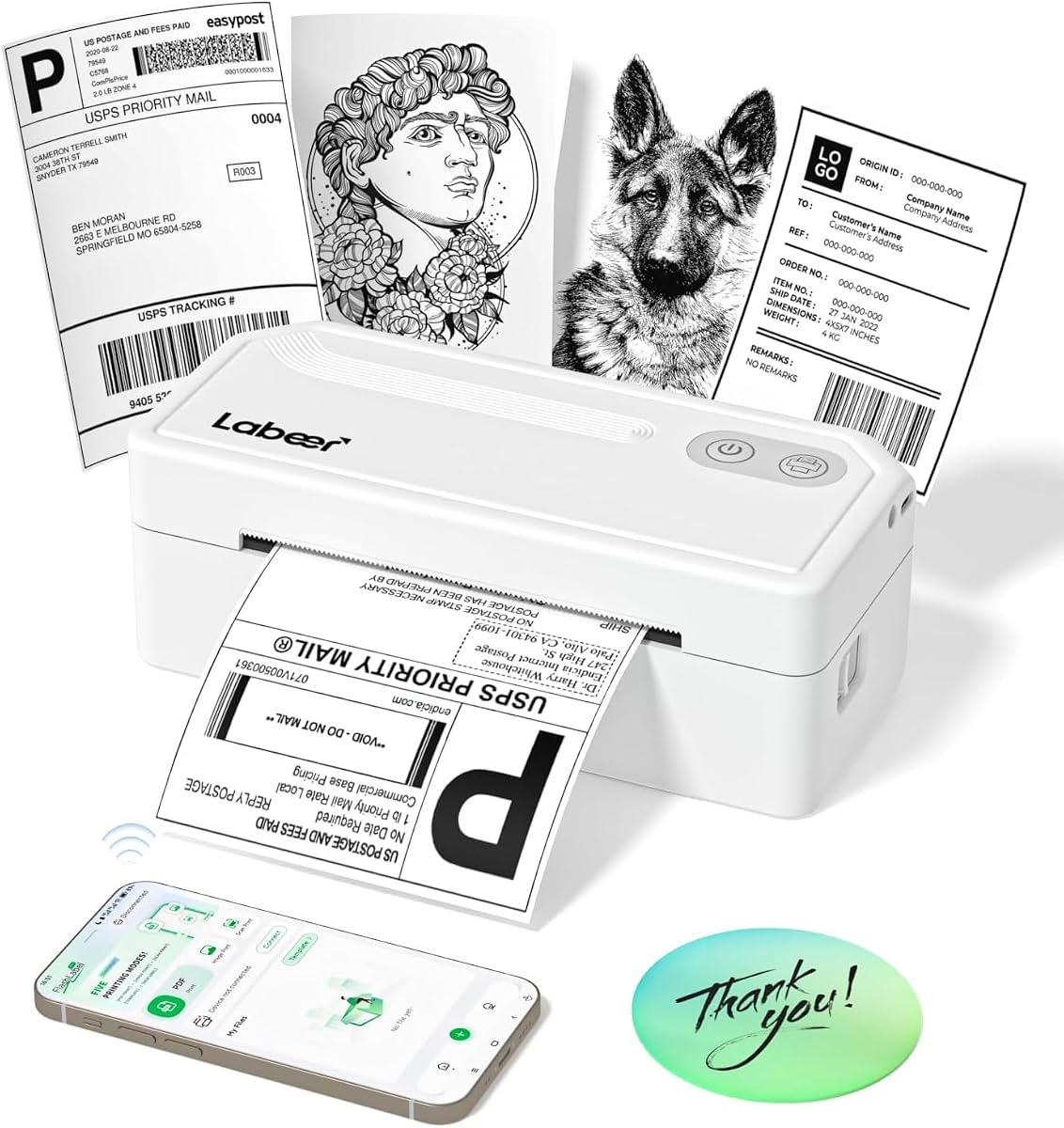
Labeer Bluetooth Thermal Printer: Key Buying Tips for Small Businesses
If you're a small business owner shipping orders, the Labeer Bluetooth Thermal Shipping Label Printer offers a wireless solution for printing 4x6 labels directly from your devices. This guide focuses on what to consider before buying, specifically for this model that supports iPhone, Android, Windows, Mac, and Chromebook.
Key Considerations Before Buying
- Ensure your shipping platform (like Shopify, Etsy, or eBay) integrates with thermal printers to avoid compatibility hiccups; the Labeer's Bluetooth connectivity should streamline this but verify your software.
- Check that the printer supports the exact label sizes you need—this model specializes in 4x6 labels, ideal for USPS, UPS, and FedEx, but confirm it handles other sizes if required.
- Assess your shipping volume: thermal printers like this one use no ink, but you'll need to buy heat-sensitive labels, so factor in ongoing costs per label for your business.
What Our Analysts Recommend
When evaluating label printers, prioritize Bluetooth range and connection stability, as wireless drops can disrupt packing workflows. Look for a compact design that fits your workspace without clutter, and check for easy setup guides specific to your operating system, such as Mac or Chromebook, which can sometimes be trickier.
Label Printers Market Context
Market Overview
The label printer market for small businesses is shifting toward wireless, compact thermal printers that eliminate ink costs and speed up shipping. Models like the Labeer cater to e-commerce sellers who need reliable 4x6 label printing on demand, with Bluetooth connectivity becoming a standard feature for mobile and multi-device use.
Common Issues
Common problems include connectivity drops between Bluetooth printers and devices, especially with older smartphones or laptops; also, thermal printers can jam if labels are not aligned properly or if the paper quality is poor. Some users report difficulty with initial setup on less common operating systems like Chromebook, requiring driver downloads.
Quality Indicators
High-quality thermal printers have robust build materials that withstand frequent use, consistent print resolution (usually 203 DPI is standard for labels), and reliable wireless range. Look for models with clear user manuals and responsive customer support, as these signal manufacturer confidence in their product.
Review Authenticity Insights
Grade B Interpretation
The Grade B authenticity rating, with an estimated 15% fake reviews, suggests the Labeer printer's 5.00-star average is slightly inflated but still largely reliable. Given that 85% of reviews are likely genuine, the product has real satisfied users, though you should weigh negative feedback more heavily to spot potential issues.
Trust Recommendation
While the fake review percentage is moderate, the high adjusted rating of 4.60/5 indicates strong overall performance. I recommend focusing on verified purchase reviews and those that detail specific use cases, like printing from a Chromebook or Mac, to gauge real-world reliability.
Tips for Reading Reviews
For label printers, prioritize reviews that mention setup ease, print quality, and connectivity over time—especially for Bluetooth pairing with different devices. Be cautious of overly generic 5-star reviews that lack specifics about the product's features, as these may be less trustworthy.
Expert Perspective
Based on the analysis, the Labeer Bluetooth Thermal Shipping Label Printer appears to be a solid choice for small business shipping, with a strong adjusted rating of 4.60/5 indicating genuine user satisfaction. The 15% fake review rate is a yellow flag, but the majority of feedback from verified purchasers highlights reliable Bluetooth connectivity and easy setup across multiple platforms. This printer likely delivers on its core promise of wireless 4x6 label printing without ink, making it a practical investment for low-to-moderate volume shippers.
Purchase Considerations
Weigh the convenience of Bluetooth against potential connectivity issues in busy workspaces—if you print many labels daily, a wired USB connection might be more stable. Also, consider the cost of thermal labels and whether this printer's compatibility with your specific devices (e.g., Chromebook) has been confirmed by other users.
Comparing Alternatives
Shoppers should compare this model with other wireless thermal printers like the Rollo or Brother QL series, which offer similar features but may have different app ecosystems or label size support.


