
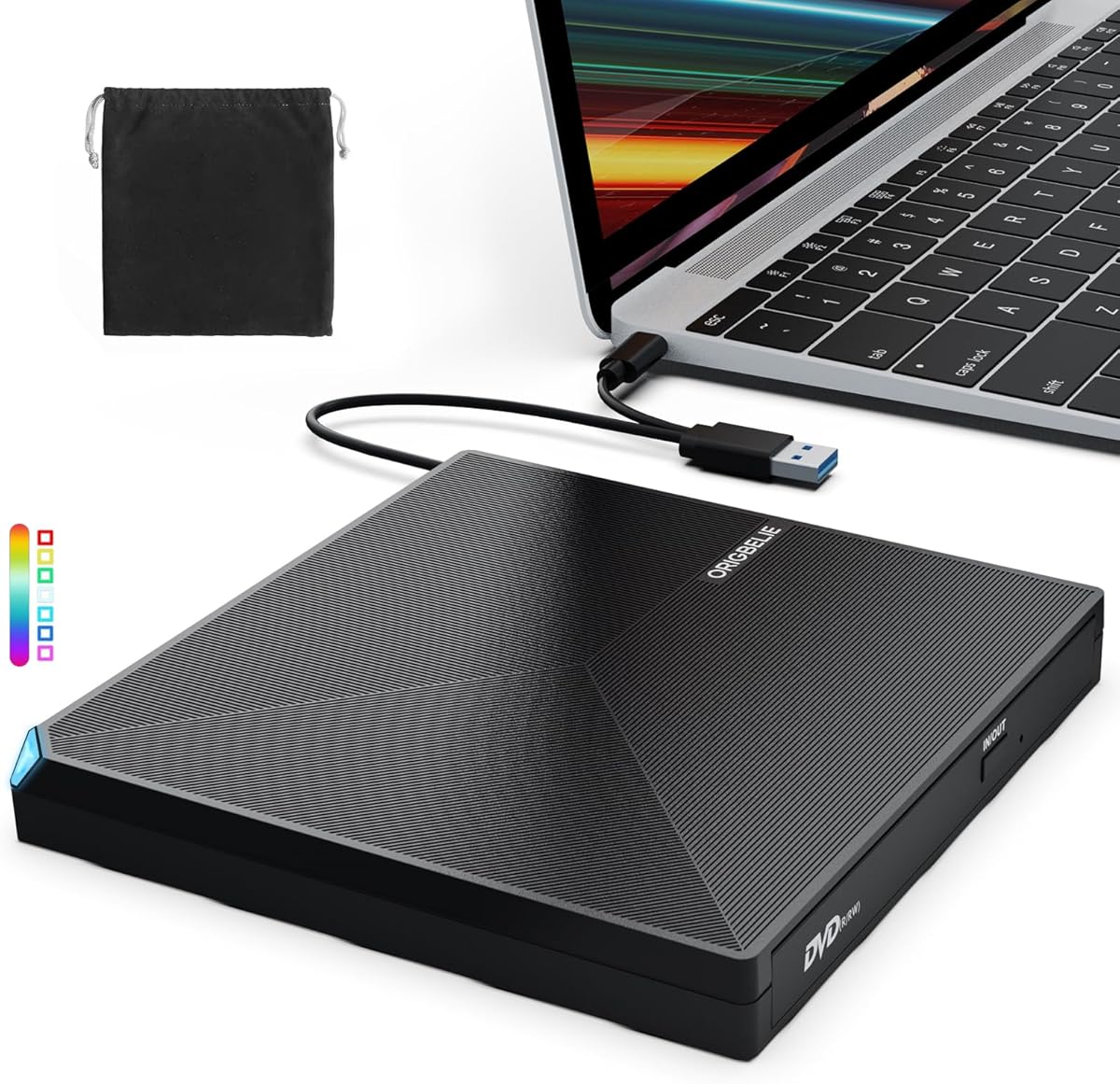
How to Choose a Portable USB-C and USB-A External DVD Drive
External optical drives like this USB-C and USB-A model are plug-and-play solutions for laptops and desktops lacking built-in disc readers. Because the drive relies on both USB-C and USB-A connectivity, it suits modern ultrabooks as well as older machines, but disc-burning performance and build quality vary widely in this budget-friendly category.
Key Considerations Before Buying
- Check the drive's read and write speeds for both CDs and DVDs. Many portable drives advertise 24x CD and 8x DVD reading, but sustained write speeds can drop, so look for models that specify consistent performance rather than peak numbers alone.
- Confirm the cable situation. This drive uses both USB-C and USB-A, which is convenient, but some units have a short built-in cable that may not reach around a laptop stand or desktop tower. A detachable or longer cable improves flexibility.
- Consider the disc formats you need. Most drives handle CD-R, CD-RW, DVD±R, DVD±RW, and DVD±R DL, but if you work with M-DISC or Blu-ray, verify compatibility before buying—this model is not a Blu-ray drive.
What Our Analysts Recommend
A quality external DVD drive should have a sturdy housing that doesn't flex, a tray mechanism that opens smoothly, and clear indicator lights for power and activity. Look for reviews that mention long-term reliability and noise levels, since cheap drives often sound like a small jet engine during spin-up.
CD & DVD Drives Market Context
Market Overview
External CD/DVD drives have become a niche but steady market as laptop makers dropped optical drives to save space. Demand now comes from people installing legacy software, ripping music collections, or reading archived discs, and the market is flooded with unbranded or white-label drives that share similar internals.
Common Issues
The most frequent complaints in this category are drives that fail within weeks, trays that stick, and inconsistent reading of burned discs. Another common problem is cable quality—flimsy USB connectors can cause disconnects mid-burn, ruining a disc. Noise and vibration during operation are also recurring gripes.
Quality Indicators
Better drives tend to have metal or reinforced plastic shells, a weighted base to reduce vibration, and clear documentation for firmware or driver support. Listings that specify the optical pickup brand or offer a meaningful warranty (12 months or more) are often a step above generic no-name units.
Review Authenticity Insights
Grade B Interpretation
A Grade B authenticity rating with an estimated 10% fake review rate means the review pool is mostly genuine but contains a noticeable minority of suspicious entries. The adjusted rating of 4.20/5 versus the displayed 4.44/5 suggests the inflated reviews add a small but real boost, so the true customer satisfaction is slightly lower than advertised.
Trust Recommendation
Use the adjusted 4.20 rating as your baseline and read a mix of 3-star and 4-star reviews, which are less likely to be gamed. Pay attention to reviews that mention specific failure points, such as a drive dying after a few months, since those are harder to fake and more useful for judging long-term reliability.
Tips for Reading Reviews
For optical drives, prioritize reviews that describe actual use cases—burning a specific number of discs, ripping a CD collection, or using the drive with a particular laptop model. Be skeptical of short, generic five-star reviews that only say 'works great,' and look for mentions of noise, cable length, and tray durability.
Expert Perspective
This external CD/DVD drive occupies the value end of the optical drive market, and its 4.20 adjusted rating reflects a generally satisfied customer base with some quality-control variance. The dual USB-C and USB-A connectivity is a practical touch for mixed-device households, but the 10% estimated fake review rate means buyers should temper expectations slightly. For occasional disc reading and burning, it is likely adequate; for heavy or archival use, a more robust drive may be worth the extra cost.
Purchase Considerations
Weigh how often you will actually use the drive—occasional use tolerates a budget unit, while frequent burning sessions favor a drive with better cooling and a longer warranty. Also check that the drive supports the specific disc types you rely on, and confirm the seller's return policy in case of a dud out of the box.
Comparing Alternatives
Shoppers should compare this model with other USB-C external DVD drives that offer detachable cables, metal housings, or extended warranties, as those features often justify a modest price premium.


