
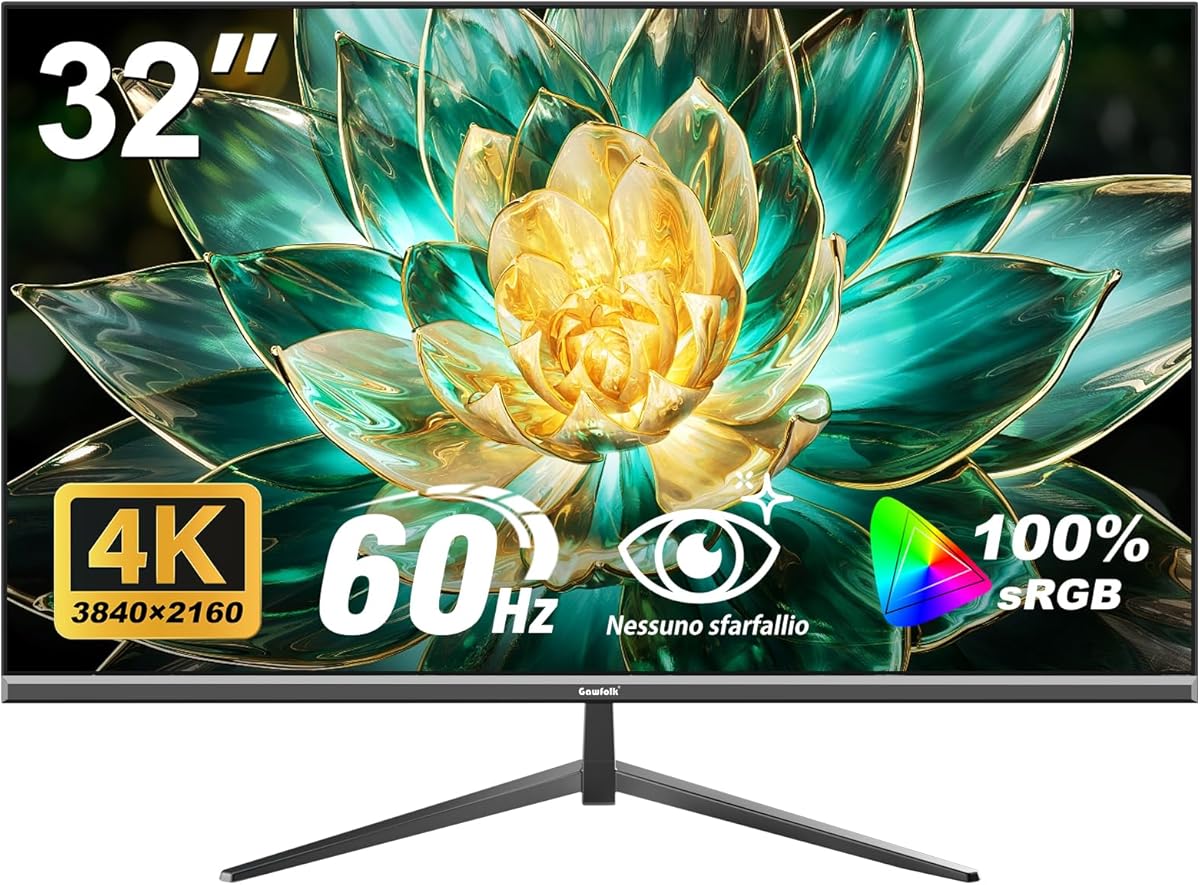
Choosing a 32-inch 4K monitor requires balancing pixel density, color accuracy, and connectivity
The Gawfolk 32-inch 4K UHD monitor represents a specific segment where screen size meets ultra-high resolution. Buyers should understand that at this size, 3840×2160 resolution provides approximately 138 pixels per inch, which affects text clarity and workspace real estate differently than smaller 4K displays.
Key Considerations Before Buying
- At 32 inches, 4K resolution provides less pixel density than smaller screens, making text and UI elements appear slightly larger—consider this for productivity versus media consumption.
- The 100% sRGB color space coverage indicates this monitor targets general use and content creation rather than professional color-critical work requiring Adobe RGB or DCI-P3.
- The 178° viewing angle specification suggests an IPS or similar panel technology, which maintains color consistency when viewed from the sides but may have lower contrast than VA alternatives.
What Our Analysts Recommend
For this category, examine the actual pixel response time (not just advertised refresh rate) and backlight uniformity in real usage. The inclusion of both DisplayPort and HDMI 2.0 is essential for 4K@60Hz support from modern devices, which this monitor provides.
Monitors Market Context
Market Overview
The 32-inch 4K monitor market has become increasingly competitive, with brands like Gawfolk offering feature-rich options at aggressive price points. These monitors now commonly include previously premium features like wide color gamut coverage and extensive connectivity.
Common Issues
In this segment, users frequently report backlight bleed in dark scenes, inconsistent color calibration out of the box, and compatibility issues with specific graphics cards or operating systems at 4K resolution.
Quality Indicators
Look for monitors with factory calibration reports, consistent bezel construction, and robust OSD (On-Screen Display) menus offering color temperature and gamma adjustments. The VESA 100×100 mounting compatibility here indicates standard professional mounting options.
Review Authenticity Insights
Grade B Interpretation
A Grade B authenticity rating with 15% estimated fake reviews suggests generally reliable feedback but requires careful filtering. The adjusted rating of 4.30/5 (down from 4.60) indicates some review inflation but still represents strong genuine satisfaction.
Trust Recommendation
Focus on verified purchase reviews that mention specific use cases like photo editing, coding, or gaming at 4K resolution. Given the 85% authentic review rate, look for detailed comments about the monitor's performance with your intended devices.
Tips for Reading Reviews
Prioritize reviews discussing the monitor's actual 4K scaling behavior in Windows/macOS, HDR capability limitations (despite 4K resolution), and long-term reliability over several months of use.
Expert Perspective
The Gawfolk monitor presents a compelling value proposition for users needing substantial screen real estate with 4K clarity. The 100% sRGB coverage makes it suitable for general content creation, while the dual connectivity options ensure compatibility with modern and legacy devices. The 4.30 adjusted rating from verified purchasers indicates genuine satisfaction, particularly regarding the 32-inch form factor at this price point. The viewing angle specification confirms it uses panel technology appropriate for collaborative environments or multi-monitor setups.
Purchase Considerations
Consider whether your workflow truly benefits from 32 inches at 4K versus higher pixel density options. Evaluate your graphics card's ability to drive 4K resolution smoothly in your primary applications. The wall-mount compatibility adds flexibility but requires assessing your workspace ergonomics.
Comparing Alternatives
Shoppers should compare this monitor's color accuracy claims against similarly priced 32-inch 4K options from brands like LG, Dell, and Samsung in the same category.






