
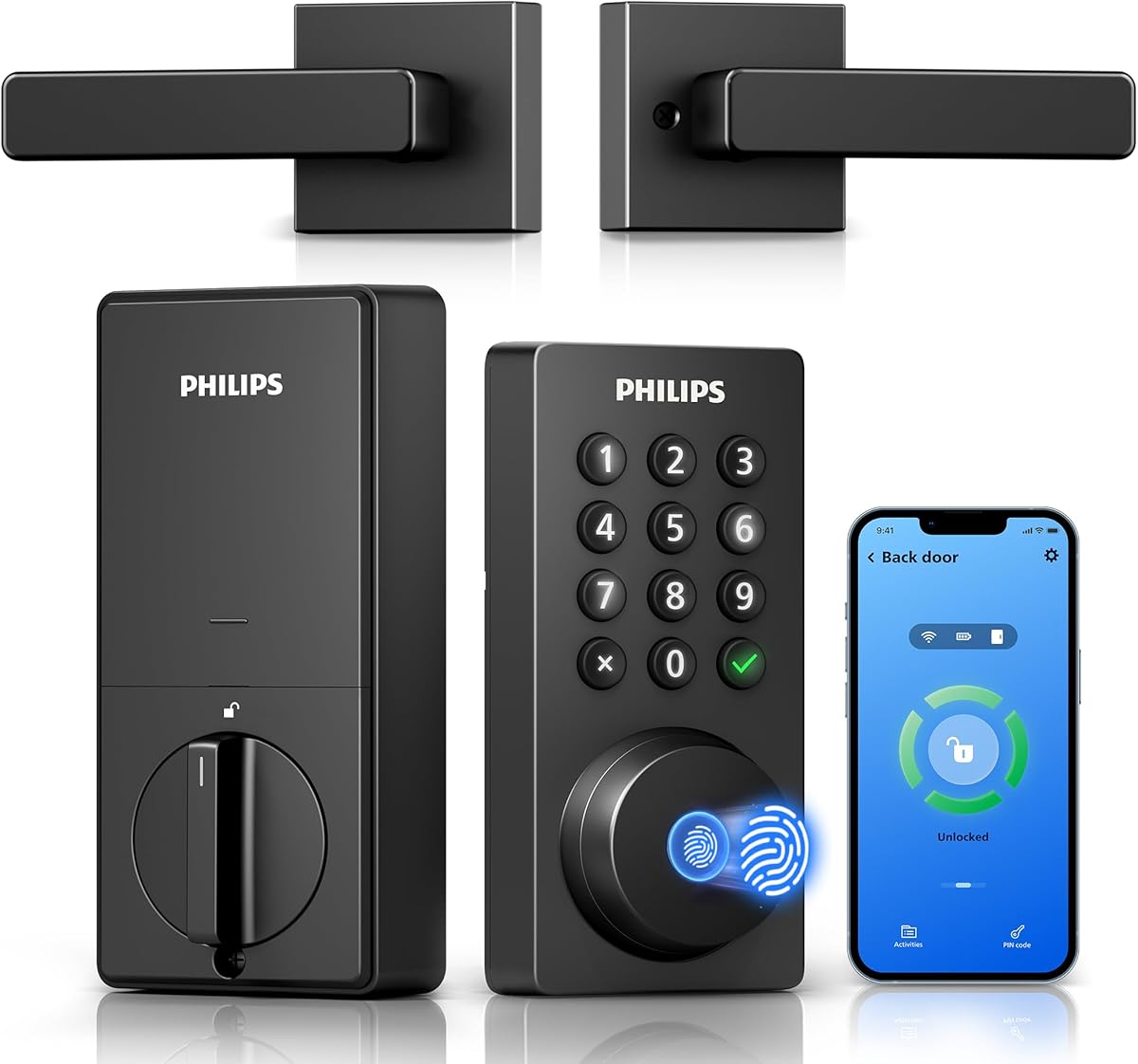
Smart Lock Buying Guide: WiFi Deadbolt with Handle
When shopping for a WiFi-enabled deadbolt with an integrated handle, you're balancing convenience, security, and compatibility. The Philips model stands out with built-in WiFi (no hub needed) and app control, but understanding key features ensures you make the right choice.
Key Considerations Before Buying
- Check your door's backset and thickness: Most deadbolts fit 2-3/8" or 2-3/4" backsets, but some smart locks require specific dimensions. Measure before buying to avoid returns.
- WiFi vs. hub-based: Built-in WiFi like this Philips lock allows direct remote control without extra hardware, but it may drain batteries faster than hub-based systems. Consider battery life and your Wi-Fi signal strength at the door.
- App features and integrations: Look for remote locking/unlocking, activity logs, and compatibility with voice assistants (Alexa, Google). Some locks also support auto-lock and temporary codes for guests.
What Our Analysts Recommend
Prioritize ANSI/BHMA Grade 1 or 2 certification for security and durability. A keypad should be backlit for night use and resistant to wear. Also, ensure the handle is sturdy and reversible for left/right doors. Check user reviews for installation ease and long-term reliability.
Deadbolts Market Context
Market Overview
The smart lock market is booming, with WiFi deadbolts becoming standard for homeowners seeking remote access. Philips, a trusted brand in electronics, entered this space with features like built-in WiFi and app control, competing with established players like Schlage and August.
Common Issues
Common complaints include battery drain (especially with WiFi), connectivity drops, and difficult installation in older doors. Some users report app glitches or delayed notifications. Additionally, extreme temperatures can affect electronic components.
Quality Indicators
Quality smart locks have robust build materials (like zinc alloy), ANSI Grade 1 or 2 ratings, and a proven track record of firmware updates. Brands with responsive customer support and clear installation videos are preferable. Look for locks with physical key backup and tamper alarms.
Review Authenticity Insights
Grade A Interpretation
With an A authenticity grade and only 8% estimated fake reviews, the 4.78-star rating (adjusted to 4.60) is highly trustworthy. This means the positive experiences reported are likely genuine, giving you confidence in the product's performance.
Trust Recommendation
You can rely on the overall rating, but still read recent reviews for installation hiccups or connectivity issues. Pay attention to reviewers who mention their door type and tech-savviness, as experiences vary.
Tips for Reading Reviews
Focus on reviews that detail installation and long-term use (3+ months). Look for patterns in complaints, like battery life or app reliability. Ignore overly generic praise and check verified purchase badges.
Expert Perspective
The Philips WiFi Keypad Deadbolt with Handle offers a compelling mix of convenience and security, with built-in WiFi eliminating the need for a separate hub. Its high adjusted rating and strong review authenticity suggest it's a reliable choice for those wanting remote access. However, like any smart lock, it requires a solid Wi-Fi signal and may need frequent battery changes. The integrated handle adds aesthetic appeal and functionality.
Purchase Considerations
Weigh the convenience of remote access against potential battery drain and reliance on your home network. If you have a strong Wi-Fi signal and want a sleek, all-in-one solution, this lock is a strong contender. Consider your door's compatibility and whether you prefer a physical key backup.
Comparing Alternatives
Compare with other WiFi deadbolts like Schlage Encode or August WiFi Smart Lock, which may offer different features or better battery life. Reading comparative reviews can help you decide based on your priorities.


