
Choosing a 16-inch portable monitor: Key factors for mobile productivity and entertainment
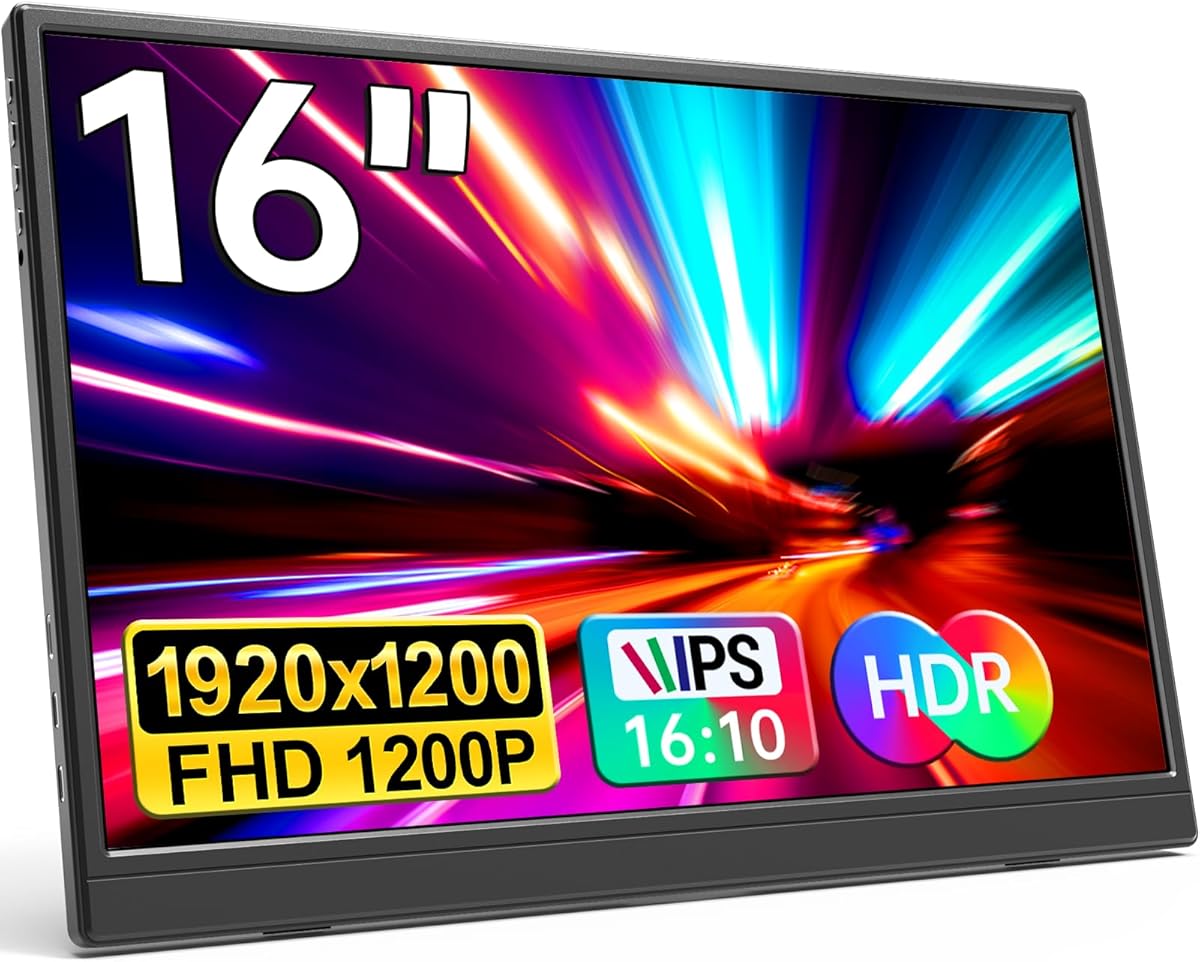
This specific 16-inch FHD portable monitor with 1920x1200 resolution and USB-C connectivity represents a middle ground between compact travel displays and full desktop replacements. Buyers should understand that its 16:10 aspect ratio offers more vertical workspace than standard 16:9 displays, making it particularly useful for document editing and coding workflows while maintaining portability.
Key Considerations Before Buying
- The 1920x1200 resolution on a 16-inch panel provides sharper text than 1080p displays, but verify your laptop's graphics can drive this resolution smoothly via USB-C without performance drops.
- This monitor's HDR support is likely basic HDR10 implementation rather than true high dynamic range; manage expectations for HDR content quality compared to premium desktop monitors.
- The 'Plug&Play' claim requires checking your specific devices—some phones and older laptops may need additional adapters or power sources despite USB-C connectivity.
What Our Analysts Recommend
For portable monitors, examine the included cable selection—quality USB-C to USB-C and USB-C to HDMI cables indicate better compatibility. The IPS panel should maintain color accuracy at wide viewing angles, crucial for collaborative work sessions. Check whether the built-in speakers are adequate for your needs or if you'll need headphones or external speakers.
Monitors Market Context
Market Overview
The portable monitor market has expanded beyond business travelers to include remote workers, gamers seeking secondary displays, and content creators needing color-accurate mobile panels. This 16-inch size category competes directly with 15.6-inch portable displays, offering slightly more screen real estate while remaining travel-friendly.
Common Issues
Many portable monitors suffer from inadequate brightness for outdoor use, with 250-300 nits being common—insufficient for bright environments. Compatibility issues frequently arise with specific phone models or gaming consoles despite 'universal' claims. Build quality varies significantly, with cheaper models exhibiting flex in their ultra-slim designs.
Quality Indicators
Look for monitors specifying IPS panel technology rather than generic 'LCD' claims, as IPS provides better color consistency. Genuine USB-C Power Delivery support (not just data/video) allows single-cable operation with compatible laptops. Quality portable monitors include protective cases or sleeves, not just the bare display unit.
Review Authenticity Insights
Grade B Interpretation
The Grade B authenticity rating with 15% estimated fake reviews suggests generally reliable feedback but warrants careful review scrutiny. This fake percentage aligns with typical electronics categories where some sellers incentivize positive reviews without dramatically distorting overall sentiment.
Trust Recommendation
Focus on verified purchase reviews discussing specific use cases like connecting to particular MacBook models, gaming consoles, or productivity setups. The adjusted rating of 4.10/5 (down from 4.44) represents a more realistic assessment after removing suspicious reviews—still strong but not exceptional.
Tips for Reading Reviews
Prioritize reviews mentioning actual travel usage, brightness performance in different lighting conditions, and compatibility testing with specific devices like your own. Be skeptical of reviews claiming 'perfect' performance without acknowledging any trade-offs inherent in portable displays.
Expert Perspective
This monitor's specifications position it well for mobile professionals needing extra screen space without sacrificing portability. The 16-inch size with 1920x1200 resolution hits a sweet spot between usability and transportability, though the HDR claims should be viewed as a bonus feature rather than primary selling point. The strong adjusted rating of 4.10/5 from verified reviews indicates genuine user satisfaction, particularly regarding its plug-and-play functionality with modern laptops. The inclusion of both USB-C and HDMI ports provides flexibility missing from some single-connection competitors.
Purchase Considerations
Evaluate whether the 16:10 aspect ratio benefits your specific workflow versus standard 16:9 alternatives. Consider your power needs—while USB-C can deliver both video and power, some configurations may require separate power sources, reducing portability. Assess the built-in speaker quality if audio is important, as most portable monitor speakers serve basic needs only.
Comparing Alternatives
Compare this 16-inch model against both 15.6-inch portable displays and larger 17.3-inch options, balancing screen size against actual portability requirements.






