
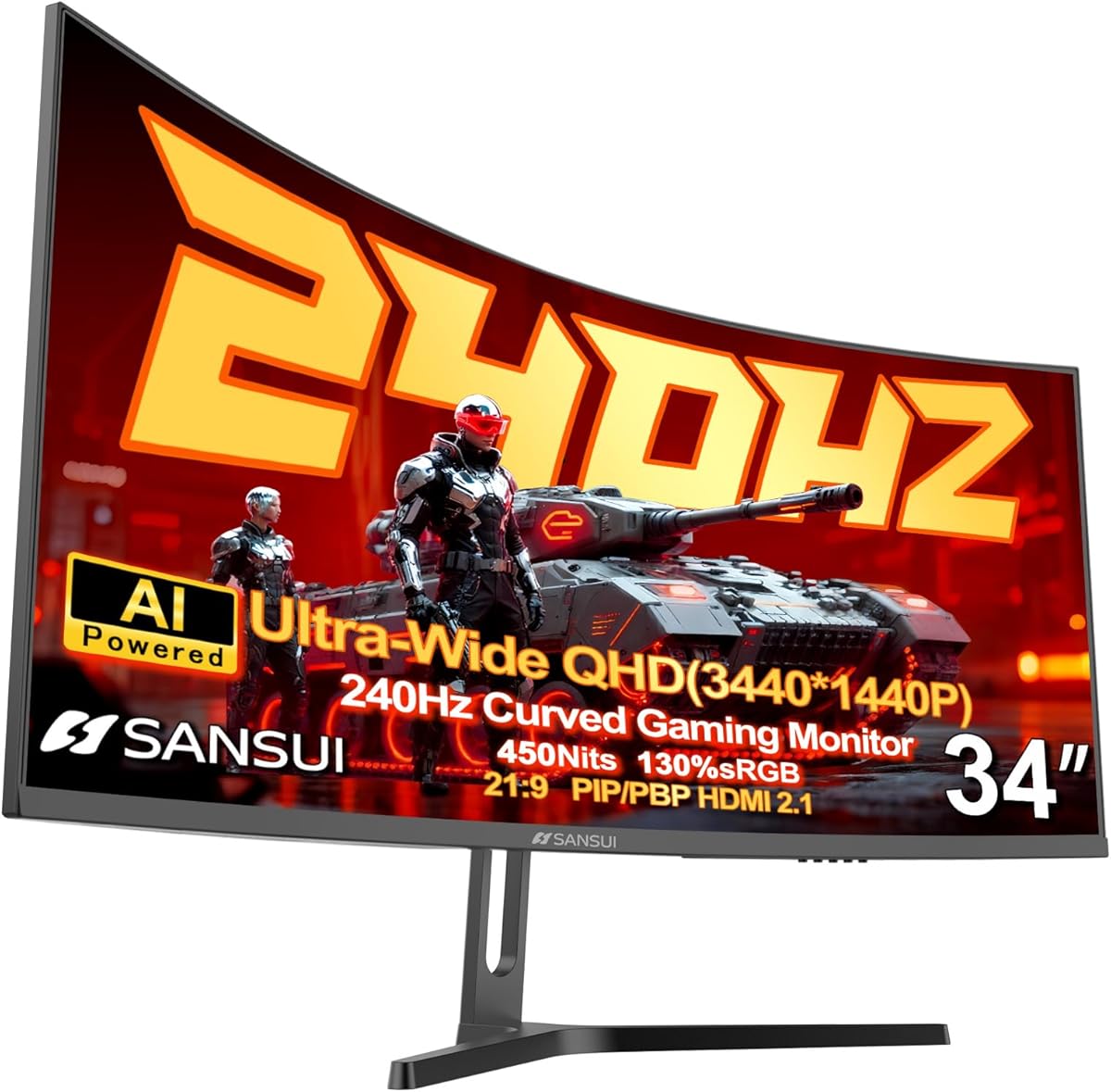
Ultrawide Gaming Monitors: What to Know Before Buying a 34-Inch 240Hz Model
When shopping for a 34-inch ultrawide gaming monitor like the SANSUI with 240Hz refresh rate and UWQHD resolution, you're entering a niche that balances immersive field of view with demanding performance needs. Key features such as 1500R curvature, HDR400, and Fast VA panel technology directly impact your gaming and productivity experience, so understanding these specs is crucial.
Key Considerations Before Buying
- Resolution and aspect ratio: A 3440x1440 UWQHD panel on a 21:9 screen offers 2K clarity with extra horizontal space, which is ideal for immersive gaming and multitasking but requires a powerful GPU to drive high frame rates at 240Hz.
- Refresh rate and response time: The 240Hz refresh rate and 1ms MPRT response time minimize motion blur and input lag, making this monitor suitable for fast-paced competitive gaming, but ensure your system can consistently output 240 fps to fully benefit.
- Panel type and curvature: The Fast VA panel provides deep blacks and high contrast, while the 1500R curvature matches the human eye's natural field of view, reducing eye strain during long sessions—a key advantage over flat monitors.
What Our Analysts Recommend
Look for monitors with low input lag and adaptive sync support (like HDMI 2.1 or DP 1.4) to prevent screen tearing. Also, check for features like PIP/PBP for productivity and AI enhancements like crosshair overlays, which can give a competitive edge. Finally, verify HDR certification (e.g., HDR400) to ensure adequate brightness for vibrant visuals.
Monitors Market Context
Market Overview
The ultrawide gaming monitor market is expanding rapidly, driven by demand for immersive experiences in genres like sim racing and open-world RPGs. With 240Hz panels becoming more affordable, mid-range options now offer high refresh rates alongside wide resolutions, but buyers must balance cost with GPU compatibility.
Common Issues
Common issues include inconsistent HDR performance at lower certifications (like HDR400) where peak brightness may be insufficient for true HDR, and potential ghosting on VA panels despite fast response times. Also, ultrawide compatibility with some games can be hit-or-miss, requiring tweaks for proper scaling.
Quality Indicators
Quality indicators include a high contrast ratio (over 3000:1 for VA), minimal backlight bleed, and robust build quality with adjustable stands. Verified user reviews that describe specific gaming or productivity setups are more reliable than generic praise.
Review Authenticity Insights
Grade B Interpretation
The Grade B rating with a 10% estimated fake review rate suggests that while most feedback is genuine, a small fraction may be incentivized or fabricated. This is typical for popular monitors with high sales volume, but the 4.89/5 rating is slightly inflated—our adjusted rating of 4.60/5 is a more realistic benchmark.
Trust Recommendation
You can trust the majority of reviews, especially those from verified purchases that detail specific experiences (e.g., using the monitor for FPS games or design work). Focus on reviews that mention both pros and cons, as overly positive or vague feedback may be suspect.
Tips for Reading Reviews
When reading reviews, prioritize those that discuss the monitor's performance at 240Hz, HDR400 quality, and VA panel characteristics like black levels. Look for side-by-side comparisons with other monitors to gauge relative strengths and weaknesses.
Expert Perspective
The SANSUI 34-inch ultrawide offers a compelling mix of high refresh rate and immersive curvature at a competitive price point, backed by strong user satisfaction. However, the 10% fake review rate and HDR400's limitations mean you should approach marketing claims with caution—real-world HDR performance may be modest. The Fast VA panel's deep blacks and 1ms response make it a solid choice for gamers who prioritize contrast over color accuracy, but professionals needing precise colors should consider IPS alternatives.
Purchase Considerations
Consider your GPU's ability to drive 3440x1440 at 240Hz—a high-end card like an RTX 4070 or better is recommended. Also, weigh the value of AI features like AIPQ visual enhancement, which may improve image quality but could introduce input lag in competitive modes.
Comparing Alternatives
Shoppers should compare this model with other 34-inch ultrawides like the Dell S3422DWG or Gigabyte M34WQ, which offer similar specs but may have better HDR or color accuracy for a higher price.






