
Choosing a 34-inch curved ultrawide monitor for productivity and entertainment
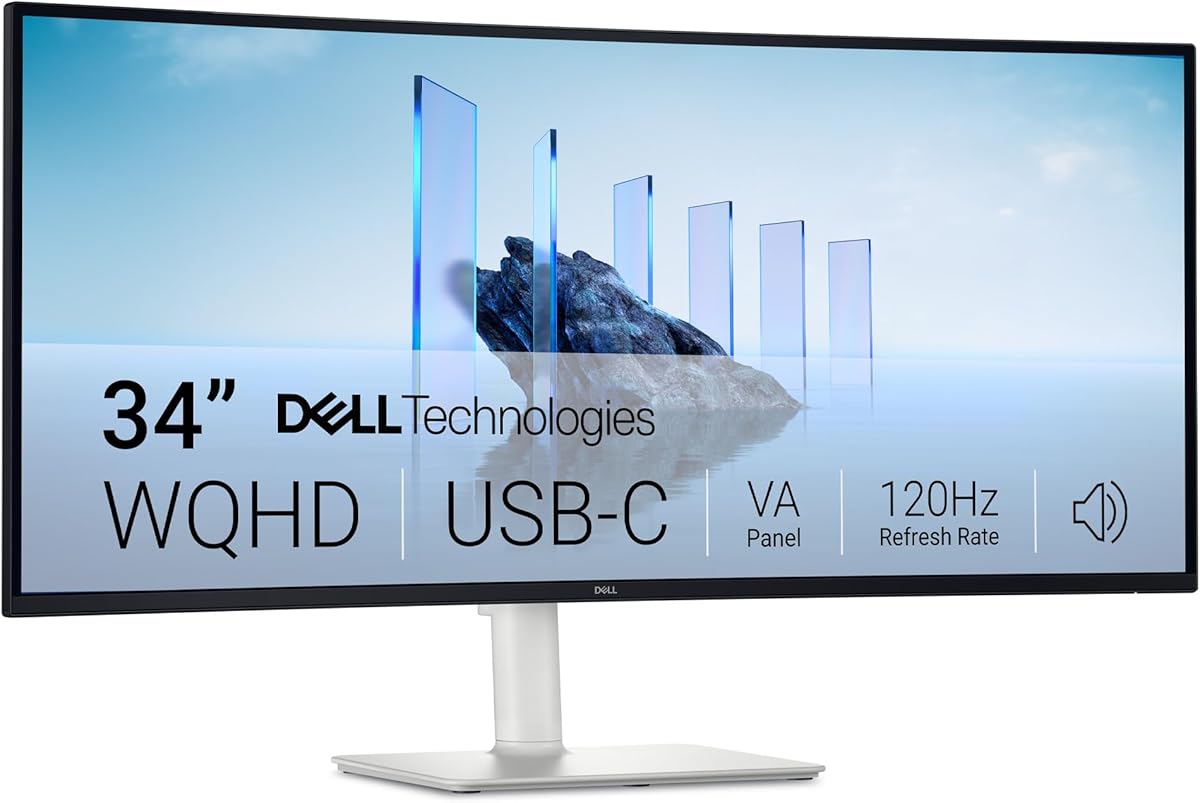
The Dell S3425DW represents a specific category of ultrawide monitors that balances professional color accuracy with gaming-ready refresh rates. Its 34-inch VA panel with 3000:1 contrast ratio and 95% DCI-P3 coverage targets users who need both immersive media consumption and accurate color work, while the 120Hz refresh rate with AMD FreeSync Premium caters to casual gaming.
Key Considerations Before Buying
- The 21:9 aspect ratio (3440x1440) dramatically increases horizontal workspace compared to standard 16:9 monitors, ideal for multitasking with multiple windows side-by-side, but requires compatible software and GPU power to drive effectively.
- VA panels like this Dell's offer superior contrast ratios (3000:1) for deeper blacks than IPS alternatives, making them excellent for dark room viewing and media consumption, though they typically have narrower viewing angles.
- The integrated USB-C connectivity with power delivery transforms this from a simple display into a workstation hub, allowing single-cable connectivity for laptops while charging devices up to 90W.
What Our Analysts Recommend
For ultrawide curved monitors, examine the curvature radius (this Dell uses a gentle curve for immersion without distortion) and pixel density—this 34-inch at 3440x1440 provides approximately 110 PPI, offering sharp text without requiring excessive scaling. Genuine reviews will mention specific use cases like video editing timelines, financial trading platforms, or gaming immersion that benefit from the extra horizontal space.
Monitors Market Context
Market Overview
The 34-inch curved ultrawide segment has become fiercely competitive, with models ranging from budget VA panels to premium IPS displays exceeding $1,000. Dell's position in this market typically emphasizes professional features like color accuracy and connectivity alongside gaming capabilities, rather than pure gaming-focused specs like higher refresh rates.
Common Issues
Ultrawide monitors often face compatibility challenges with older games and applications that don't support 21:9 aspect ratios, potentially requiring black bars or mods. Some users report backlight uniformity issues with VA panels, particularly in dark scenes, and the curved nature can cause color shifting when viewed from extreme angles.
Quality Indicators
Look for monitors with factory color calibration certificates, high native contrast ratios (3000:1 is excellent for VA), and comprehensive connectivity options including USB-C with power delivery. Genuine professional reviews will test for color accuracy across both sRGB and DCI-P3 color spaces, which this Dell covers at 99% and 95% respectively.
Review Authenticity Insights
Grade B Interpretation
A Grade B authenticity rating with 15% estimated fake reviews indicates generally trustworthy feedback, though shoppers should remain slightly cautious of overly enthusiastic reviews. The adjusted rating dropping from 4.89 to 4.50 suggests some review inflation, but still represents strong genuine satisfaction.
Trust Recommendation
Focus on reviews that mention specific use cases like programming with multiple IDE windows, video editing timeline benefits, or how the 120Hz refresh rate improves their particular gaming experience. Be skeptical of reviews that only praise generic aspects without connecting them to actual usage scenarios.
Tips for Reading Reviews
For monitors, prioritize reviews that discuss real-world performance with your intended applications—whether that's color-critical design work, spreadsheet management, or specific game compatibility. Look for mentions of the USB-C implementation quality, backlight bleed in dark rooms, and how the curve affects their particular workflow.
Expert Perspective
The Dell S3425DW presents a compelling hybrid proposition with its combination of professional color gamut coverage (95% DCI-P3) and gaming-oriented features (120Hz, FreeSync Premium). The 4.50 adjusted rating from verified analysis suggests genuinely high satisfaction, particularly regarding the USB-C hub functionality and immersive curved experience. The VA panel's 3000:1 contrast ratio makes it particularly suitable for users who consume media in controlled lighting environments where deep blacks are valued.
Purchase Considerations
Consider whether your workflow truly benefits from the 21:9 aspect ratio—productivity users with multiple applications will gain more than those using single full-screen applications. Also evaluate if your graphics card can comfortably drive 3440x1440 at your desired refresh rates, especially for gaming. The 90W USB-C power delivery is sufficient for most business laptops but may not fast-charge power-hungry mobile workstations.
Comparing Alternatives
Shoppers should compare this Dell against similar 34-inch ultrawides from LG, Samsung, and Gigabyte, paying particular attention to panel type (IPS vs VA), curvature intensity, and USB-C implementation differences.






