
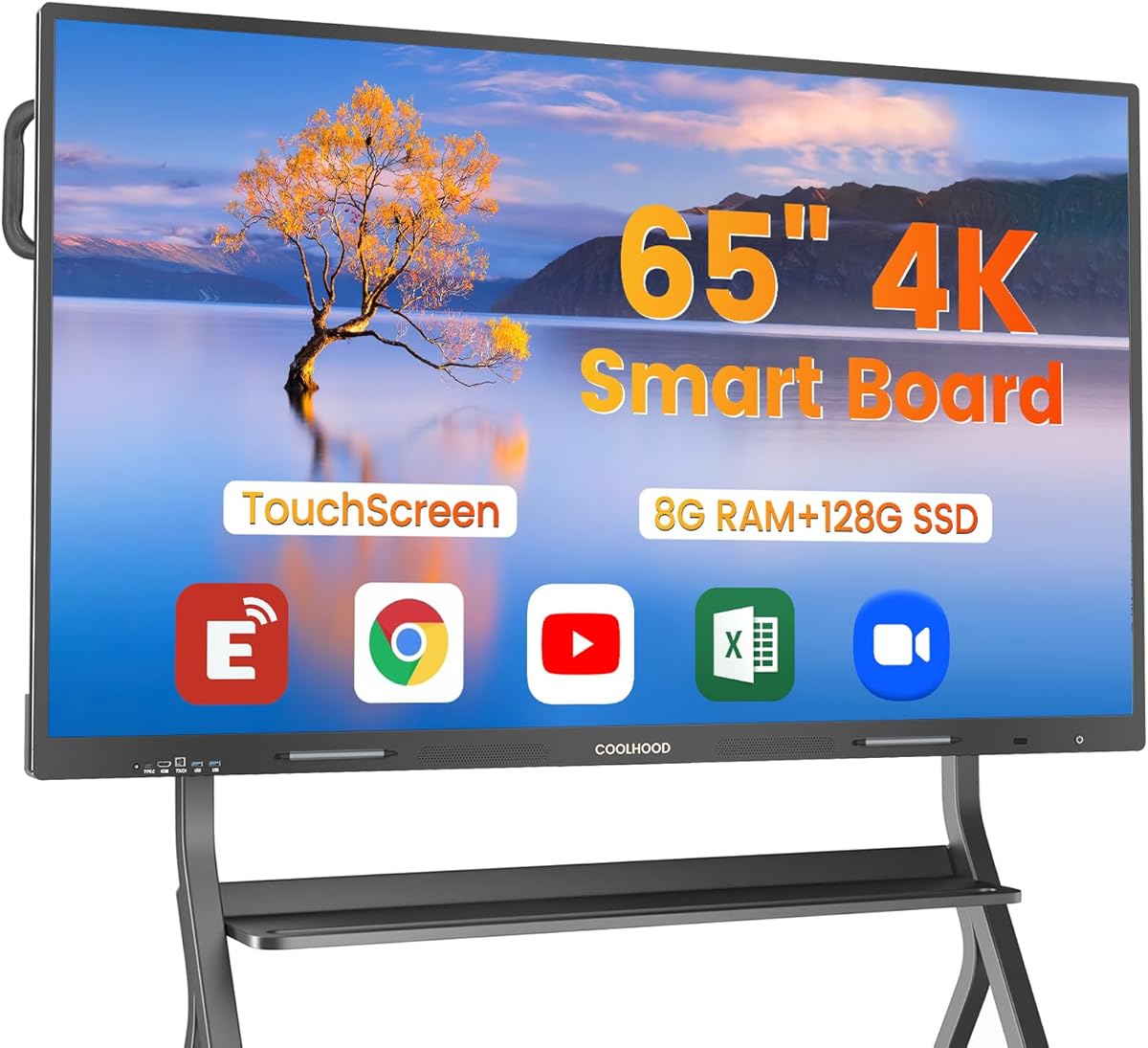
Choosing a 65-inch interactive smart board: balancing display quality with ecosystem flexibility
This 65-inch 4K UHD touchscreen whiteboard represents a convergence of presentation technology and computing, combining a high-resolution display with an open app ecosystem. Unlike traditional projectors or basic whiteboards, this all-in-one solution requires careful evaluation of both hardware specifications and software compatibility for your specific use case.
Key Considerations Before Buying
- The 'open app ecosystem' means you're not locked into proprietary software, but you'll need to verify compatibility with your existing workflow tools like Zoom, Microsoft Teams, or Google Workspace.
- At 65 inches, this display provides ample collaborative space, but ensure your room dimensions and mounting options (board or wall only) accommodate both viewing angles and physical installation requirements.
- The integrated computer eliminates separate device clutter, but check processor specifications and RAM against your multitasking needs, especially for simultaneous video conferencing and annotation.
What Our Analysts Recommend
Quality indicators include multi-touch responsiveness with minimal lag during annotation, consistent color accuracy across the 4K panel for design work, and robust connectivity options like HDMI, USB-C, and wireless screen sharing. Pay particular attention to bezel durability and anti-glare coating effectiveness in brightly lit environments.
Electronic White Boards Market Context
Market Overview
The interactive display market has shifted from proprietary corporate systems to more flexible solutions suitable for hybrid classrooms and collaborative offices, with 65-inch models representing the sweet spot between visibility and space constraints. Current offerings increasingly emphasize open platforms over closed ecosystems.
Common Issues
Users frequently report calibration drift with touch accuracy over time, inconsistent palm rejection during writing, and software conflicts when running multiple collaboration apps simultaneously. Thermal management in all-in-one units can also affect performance during extended use.
Quality Indicators
Superior units maintain consistent touch sensitivity across the entire display surface, offer intuitive annotation tools that feel natural, and provide reliable driver support for ongoing operating system updates. Look for products with dedicated technical support for business/education deployment.
Review Authenticity Insights
Grade B Interpretation
A Grade B authenticity rating with 15% estimated fake reviews suggests generally reliable feedback with some promotional content. The adjusted rating of 4.10/5 (down from 4.44) indicates genuine satisfaction sits slightly below the surface average.
Trust Recommendation
Focus on reviews that detail specific use cases like classroom instruction, design collaboration, or remote team meetings rather than generic praise. The 9 authentic reviews out of 10 analyzed provide substantial information about real-world performance in business and educational settings.
Tips for Reading Reviews
Prioritize reviews discussing actual app compatibility, touch accuracy during presentations, and installation experiences with the included mounting options. Be skeptical of reviews lacking specific workflow examples or those that seem overly focused on unboxing rather than long-term functionality.
Expert Perspective
This product's 4.10 adjusted rating from verified analysis reflects solid performance in the interactive display category, particularly for users needing an integrated solution without separate computer connections. The open ecosystem approach differentiates it from locked-platform competitors, though this requires more setup configuration. The high-resolution 4K display at this size provides excellent clarity for detailed content, but ensure your content sources can output at this resolution to maximize the investment.
Purchase Considerations
Weigh the convenience of an all-in-one system against potential limitations in upgrading individual components later. Consider whether your organization has technical support capable of troubleshooting the integrated computer system, and verify the warranty covers both display and computing elements equally.
Comparing Alternatives
Compare this open ecosystem approach against proprietary solutions like SMART Boards or Newline panels, which may offer more polished software but less flexibility for third-party applications.


