
Choosing a 27-inch curved gaming monitor: balancing refresh rate, resolution, and ergonomics
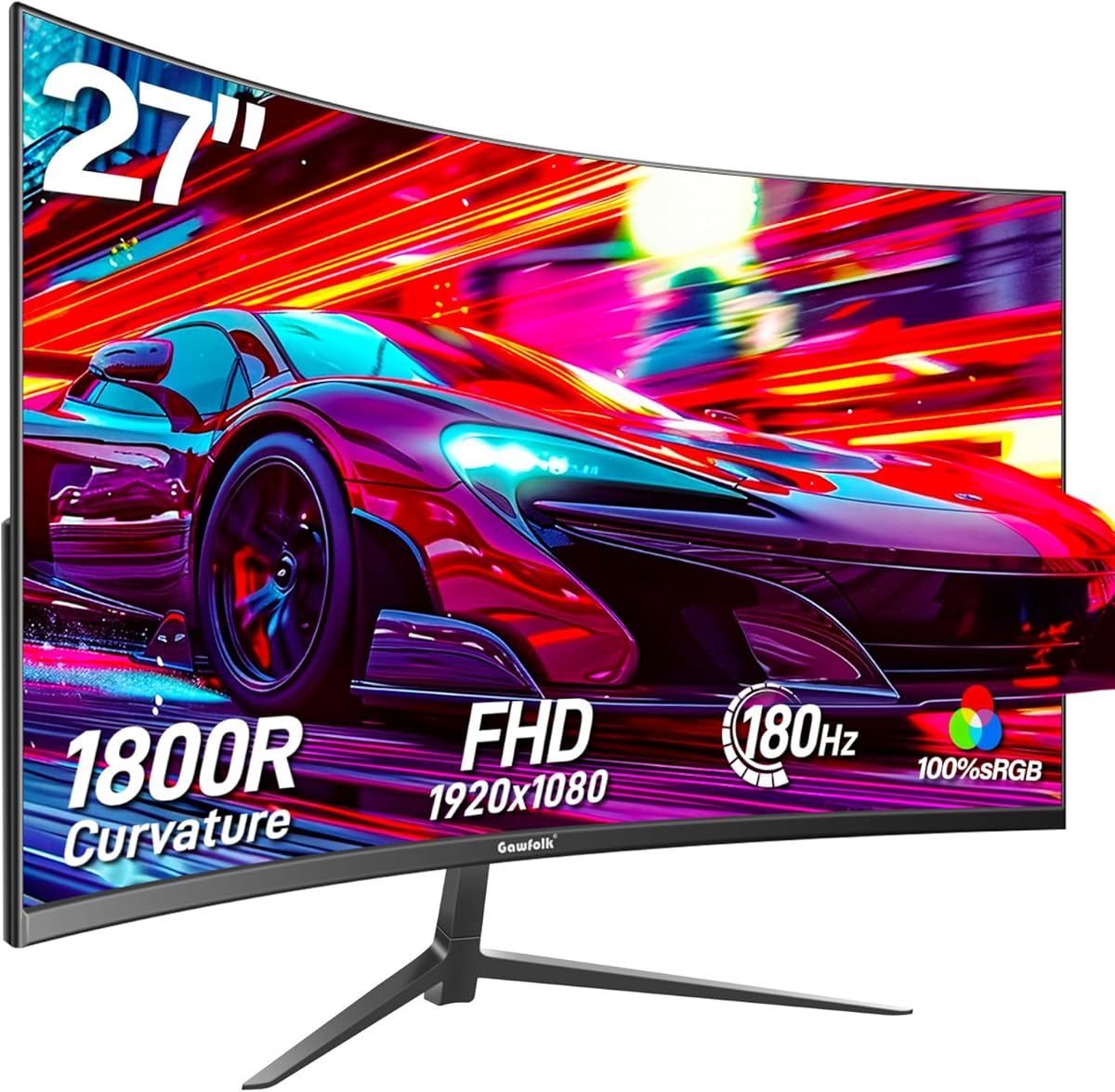
When evaluating the Gawfolk 27-inch curved gaming monitor, buyers should understand the trade-offs inherent in its specifications. This monitor combines a 1800R curvature with a 144Hz/180Hz refresh rate at 1080p resolution, creating a specific performance profile that excels in motion clarity but has pixel density limitations.
Key Considerations Before Buying
- The 1080p resolution on a 27-inch display results in 81 PPI (pixels per inch), which may appear slightly pixelated during text work or productivity tasks compared to higher-resolution monitors.
- The 1800R curvature provides moderate immersion without extreme distortion, making it suitable for both gaming and mixed-use scenarios where you might also watch content or browse.
- The 144Hz/180Hz refresh rate with FreeSync is ideal for competitive gaming where smooth motion matters, but requires compatible graphics hardware to fully utilize.
What Our Analysts Recommend
For curved gaming monitors, examine the combination of refresh rate, response time, and adaptive sync implementation. The Gawfolk's inclusion of both DisplayPort and HDMI ports allows flexibility for different gaming systems, while the wall-mount capability (VESA compatible) provides ergonomic adjustment options that the included stand may lack.
Monitors Market Context
Market Overview
The 27-inch curved gaming monitor market is highly competitive, with numerous brands offering similar specifications around the $200-$300 price point. Differentiation often comes through panel quality (VA vs. IPS), additional features like HDR support, and build quality rather than just raw specifications.
Common Issues
Common concerns in this segment include backlight bleed in dark scenes, color accuracy out of the box requiring calibration, and ghosting or motion blur at various refresh rates. Some budget curved monitors also exhibit color shifting when viewed from extreme angles despite their curvature.
Quality Indicators
Look for consistent performance across the refresh rate range, minimal input lag measurements, and proper FreeSync implementation without flickering. The Gawfolk's 'Eye-Care Technology' likely refers to flicker-free backlighting and blue light reduction, which are increasingly standard but worth verifying in actual usage.
Review Authenticity Insights
Grade B Interpretation
A Grade B authenticity rating with 15% estimated fake reviews suggests generally reliable feedback but warrants careful review scrutiny. The adjusted rating of 3.80/5 (down from 4.11/5) indicates that removing suspicious reviews reveals a slightly less enthusiastic but potentially more accurate assessment.
Trust Recommendation
Focus on verified purchase reviews that discuss specific performance aspects like FreeSync implementation at 180Hz, the actual curvature experience during extended use, and the effectiveness of the eye-care features. Be particularly skeptical of reviews that only praise generic aspects without detailing monitor-specific performance.
Tips for Reading Reviews
Prioritize reviews that mention using the monitor with specific games or applications, discuss the setup process including cable connections, and compare the 144Hz versus 180Hz performance. Look for mentions of color calibration efforts or adjustments needed to achieve satisfactory image quality.
Expert Perspective
The Gawfolk monitor presents a value-oriented proposition in the curved gaming segment, offering high refresh rates in a curved format at a competitive price point. The 1080p resolution on a 27-inch panel is its most significant compromise, making it better suited for gaming-focused users than those needing sharp text for productivity. The combination of FreeSync support and multiple connectivity options provides good flexibility for various gaming setups, though the actual panel quality and motion handling would benefit from hands-on testing.
Purchase Considerations
Consider this monitor if your primary use is gaming where high refresh rates matter more than pixel density, and you value the immersive quality of a curved display. Weigh the 3.80 adjusted rating against your tolerance for potential quality control variations common in this price segment. The wall-mount capability adds value if you plan to use a monitor arm for optimal positioning.
Comparing Alternatives
Shoppers should compare similar 27-inch curved gaming monitors from brands like AOC, MSI, and Samsung that may offer different panel technologies or additional features at comparable price points.






