What to Know Before Buying an Intel N100 Mini PC
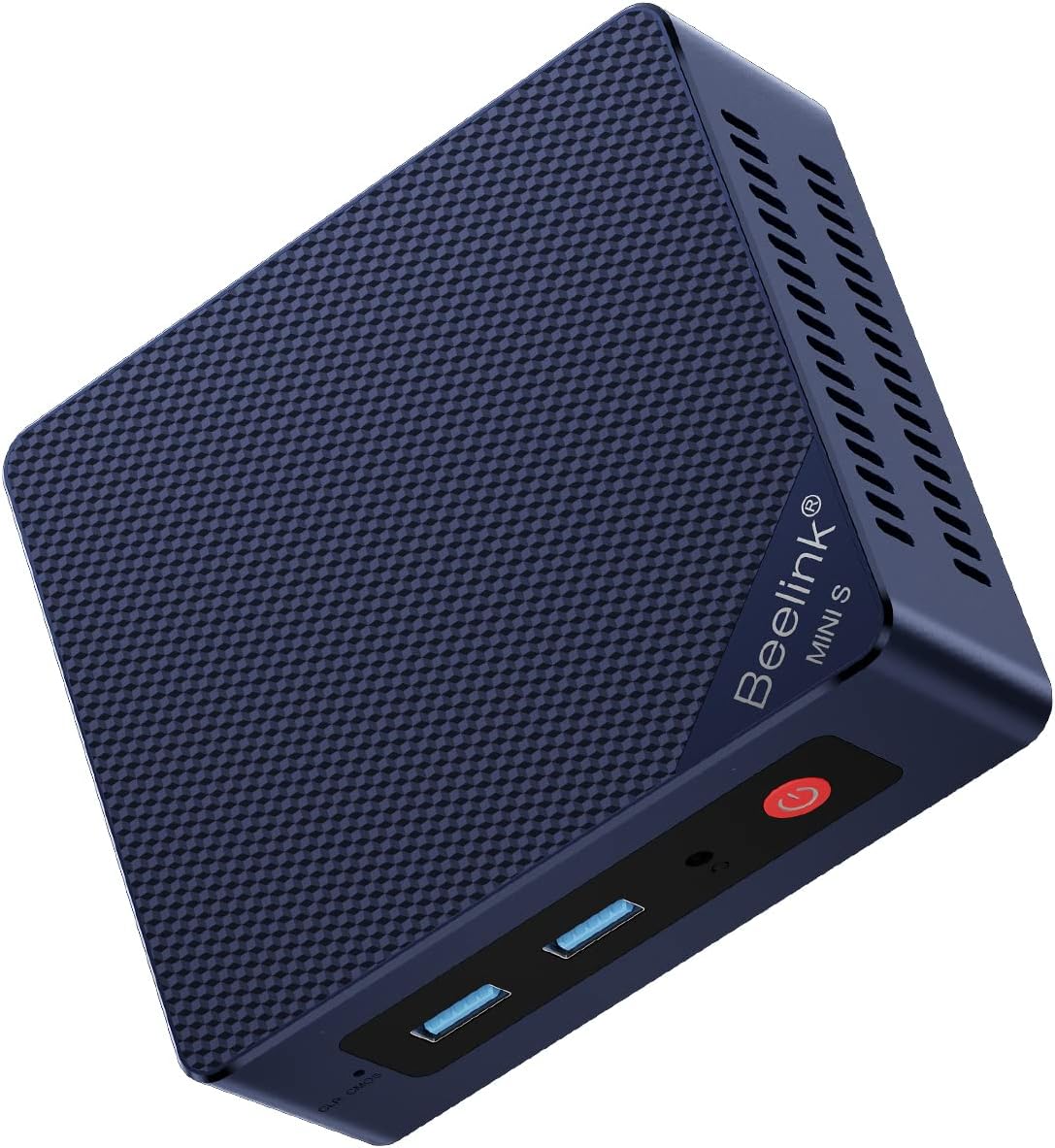
The Beelink MINI S12 pairs Intel's low-power N100 quad-core processor with 16GB of DDR4 RAM and a 500GB SSD, a combination aimed at everyday desktop tasks rather than heavy workloads. Understanding where this configuration shines—and where it strains—is essential before you commit.
Key Considerations Before Buying
- The N100 is a 6W-class chip with four efficient cores and no hyperthreading, so it handles web browsing, office suites, video calls, and streaming well but will feel sluggish with sustained CPU-heavy work like video editing or large spreadsheet recalculation.
- 16GB of RAM is generous for this tier and supports dozens of browser tabs plus background apps, but confirm whether the memory is soldered or upgradeable if you plan to keep the machine for years—many N100 mini PCs use a single SO-DIMM slot rather than dual-channel memory.
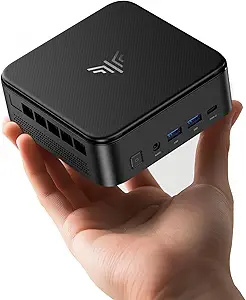
- Check the port layout against your peripherals: typical MINI S12-class units offer multiple USB-A ports, HDMI and DisplayPort outputs for dual monitors, and Gigabit Ethernet, but you should verify Wi-Fi generation and whether an SD card reader or USB-C is included for your specific workflow.
What Our Analysts Recommend
Quality in this category comes down to thermal design and storage quality: a mini PC that stays quiet under load and ships with a reputable NVMe SSD will outlast one with a noisy fan and a no-name drive. Look for reviews that mention sustained performance, fan noise after weeks of use, and whether the included SSD reaches advertised speeds, since these are the details spec sheets omit.
Minis Market Context
Market Overview
The mini PC segment has exploded around Intel's N100 and similar low-power chips, with brands like Beelink, Minisforum, and Geekom competing aggressively on price and configuration. These machines now serve as viable budget desktops, home theater PCs, and lightweight home servers, blurring the line between budget laptops and small-form-factor desktops.
Common Issues
Buyers frequently report misleadingly labeled storage (slower SATA or DRAM-less drives sold as fast NVMe), coil whine or fan noise under light load, and Windows license or bloatware surprises on budget units. Thermal throttling in cramped chassis and inconsistent BIOS support for features like wake-on-LAN or auto power-on are also recurring complaints in this price band.
Quality Indicators
Strong indicators include detailed reviews covering teardown photos, SSD brand and model disclosure, and reports of stable temperatures during extended use. Brands that publish clear upgrade documentation and honor warranties through US-based support tend to earn better long-term satisfaction than those relying solely on marketplace sellers.
Review Authenticity Insights
Grade A Interpretation
A Grade A authenticity rating with an estimated 5% fake review rate is strong for this category, where budget electronics sometimes attract inflated review scores. The adjusted 4.30/5 rating versus the 4.44/5 displayed suggests only a minor inflation effect, meaning the genuine consensus is still clearly positive.
Trust Recommendation
You can treat the overall rating as broadly reliable, but weight reviews that describe specific setups—media servers, digital signage, office replacements—more heavily than short five-star praise. The presence of detailed critical reviews is actually a good sign that negative experiences are being reported honestly rather than filtered out.
Tips for Reading Reviews
For mini PCs, sort reviews by 'recent' to catch batch-specific issues like a changed SSD supplier, and look for mentions of noise, heat, and real-world benchmark numbers. Reviews that name the exact RAM and SSD brands used are especially valuable, since component swaps between production runs are common in this market.
Expert Perspective
The Beelink MINI S12 is a sensible entry point into mini PCs for users whose demands stop at productivity, streaming, and light multitasking. The N100's efficiency and the 16GB/500GB configuration make it a capable everyday machine at a low price, and the strong authenticity-adjusted rating suggests buyers generally get what's advertised. However, anyone expecting desktop-class performance for gaming, content creation, or heavy multitasking should look at higher-tier processors instead.
Purchase Considerations
Weigh your workload honestly: if your day is browsers, documents, and video calls, this configuration is more than adequate; if you run virtual machines or encode video, the quad-core N100 will bottleneck quickly. Also factor in warranty terms, return windows, and whether you need Windows Pro features, since budget mini PCs often ship with Home edition.
Comparing Alternatives
Compare this unit against other N100 mini PCs with dual-channel memory or better port selection, and against slightly pricier Ryzen-based models if you need more graphics or CPU headroom.