
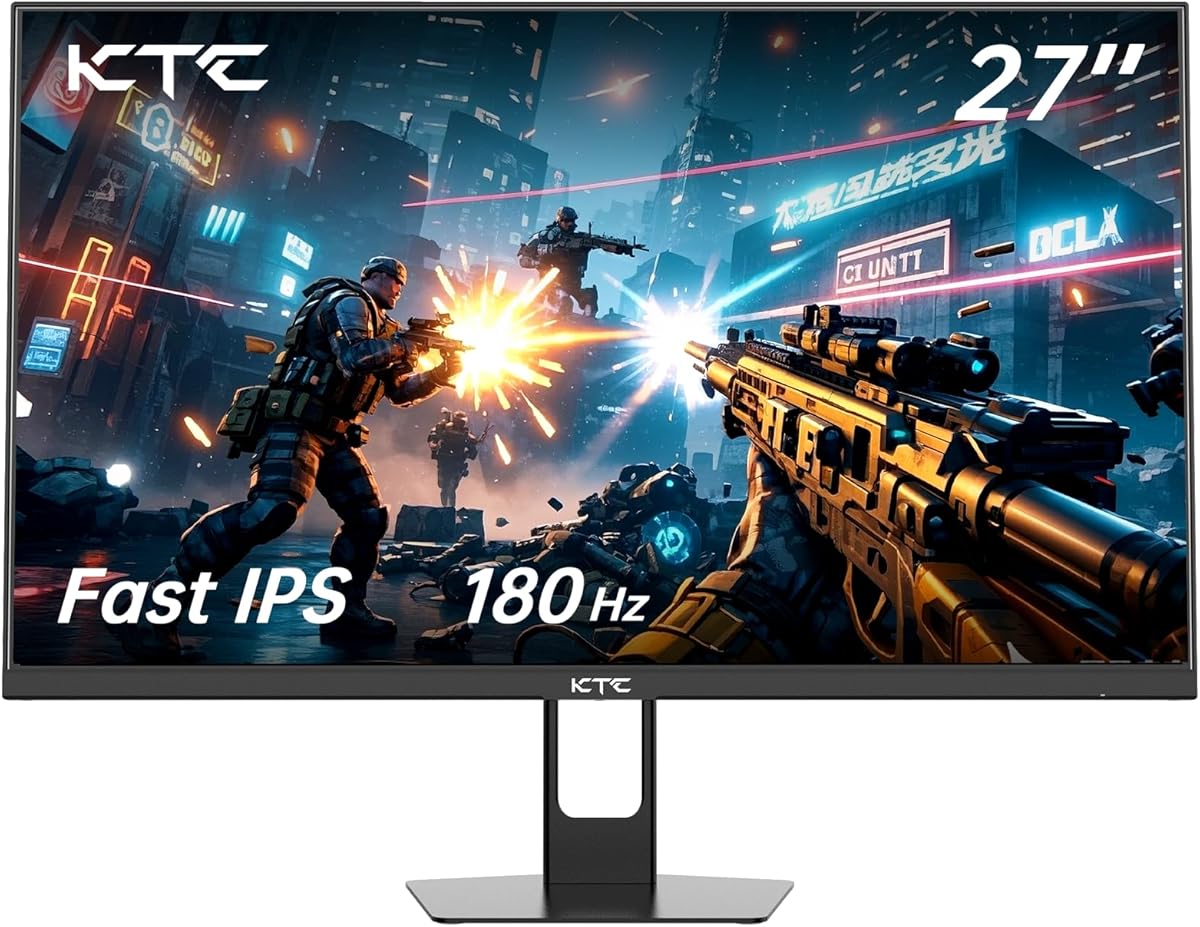
Choosing a 27-inch 1080p gaming monitor: balancing refresh rate, panel quality, and connectivity
When evaluating a 27-inch 1080p gaming monitor like this KTC model, the primary trade-off is between pixel density and high refresh rate performance. This specific monitor prioritizes a 180Hz Fast IPS panel and 1ms response time, making it a competitive option for fast-paced gaming where smooth motion is critical, even at the expense of some sharpness at this screen size.
Key Considerations Before Buying
- At 27 inches, 1080p resolution results in a pixel density of about 81 PPI, which may appear slightly soft for text-heavy productivity; this monitor is optimized for motion clarity in gaming, not pixel-perfect detail.
- The 180Hz refresh rate and 1ms response time (likely MPRT or VRB) require proper configuration via the monitor's OSD and compatible GPU settings (like AMD FreeSync) to minimize ghosting and tearing without introducing excessive overshoot.
- The inclusion of two HDMI 2.0 ports and one DisplayPort 1.4 offers flexibility for multi-console setups or high-refresh-rate PC gaming, but ensure your cables support the bandwidth for 180Hz at 1080p.
What Our Analysts Recommend
For a monitor in this class, scrutinize reviews for comments on IPS glow uniformity and backlight bleeding, common issues with Fast IPS panels. Also, verify that the advertised HDR10 support is functional for gaming content, though expect limited impact due to the monitor's likely standard dynamic range (SDR) brightness and contrast.
Monitors Market Context
Market Overview
The 27-inch 1080p high-refresh-rate segment is fiercely competitive, with brands like AOC, ASUS, and ViewSonic offering similar specs; KTC positions itself as a value contender with its 180Hz Fast IPS panel and 108% sRGB color coverage claim.
Common Issues
Buyers often report inconsistencies with advertised response times, where the '1ms' figure may only be achievable with aggressive overdrive settings that cause inverse ghosting. Another frequent concern is the validity of HDR branding on monitors without dedicated local dimming or high peak brightness.
Quality Indicators
Look for consistent praise regarding the OSD menu intuitiveness and range of gaming-centric features (like crosshairs or black stabilizers). Reliable build quality for the included stand and VESA mount compatibility (100x100mm is standard) are also tangible markers of a well-executed design.
Review Authenticity Insights
Grade B Interpretation
A Grade B with an 11% estimated fake review rate indicates a generally trustworthy review pool, but suggests a modest portion of reviews may be incentivized or overly promotional. The adjusted rating of 4.50/5 (down from 4.78/5) is a more reliable performance indicator.
Trust Recommendation
Prioritize verified purchase reviews that detail specific use cases, like competitive FPS or MOBA gaming, and mention both pros and cons. Be slightly skeptical of reviews that only praise the HDR performance without context, as this is a common area of exaggeration in this category.
Tips for Reading Reviews
Focus on reviews that discuss the setup process, including navigating the OSD to enable 180Hz and FreeSync, and those that compare motion clarity to other monitors. Reviews mentioning panel lottery or uniformity issues are particularly valuable for setting realistic expectations.
Expert Perspective
The KTC monitor's strong adjusted rating of 4.50/5 from a substantial review pool suggests it delivers on its core promise of high refresh rate gaming at an accessible price point. The combination of a Fast IPS panel for good viewing angles and color, a 180Hz refresh rate for smoothness, and versatile connectivity makes it a compelling package. However, the 1080p resolution on a 27-inch screen is its defining compromise, making it less ideal for mixed-use scenarios requiring sharp text. The Grade B authenticity score provides reasonable confidence in the overall positive sentiment.
Purchase Considerations
This monitor is a strong buy for a dedicated gamer whose primary goal is maximizing frame rate and response time in titles like Valorant or Apex Legends, and who is less concerned with ultra-sharp desktop use. Consider your viewing distance; if you sit close to the desk, the lower pixel density will be more noticeable.
Comparing Alternatives
Shoppers should compare this model directly against other 27-inch 1080p 144-180Hz IPS monitors, paying close attention to warranty terms, stand adjustability, and the implementation of variable refresh rate technology.






