
Choosing an Adjustable Vertical Mouse: Key Factors for Wrist Health and Productivity
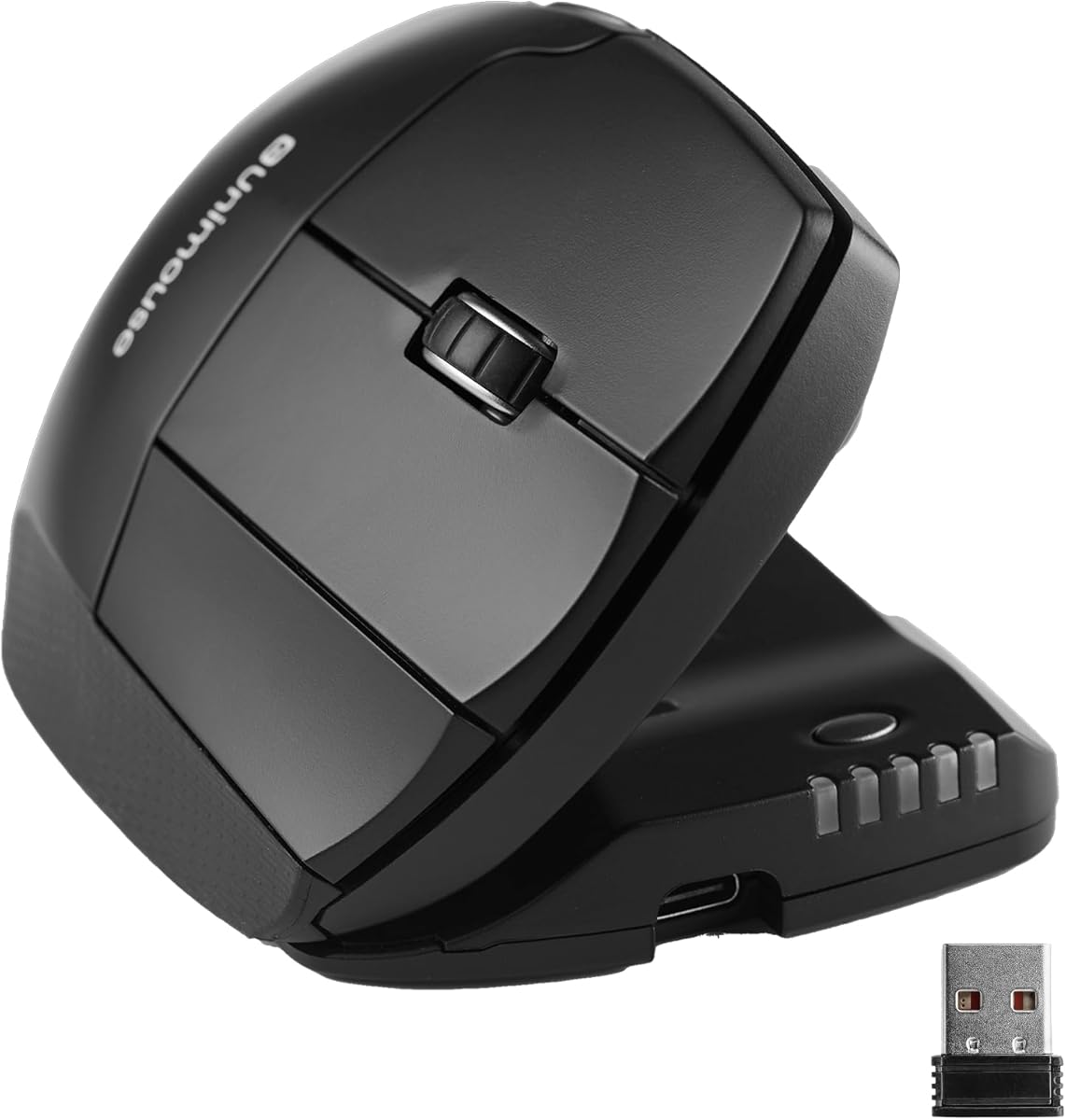
The Contour Unimouse stands out with its 35°-70° adjustable tilt range, allowing users to fine-tune their ergonomic position rather than settling for a fixed angle. This specific model targets those seeking relief from repetitive strain injuries while maintaining productivity through six programmable buttons. Unlike basic vertical mice, its customizable thumb rest addresses varying hand sizes and pressure points.
Key Considerations Before Buying
- The adjustable tilt mechanism (35°-70°) is crucial for finding your natural wrist position—some users need gradual adaptation while others prefer immediate steep angles.
- Six programmable buttons require software configuration; verify compatibility with your specific macOS or Windows applications before relying on macros.
- The customizable thumb rest isn't just padding—its positioning affects grip stability and whether thumb buttons remain accessible during extended use.
What Our Analysts Recommend
Quality vertical mice should demonstrate precise tracking even at steeper angles where sensor orientation changes. Check for smooth tilt adjustment mechanisms that lock securely without wobble, and examine whether programmable buttons retain settings without dedicated software running constantly.
Mice Market Context
Market Overview
The ergonomic mouse market has shifted from basic vertical designs to adjustable models like the Unimouse, recognizing that one fixed angle doesn't suit all anatomies or conditions. Wireless connectivity has become standard, but latency performance varies significantly across productivity versus gaming-focused models.
Common Issues
Many vertical mice force uncomfortable thumb spreads or create new pressure points while solving wrist issues. Poorly implemented tilt mechanisms develop play over time, and some sensors struggle with the angled orientation, causing cursor drift or acceleration inconsistencies.
Quality Indicators
Superior ergonomic mice feature separate palm and thumb support adjustments, use optical rather than laser sensors for better surface compatibility, and include onboard memory for button profiles. Weight distribution should feel neutral, not thumb-heavy, when tilted beyond 55°.
Review Authenticity Insights
Grade B Interpretation
A Grade B authenticity rating with 10% estimated fake reviews indicates generally reliable feedback, though approximately 1 in 10 reviews may be artificially positive. The adjusted 4.00/5 rating (from 4.22/5) suggests removing suspicious reviews slightly tempers enthusiasm.
Trust Recommendation
Focus on reviews discussing specific medical conditions like carpal tunnel or tendonitis, as these demonstrate genuine usage scenarios. Be skeptical of reviews claiming 'instant pain relief' without mentioning adaptation periods—legitimate ergonomic transitions typically take 1-2 weeks.
Tips for Reading Reviews
Prioritize reviews that mention the tilt adjustment process, software configuration details, or battery life specifics over vague comfort claims. Look for comparisons with other adjustable models like the Evoluent or Logitech MX Vertical to gauge relative performance.
Expert Perspective
The Contour Unimouse's distinguishing feature is its adjustable tilt range—broader than most competitors' fixed 57°-60° designs—which makes it particularly suitable for users transitioning from traditional mice or with specific orthopedic recommendations. The 4.00 adjusted rating from verified reviews suggests solid performance, though the wireless implementation and software deserve scrutiny. Its six programmable buttons position it as a productivity tool rather than a basic ergonomic solution.
Purchase Considerations
Consider whether you need the full 35°-70° range or would be equally served by a fixed-angle model at lower cost. Evaluate your willingness to configure button mappings through software versus needing plug-and-play functionality. Those with larger hands should verify the thumb rest's maximum extension accommodates their grip.
Comparing Alternatives
Compare tilt mechanisms with the Evoluent VerticalMouse C and button programming with Logitech's MX Vertical to assess value relative to price differences.



