
Choosing a 32-inch curved gaming monitor: balancing immersion with pixel density
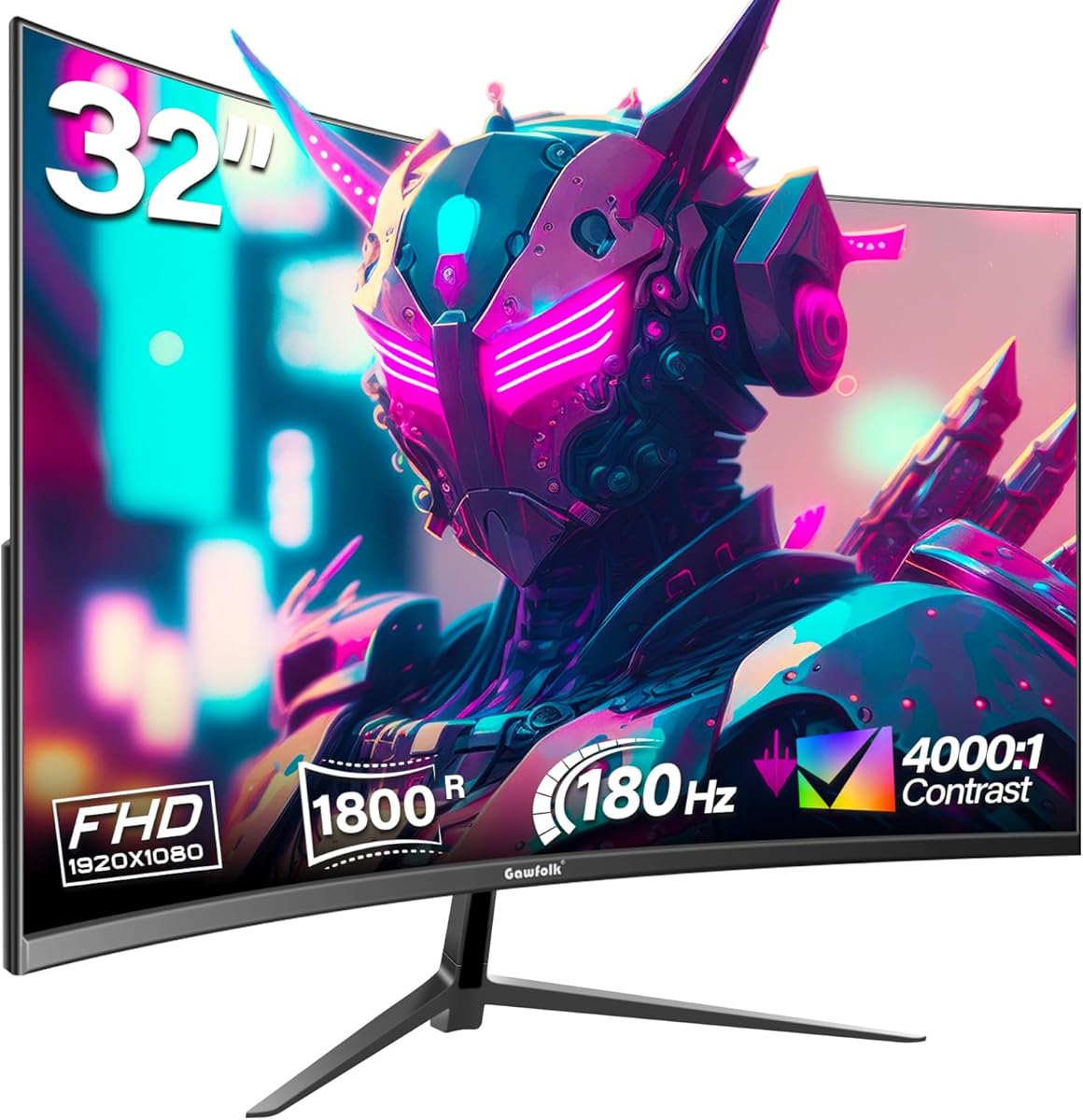
The Gawfolk 32-inch curved monitor presents a specific value proposition: a large, immersive 1800R curved VA panel with high refresh rates (165Hz/180Hz) at a 1080p resolution. Buyers should understand that this combination prioritizes smooth motion and wide viewing angles over ultra-sharp text clarity, making it a specialized choice rather than a general-purpose display. Your decision hinges on whether you value expansive, fluid gaming visuals or crisp productivity work more.
Key Considerations Before Buying
- Pixel Density: At 32 inches, the 1080p (FHD) resolution results in a pixel density of about 69 PPI, which can make individual pixels noticeable during desktop use or text reading, a trade-off for the larger screen size and potentially lower cost.
- Refresh Rate vs. Panel Type: The advertised 165Hz/180Hz refresh rate is excellent for gaming, but a VA panel's response times, even with overdrive, may introduce more motion blur in fast-paced titles compared to a TN or fast IPS panel, despite the high Hz number.
- Curvature Application: The 1800R curve enhances immersion in games and movies on this large screen but can introduce slight distortion for straight-line productivity tasks like photo editing or spreadsheet work.
What Our Analysts Recommend
For this category, scrutinize reviews mentioning 'ghosting' or 'smearing' in fast games to assess the VA panel's real-world performance. Also, look for comments on backlight uniformity and color accuracy out-of-the-box, as budget curved VA panels can sometimes exhibit darker corners (vignetting) or require manual calibration to look their best.
Monitors Market Context
Market Overview
The market for 32-inch 1080p high-refresh-rate curved monitors is competitive, targeting gamers who want maximum screen immersion for a lower cost than 1440p or 4K alternatives. Brands like Gawfolk compete by offering premium specs like 180Hz refresh rates at aggressive price points, often making compromises in color calibration factory settings or stand adjustability.
Common Issues
Common issues in this niche include potential motion clarity limitations of VA panels at high refresh rates, lower perceived sharpness due to the 1080p resolution on a large screen, and limited connectivity options (often just HDMI and DP without USB hubs). Stands may offer only tilt adjustment, lacking height or swivel.
Quality Indicators
Look for mentions of robust on-screen display (OSD) menus with gaming-specific features like crosshairs or refresh rate trackers, which indicate software polish. Consistent praise for minimal backlight bleed and good contrast ratio (a VA panel strength) are strong positive signals for this product type.
Review Authenticity Insights
Grade B Interpretation
A 'Grade B' with an estimated 11% fake review rate suggests the overall review sentiment is reliable but requires discerning reading. The adjusted rating of 4.20/5 (down from 4.44/5) is a more trustworthy benchmark of genuine customer satisfaction, indicating a good but not flawless product.
Trust Recommendation
Focus on the detailed, mid-length reviews that discuss specific use cases like 'playing FPS games' or 'using for work from home,' as these are less likely to be fabricated. Be slightly more skeptical of overly effusive 5-star reviews that lack specific details about performance quirks or setup.
Tips for Reading Reviews
Prioritize reviews that mention both pros (e.g., immersion, smoothness) and cons (e.g., pixel visibility, stand limitations), as this balance reflects authentic ownership. Pay special attention to reviews discussing the monitor's performance over several weeks, noting any issues with long-term reliability.
Expert Perspective
The Gawfolk monitor's profile—a 32-inch curved VA panel with a 180Hz refresh rate at 1080p—is a gamer-centric package that makes clear trade-offs. The high adjusted rating of 4.20/5 from verified patterns suggests it delivers well on its core promise of immersive, fluid gameplay for the price. However, the product's suitability is highly dependent on the user's sensitivity to pixel density and their primary applications. It's a strong contender for dedicated gaming in a dark or dim room where its VA contrast ratio shines, but a weaker choice as a primary monitor for mixed office and content creation work.
Purchase Considerations
Weigh your viewing distance; sitting further back (3+ feet) mitigates the low pixel density concern. Also, consider your GPU's capability: driving 180Hz at 1080p is less demanding than at 1440p, making this a good match for mid-range graphics cards. Ensure your desk depth can accommodate the monitor's curve and large footprint.
Comparing Alternatives
Shoppers should compare this model directly with other 32-inch 1080p curved gaming monitors, paying close attention to differences in panel response time (GTG), warranty length, and stand ergonomics.






