
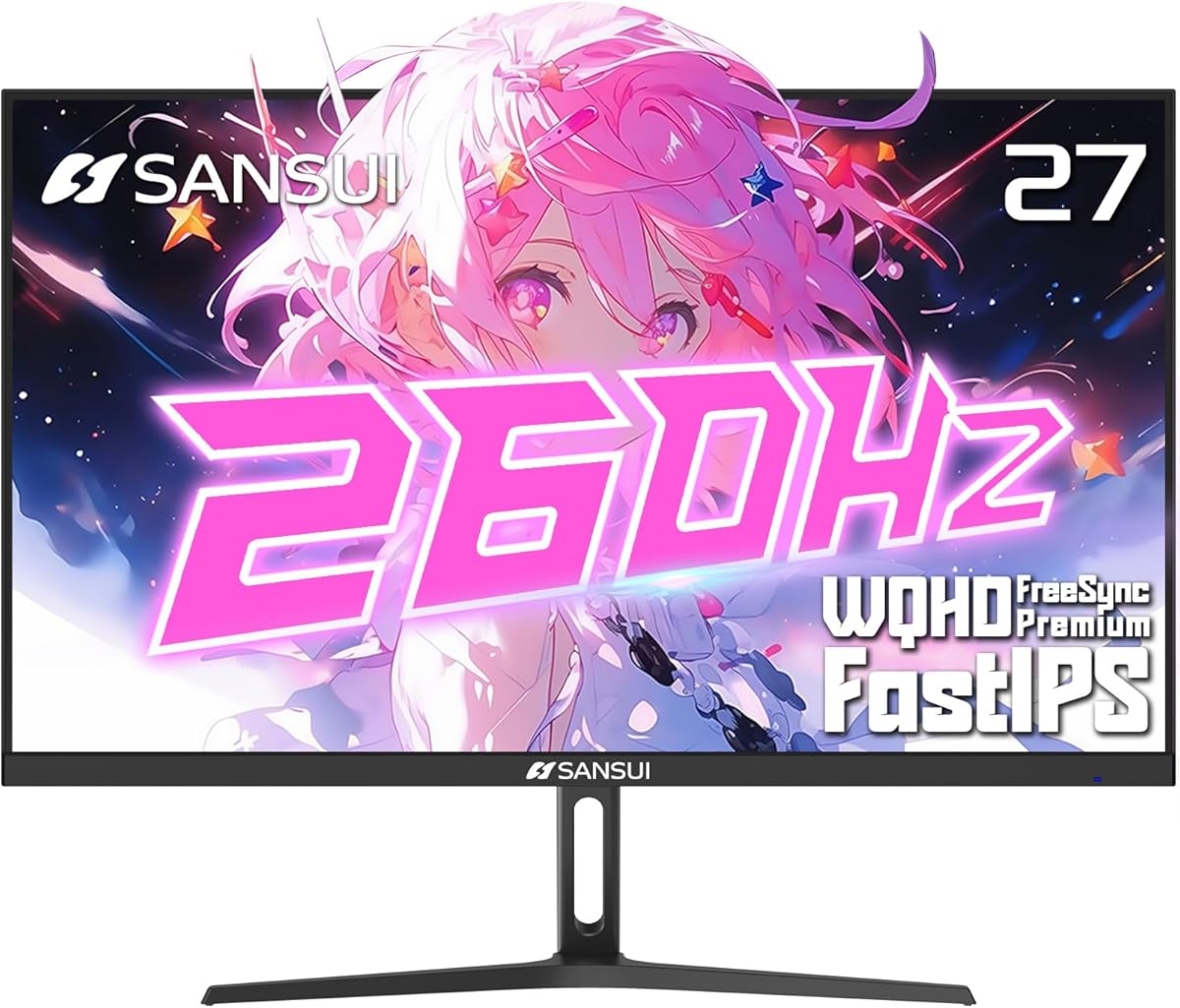
Maximize Your Gaming Edge: 1440p, 260Hz, and IPS Color Accuracy
When shopping for a high-performance gaming monitor like the SANSUI 27-inch 1440p model, you're entering a sweet spot between resolution and refresh rate. This specific monitor targets competitive gamers who demand smooth motion at 260Hz or 240Hz, combined with vivid colors from a Fast IPS panel that covers 98% DCI-P3. Understanding key specs like adaptive sync support and connectivity options is crucial to matching this monitor to your gaming rig and preferences.
Key Considerations Before Buying
- Refresh rate vs. GPU capability: This monitor's 260Hz/240Hz refresh rate is exceptionally high, but you'll need a powerful graphics card to drive 1440p at those frame rates in demanding titles. Ensure your GPU supports DisplayPort 1.4 for full bandwidth.
- Panel type and color accuracy: The Fast IPS panel delivers 1ms response time and wide color gamut (98% DCI-P3, 130% sRGB), which is ideal for both fast-paced gaming and creative work. However, IPS glow and backlight bleed can vary between units, so check user photos in reviews.
- Connectivity and features: With 2x DisplayPort 1.4 and 2x HDMI 2.0, you can connect multiple devices, but HDMI 2.0 limits 1440p to 144Hz. Built-in crosshair overlays are a niche advantage for FPS gamers, but ensure they don't obstruct your view.
What Our Analysts Recommend
For a gaming monitor in this class, prioritize a high refresh rate (at least 240Hz) and low response time (1ms) for competitive play. Look for adaptive sync support like FreeSync Premium to eliminate tearing, and a wide color gamut (DCI-P3 90%+) for vibrant visuals. Also, check for ergonomic adjustments (height, tilt) and VESA mount compatibility, as these enhance long-term comfort.
Electronics Market Context
Market Overview
The 27-inch 1440p gaming monitor market has exploded, with brands competing on refresh rates now exceeding 240Hz and IPS panels becoming standard for their color accuracy and response times. FreeSync and G-Sync compatibility are table stakes, while HDR support (like HDR10) is common but often limited in brightness for true HDR impact. The SANSUI enters this crowded field with aggressive specs at a competitive price point, targeting gamers who want high performance without a premium brand tax.
Common Issues
Buyers in this category often face challenges with backlight bleed and IPS glow, which can be more noticeable on high-refresh IPS panels. Firmware bugs affecting refresh rate switching or adaptive sync stability are also reported, and some monitors struggle to maintain consistent brightness at high refresh rates. Additionally, HDMI 2.0 limitations can confuse users expecting full 1440p 240Hz over HDMI.
Quality Indicators
Quality in this segment is indicated by consistent color accuracy out of the box (Delta E < 2), minimal backlight bleed in user photos, and robust build quality with minimal flex. Verified reviews that mention specific tests (e.g., using a colorimeter or UFO test) add credibility. A strong warranty and responsive customer support are also positive signals, especially for budget-friendly brands like SANSUI.
Review Authenticity Insights
Grade B Interpretation
With a Review Authenticity Grade of B and an estimated 10% fake review rate, you can trust the majority of feedback but should remain cautious. This means roughly 1 in 10 reviews may be incentivized or fabricated, which is moderate for the electronics category. The adjusted rating of 4.20 out of 5.44 suggests that removing suspicious reviews lowers the score slightly, indicating some inflated praise.
Trust Recommendation
We recommend focusing on detailed, verified purchase reviews that mention specific pros and cons, especially those with photos or videos. Look for patterns in critical feedback, such as complaints about stand wobble or OSD navigation, as these are likely genuine. Avoid giving weight to reviews that are overly generic or lack specifics about the monitor's performance.
Tips for Reading Reviews
When reading reviews for this monitor, prioritize those that discuss real-world gaming experiences (e.g., frame rates in specific games) and compare it to other monitors. Be wary of reviews that only praise the price without mentioning any drawbacks, as these may be incentivized. Cross-reference complaints about dead pixels or backlight bleed with multiple reviews to gauge consistency.
Expert Perspective
The SANSUI 27-inch 1440p 260Hz monitor offers compelling specs for its price, particularly the combination of a Fast IPS panel, wide color gamut, and high refresh rate. The 10% fake review rate and B grade suggest some marketing noise, but the core product appears to deliver on its promises for competitive gaming. However, the HDMI 2.0 limitation and potential build quality compromises (common in budget brands) are trade-offs to consider. For gamers with a capable GPU and a focus on esports titles, this monitor provides excellent value, but creative professionals may want to verify color accuracy with calibration.
Purchase Considerations
Weigh the importance of color accuracy and refresh rate against your budget and hardware. If you have an AMD GPU, FreeSync Premium is a strong advantage, but Nvidia users should check G-Sync compatibility. Also, consider whether you need the full 260Hz or if 240Hz is sufficient, as the difference is marginal. Factor in potential returns if you encounter backlight bleed, as this can vary by unit.
Comparing Alternatives
Shoppers should compare this SANSUI with offerings from established brands like Dell's S2722DGM or ASUS's VG27AQ3A, which offer similar specs but may have better build quality and customer support. The price difference may justify the SANSUI if you're on a tight budget.