
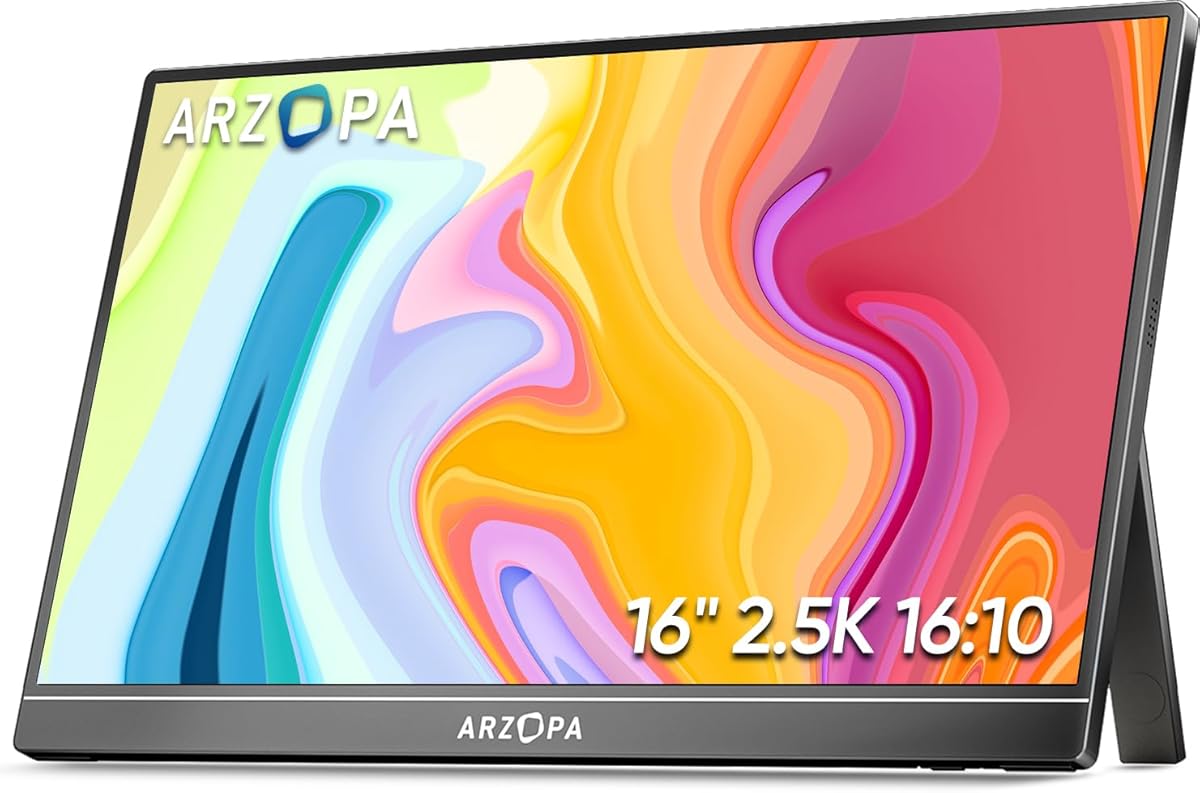
Choosing a 16-inch 2.5K portable monitor requires balancing resolution, connectivity, and portability.
For the ARZOPA Z1RC specifically, buyers should evaluate its 2560x1600 QHD resolution against its 16-inch screen size, which delivers a sharp 189 PPI density. The built-in stand and dual USB-C/HDMI connectivity are practical features that distinguish it from monitors requiring separate accessories.
Key Considerations Before Buying
- The 123% sRGB color gamut claim is significant for color-sensitive work, but verify if it's factory calibrated or requires user adjustment for accuracy.
- Consider the power delivery through USB-C; some portable monitors can be powered and receive video from a single laptop cable, while others need separate power.
- The 'Eye Care' feature likely refers to a blue light filter or flicker-free technology—check if it's adjustable or a fixed setting that may affect color temperature.
What Our Analysts Recommend
Quality indicators include consistent backlight uniformity across the IPS panel and minimal bezel flex in the built-in stand mechanism. For the Z1RC, examine reviews mentioning the hinge durability and whether the 2.5K resolution provides a tangible clarity benefit over standard 1080p at this screen size.
Market Context
Market Overview
The portable monitor market is crowded with brands like ARZOPA, Lepow, and Asus, competing on pixel density and plug-and-play compatibility. The trend is toward higher 2.5K/4K resolutions and HDR support, even in compact 15-17 inch form factors.
Common Issues
Common problems include reliance on specific USB-C power delivery standards, washed-out colors on cheaper IPS panels, and stands that lack stable tilt adjustment. Some monitors also struggle with console compatibility despite HDMI ports.
Quality Indicators
Look for monitors specifying IPS panel type for viewing angles, exact color gamut coverage (like sRGB or DCI-P3), and clear documentation on supported video protocols over USB-C. A high pixel density (over 180 PPI) typically indicates a sharper image.
Review Authenticity Insights
Grade B Interpretation
A Grade B with a 15% estimated fake review rate suggests generally reliable reviews, but approximately 1 in 7 assessments may be inauthentic. The adjusted rating of 4.5/5 is a more conservative benchmark than the displayed 4.9/5.
Trust Recommendation
Focus on reviews that detail specific use cases, like connecting to a Nintendo Switch or a particular MacBook model, as these often indicate genuine experience. Be slightly skeptical of reviews that only praise generic features without mentioning setup or real-world performance.
Tips for Reading Reviews
Prioritize reviews discussing the actual clarity of the 2.5K resolution for text or gaming, the functionality of the built-in stand, and any nuances with the USB-C cable included. Reviews noting minor cons or specific compatibility details tend to be more trustworthy.
Expert Perspective
The ARZOPA Z1RC's specifications position it as a premium portable monitor, with its 2.5K resolution and claimed wide color gamut targeting users needing sharp detail for work or media. The high adjusted rating of 4.5/5 from verified analysis indicates strong user satisfaction, particularly regarding its plug-and-play setup and display quality. The built-in stand is a key differentiator that adds convenience over folio-case designs.
Purchase Considerations
Weigh the need for 2.5K resolution on a 16-inch screen against potentially higher power consumption and file size demands. This monitor is best suited for users whose laptops or devices can output 2560x1600 resolution and who value the integrated stand for desk use.
Comparing Alternatives
Shoppers should compare the Z1RC's specs and price against similar 2.5K monitors from brands like Lepow and ViewSonic, focusing on color accuracy reports and included cable quality.


