
Choosing a Hard Drive Docking Station: Key Factors for ORICO
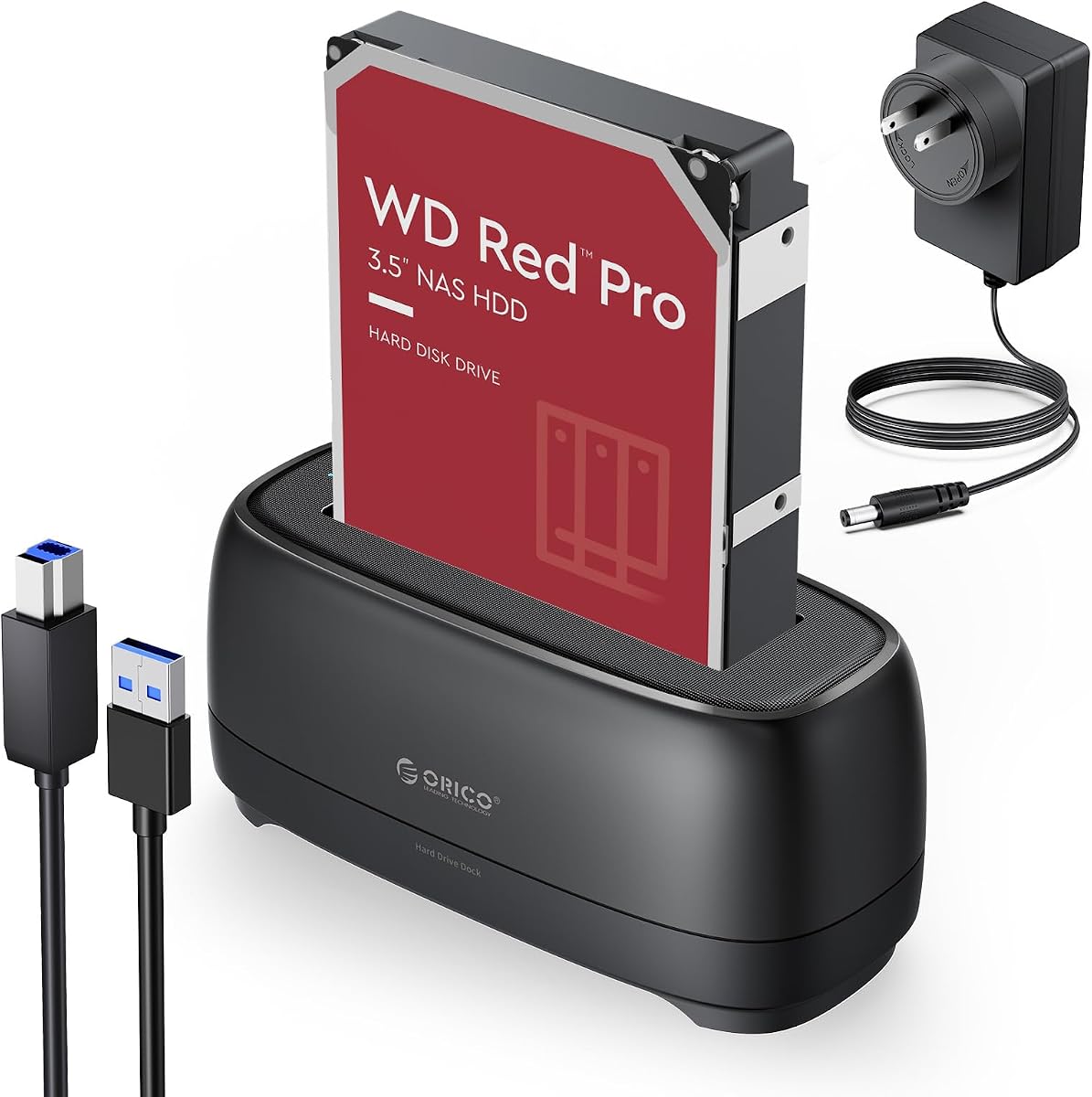
The ORICO Hard Drive Docking Station for 2.5/3.5 Inch HDD SSD is a tool-free solution for accessing bare drives. With a 4.44/5 rating from 484 reviews, it's popular for data recovery and backups, but understanding its nuances ensures it fits your workflow.
Key Considerations Before Buying
- Ensure compatibility with your drive types: this dock supports both 2.5-inch and 3.5-inch SATA HDDs and SSDs, but not IDE or SAS drives. Check that your drives are SATA and that you have the necessary cables (USB and power).
- Consider the connection interface: most ORICO docks use USB 3.0 for up to 5Gbps transfer speeds, but some models offer USB-C or eSATA. Verify your computer's ports and desired speed.
- Evaluate power needs: 3.5-inch drives require a 12V power adapter, which is included, while 2.5-inch drives can often run on USB power alone. Ensure the dock provides adequate power for your drives.
What Our Analysts Recommend
Look for a dock with a sturdy build, good ventilation, and a reliable power adapter. Check for UASP support for faster transfers and compatibility with your OS. Reviews mentioning long-term reliability and customer service are good indicators.
Enclosures Market Context
Market Overview
Hard drive docking stations have become essential for IT professionals and enthusiasts needing quick access to bare drives. The market offers various models from budget to high-end, with ORICO being a popular mid-range brand known for affordability and decent performance.
Common Issues
Common problems include insufficient power for 3.5-inch drives, flimsy construction, and compatibility issues with certain operating systems. Some users report drives not being recognized due to inadequate power or faulty cables.
Quality Indicators
A quality docking station should have a solid build, a reliable power supply, and support for UASP and TRIM. Look for models with positive reviews on durability and customer support, and avoid those with frequent reports of connection drops.
Review Authenticity Insights
Grade B Interpretation
The B authenticity grade and 12% estimated fake reviews indicate that while most reviews are genuine, there is a notable minority of suspicious ones. This is common in electronics accessories, where incentivized reviews can inflate ratings.
Trust Recommendation
Trust the adjusted rating of 4.20/5, which is still solid. Focus on reviews that detail specific use cases and long-term experiences, and be cautious of overly positive or vague reviews.
Tips for Reading Reviews
When reading reviews, look for those that mention specific drives used, transfer speeds, and any issues encountered. Pay attention to reviews that compare this dock to others, as they often provide balanced insights.
Expert Perspective
The ORICO Hard Drive Docking Station appears to be a reliable, budget-friendly option for accessing SATA drives. With a 4.44/5 rating and a 4.20/5 adjusted rating, it satisfies most users, particularly for occasional use and data recovery. However, the 12% fake review percentage suggests some caution is warranted, and potential buyers should consider their specific needs for speed and durability.
Purchase Considerations
Weigh the cost against your frequency of use and performance requirements. If you need high-speed transfers or plan to use the dock continuously, a more robust model might be better. For occasional backups and drive testing, this ORICO dock is likely sufficient.
Comparing Alternatives
Compare with similar docking stations from brands like Sabrent, Unitek, or Inateck, which may offer better build quality or additional features like offline cloning.


