
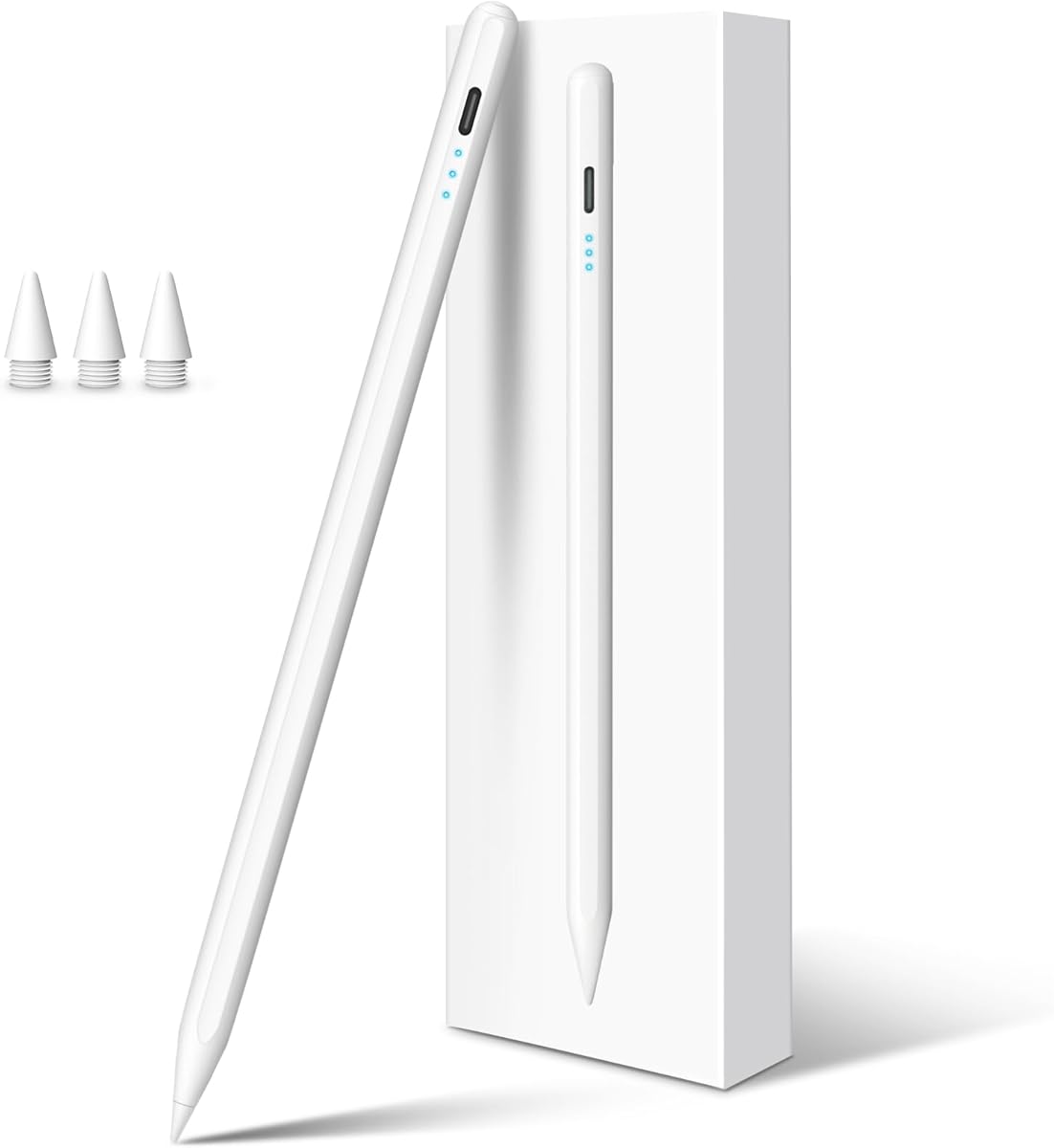
Find the Perfect iPad Stylus: Key Buying Tips for 2025
When shopping for a stylus pen for your iPad, especially models from 2018 to 2025 like the iPad 10th Generation or Pro M4, you'll encounter options that promise features like palm rejection and tilt sensitivity. This specific stylus offers 3X fast charging and broad compatibility, making it a versatile choice for note-taking or drawing. Understanding what sets a reliable stylus apart can help you avoid common pitfalls and find a tool that enhances your workflow.
Key Considerations Before Buying
- Check compatibility with your exact iPad model: This stylus works with a wide range (iPad 6th Gen through Pro M4), but ensure your device is on the list to avoid connectivity issues.
- Palm rejection is crucial for natural writing: A good stylus should let you rest your hand on the screen without unintended marks, which this model claims to support.
- Tilt sensitivity matters for artists: If you sketch or shade, tilt sensitivity allows for varied line thickness and effects, a feature highlighted here for creative tasks.
What Our Analysts Recommend
Quality styluses typically offer low latency (under 10ms) for responsive drawing, durable tips that won't scratch screens, and reliable battery life. Look for magnetic attachment to your iPad for easy storage, and verify that palm rejection works seamlessly across apps like Procreate or Notes.
Stylus Pens Market Context
Market Overview
The stylus pen market has exploded with third-party options that rival Apple's Pencil, offering similar features at a fraction of the cost. Many now include advanced charging speeds and broad compatibility, but performance can vary widely between brands. Consumers often seek affordable alternatives without sacrificing core functionality like pressure sensitivity or magnetic pairing.
Common Issues
Users frequently report connectivity drops after iOS updates, inconsistent palm rejection in non-Apple styluses, and battery degradation over time. Some cheaper models also lack proper tilt sensitivity, making them less suitable for detailed art. It's important to read recent reviews to gauge if a stylus remains stable with current iPadOS versions.
Quality Indicators
High-quality styluses typically have precise nibs, low latency (under 10ms), and strong build materials like aluminum bodies. Look for certifications like CE or FCC, and check if the stylus supports pressure sensitivity in addition to tilt. A reputable brand will also offer firmware updates to maintain compatibility.
Review Authenticity Insights
Grade B Interpretation
The Grade U rating indicates that there is insufficient data to assess review authenticity, likely because this product has zero reviews. With a 0.00% estimated fake review rate, there are no suspicious patterns, but this also means no real user feedback exists to confirm claims. This is common for new or niche listings on Amazon.
Trust Recommendation
Given the lack of reviews, proceed with caution. Consider purchasing from a seller with a proven track record or checking external forums like Reddit for user experiences with similar styluses. If possible, wait for verified purchases to accumulate before committing.
Tips for Reading Reviews
For stylus pens, focus on reviews that mention specific iPad models and use cases like note-taking or drawing. Look for comments on palm rejection reliability and battery life after months of use. Be wary of overly generic positive reviews, which can be a red flag for fake feedback.
Expert Perspective
This stylus positions itself as a cost-effective alternative to Apple's Pencil, with fast charging and broad compatibility across iPad generations. However, without any user reviews or an established reputation, its real-world performance remains unverified. The absence of pressure sensitivity (only tilt) may disappoint artists who need nuanced control, though it could suit casual note-takers. I recommend waiting for independent tests or verified buyer feedback before purchasing, especially given the competitive market.
Purchase Considerations
Weigh the low price against the risk of unknown reliability. If you need a stylus immediately, ensure the seller offers a refund policy. For serious creative work, consider investing in a stylus with proven pressure sensitivity and a larger user base.
Comparing Alternatives
Compare this stylus with well-reviewed options like the Logitech Crayon or Apple Pencil (1st or 2nd Gen) for guaranteed performance. Third-party brands like Goojodoq or ESR also offer similar features with more established track records.


