
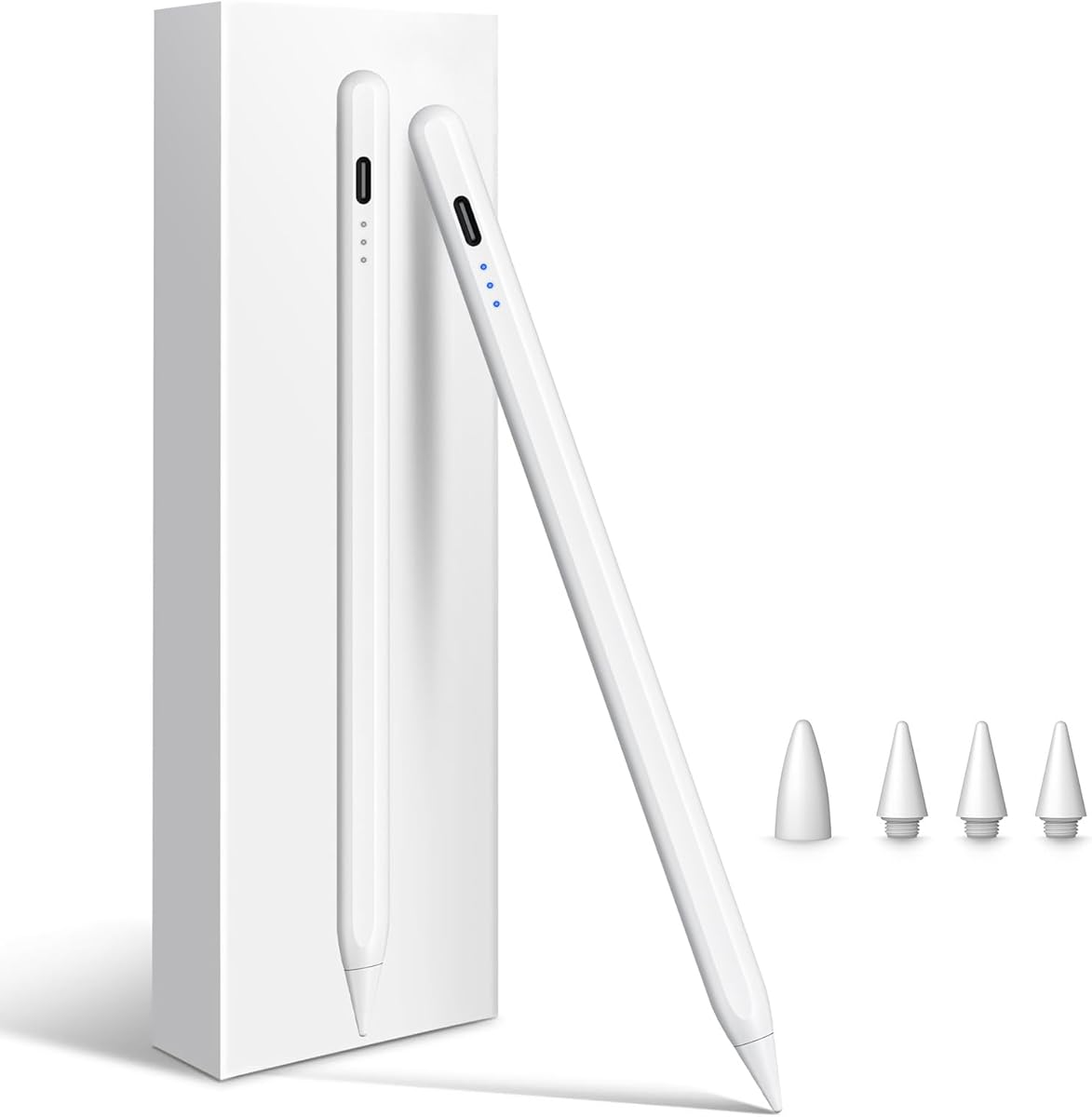
Choosing a Third-Party iPad Stylus: What the Cisteen Pen Reveals About Value
When considering a stylus like the Cisteen for your iPad, the key isn't just compatibility—it's how well it replicates the core Apple Pencil experience at a fraction of the cost. This specific model emphasizes 'Faster Charge' and 'Tilt Sensor' functionality, which are critical features for digital artists and note-takers seeking a responsive tool. Buyers should evaluate whether these advertised features perform reliably across their specific iPad model, from the 2018 base iPad to the latest M5 Pro.
Key Considerations Before Buying
- Verify exact iPad model compatibility beyond the listed range, as performance can vary between an iPad 6th Gen and an M4 iPad Pro despite both being on the list.
- Assess the real-world meaning of 'Faster Charge'—for a non-Apple accessory, this often means USB-C convenience versus the magnetic charging of a genuine Pencil 2.
- Scrutinize the tilt sensor's performance in your primary apps; third-party tilt implementation can be inconsistent, affecting shading and brush dynamics in Procreate or Notes.
What Our Analysts Recommend
Genuine user reviews that detail latency, palm rejection success, and battery life over weeks of use are more valuable than star ratings alone. For the Cisteen, specifically look for mentions of its performance during long note-taking sessions or detailed art creation, as these stress-test the tilt and pressure sensitivity. Consistent praise for its build quality and lack of disconnection issues is a strong indicator of reliable firmware.
Stylus Pens Market Context
Market Overview
The market for third-party iPad styluses is crowded with products claiming 'Apple Pencil compatibility,' but true parity in pressure sensitivity, tilt response, and latency is rare. Brands like Cisteen compete primarily on price and feature lists, often incorporating USB-C charging and tilt before Apple's own base models did. Success hinges on stable Bluetooth connectivity and firmware that doesn't lag behind iOS updates.
Common Issues
Common pitfalls include intermittent disconnections, poor palm rejection that leads to stray marks, and pressure curves that feel 'binary' rather than fluid. Many styluses also suffer from poor build quality, with tips wearing down quickly or housings that feel cheap. Battery life claims are frequently overstated, and charging mechanisms can be flimsy.
Quality Indicators
Look for reviews mentioning consistent performance across multiple drawing or note-taking apps, as this indicates robust driver support. A matte, non-slippery grip and a secure method for storing/charging the pen are practical signs of thoughtful design. Products that clearly state their supported pressure levels (e.g., 2048 levels) and offer replacement tip kits suggest a focus on long-term usability.
Review Authenticity Insights
Grade B Interpretation
A Grade B with a 10% estimated fake review rate suggests a generally trustworthy review pool for the Cisteen Stylus, but advises healthy skepticism. The high adjusted rating of 4.60/5 (down from 4.89) indicates that while some reviews may be inflated, the core positive sentiment from verified purchasers is strong. This is typical for accessories where a small percentage of reviews might over-emphasize 'value for money' without critical depth.
Trust Recommendation
Prioritize reviews that discuss specific iPad models (e.g., 'on my Air 5') and describe use cases over several days. Be wary of overly effusive, vague reviews that lack technical details about tilt or charging speed. The fact that all reviews are verified purchases significantly boosts credibility, so focus on those with photographic or video evidence of the stylus in use.
Tips for Reading Reviews
For this product, filter reviews to see feedback from users with your exact iPad model and generation. Pay special attention to 3- and 4-star reviews, which often provide the most balanced critiques of the tilt sensor accuracy and real-world battery life versus the advertised 'faster charge' claim.
Expert Perspective
The Cisteen Stylus presents a compelling value proposition, evidenced by its high adjusted rating of 4.6 from a largely authentic review pool. Its broad compatibility list, from 2018 models to the latest M-series iPads, is a significant advantage, though performance nuances will exist across that range. The emphasis on 'Faster Charge' and tilt sensor targets the main pain points users have with cheaper, dumb styluses. However, the expert analysis suggests that while it likely delivers 90% of the Apple Pencil experience for many users, professionals dependent on pixel-perfect pressure and tilt may still notice gaps.
Purchase Considerations
Weigh the substantial cost savings against your specific needs: if you are a casual note-taker or hobbyist artist, the Cisteen's features are likely sufficient. If your workflow relies on ultra-low latency for detailed illustration or you use the stylus for hours daily, the consistency of a genuine Apple Pencil may justify its premium. Consider the longevity of the product—will it receive firmware updates to support future iOS versions?
Comparing Alternatives
Shoppers should compare the Cisteen's specific tilt implementation and charging method against competitors like the Logitech Crayon or other reputable third-party brands to find the best fit for their iPad model and use case.


