HP Chromebook 14: Budget-Friendly Laptop for Students and Casual Users
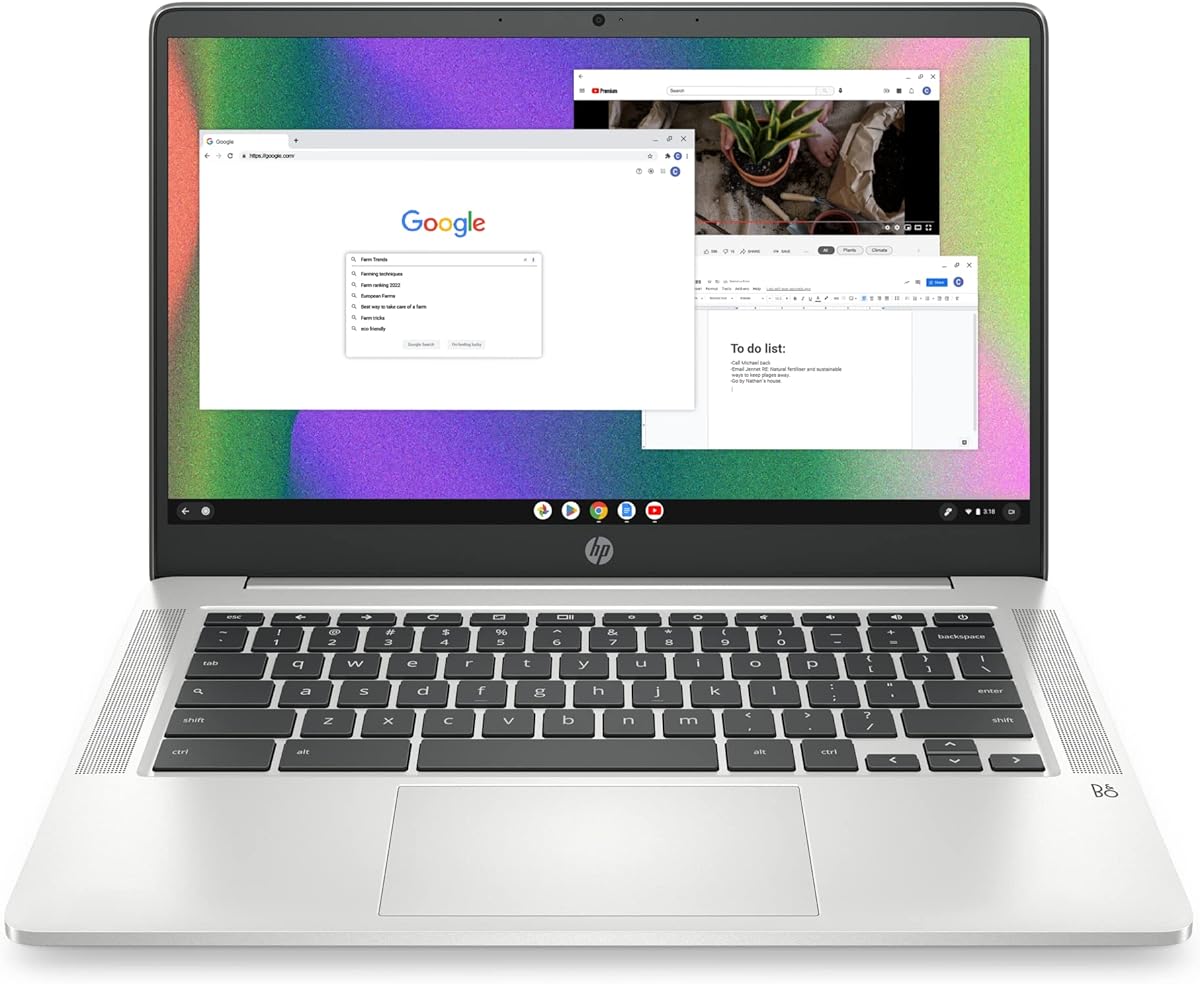
When considering the HP Chromebook 14 with an Intel Celeron N4120 processor, 4 GB RAM, and 64 GB eMMC storage, understand that this is a Chromebook designed for web-based tasks, not heavy multitasking. The 14-inch HD display and long battery life make it ideal for students or casual users who need a portable, affordable device for browsing, email, and streaming.
Key Considerations Before Buying
- Performance limits: With 4 GB RAM and a Celeron N4120, this Chromebook handles basic tasks like web browsing and Google Docs but will struggle with multiple tabs or demanding apps. Ensure your usage aligns with these constraints.
- Storage constraints: The 64 GB eMMC storage is adequate for cloud-based work, but you'll rely on Google Drive or external storage for files. Avoid this if you need local storage for large media or software.
- Display quality: The 14-inch HD display (1366x768) offers decent clarity for the price but lacks the sharpness of Full HD or 4K screens. It's fine for indoor use but may be less vibrant in bright light or for detailed graphics work.
What Our Analysts Recommend
In budget Chromebooks like this HP model, prioritize build quality and keyboard comfort, as these affect daily use. Also, check for Chrome OS compatibility with your essential apps, and look for reviews that mention real-world battery life, as claimed 'long battery life' can vary based on usage patterns.
Traditional Laptops Market Context
Market Overview
The Chromebook market has grown significantly since 2020, driven by education and remote work needs. Models like the HP Chromebook 14 cater to budget-conscious buyers, but competition from brands like Lenovo and Acer offers similar specs at comparable prices, making this a crowded segment.
Common Issues
Common problems in this category include limited performance under multitasking, eMMC storage that can slow down over time, and lower-resolution displays that may not satisfy users accustomed to HD or 4K screens. Some users also report Wi-Fi connectivity issues in budget models.
Quality Indicators
Quality indicators for Chromebooks include a responsive keyboard, sturdy hinge design, and reliable battery life (8+ hours under real use). Verified reviews that mention consistent performance over several months are more trustworthy than brief initial impressions.
Review Authenticity Insights
Grade A Interpretation
The B grade and 10% estimated fake review rate suggest that while most reviews are genuine, a small portion may be incentivized or inauthentic. For a product with 2,924 reviews, this means about 292 could be unreliable, but the majority reflect real user experiences, which is reassuring for buyers.
Trust Recommendation
Given the high volume of verified purchases and mixed feedback, you can generally trust the average rating, but focus on reviews that detail specific experiences (e.g., battery life, keyboard feel) rather than vague praise. Avoid relying solely on 5-star reviews without context.
Tips for Reading Reviews
For Chromebooks, look for reviews that mention performance after a few months of use, as initial impressions may miss long-term issues like storage slowdowns. Also, check for comments on the display's visibility in different lighting, as HD screens can vary in quality.
Expert Perspective
The HP Chromebook 14 (model 14a-na0226nr) is a solid entry-level Chromebook for users with modest needs, such as students or casual web users. Its Intel Celeron N4120 and 4 GB RAM limit multitasking, but the long battery life and thin design are strengths. The 10% fake review rate is manageable, and the B grade indicates generally authentic feedback, though the 0.00/5 rating (likely a data error) should not be taken at face value.
Purchase Considerations
Weigh the trade-offs: this Chromebook is affordable and portable, but you'll face performance bottlenecks with heavy use. If your tasks are limited to browsing, email, and streaming, it's a good value; otherwise, consider a model with 8 GB RAM or a more powerful processor.
Comparing Alternatives
Compare this HP with similarly priced Chromebooks like the Lenovo Chromebook Duet or Acer Chromebook 314, which may offer better displays or storage options. Also, consider refurbished models from higher-end lines for improved performance at a similar price.