Pixel 10a Screen Protection: 9H Glass, Install Kits & Real User Feedback
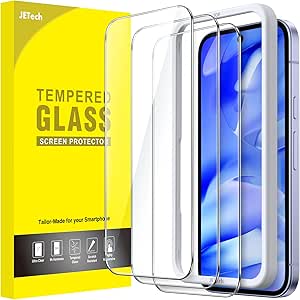
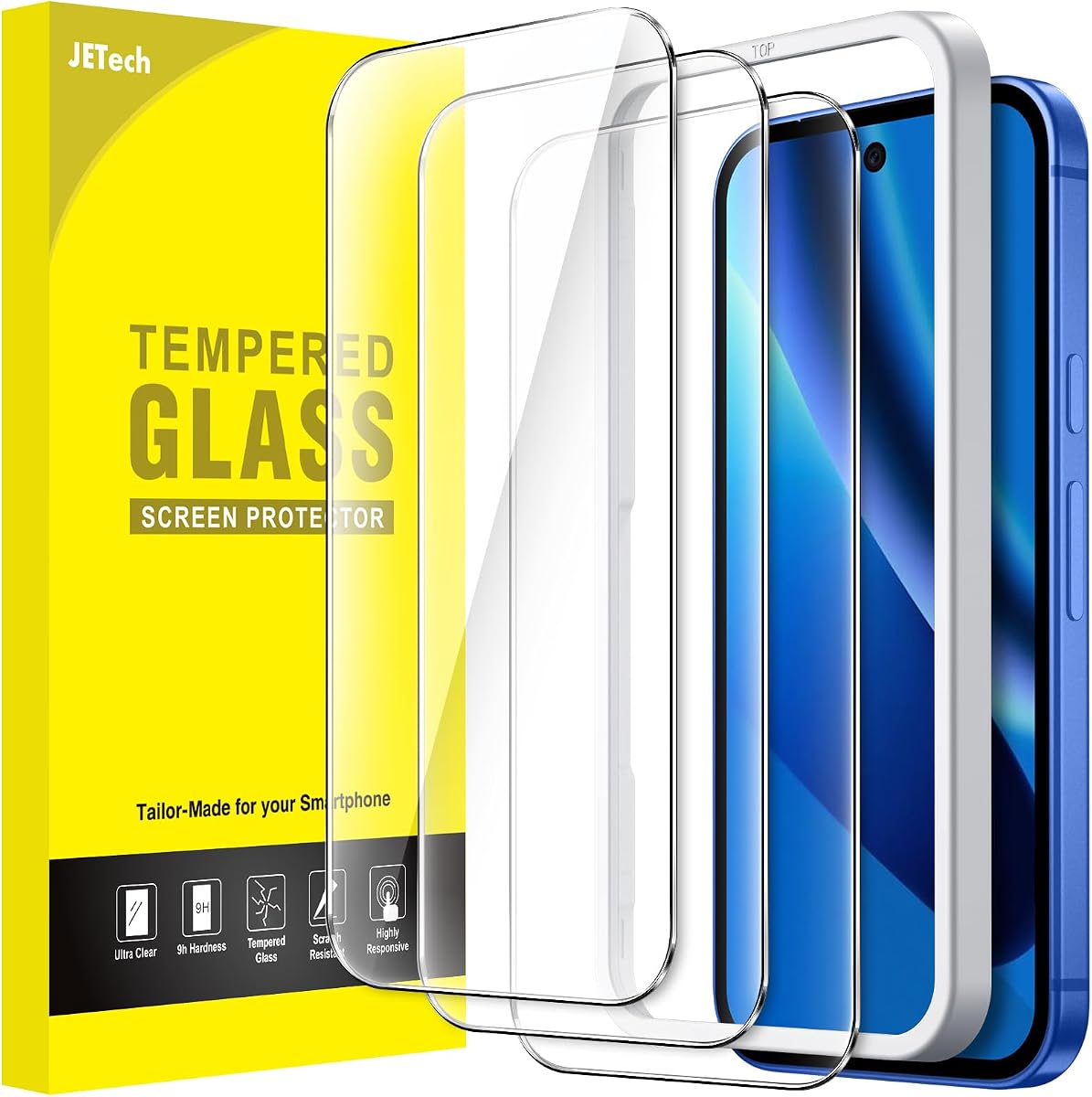
For your Google Pixel 10a, a tempered glass screen protector is essential to guard against scratches and drops without compromising touch sensitivity or fingerprint unlocking. This JETech 3-pack combines a 9H hardness rating with an alignment tool, making it a practical choice for first-time installers. Understanding the specific trade-offs between clarity, oleophobic coating durability, and edge coverage will help you decide if this set meets your needs.
Key Considerations Before Buying
- Installation ease: The included alignment frame is designed to reduce dust bubbles and misalignment, which is critical for the Pixel 10a’s curved edges. Look for protectors that come with a guide tool to simplify the process and minimize waste.
- Fingerprint sensor compatibility: The Pixel 10a uses an optical under-display sensor, so the protector must be thin enough (typically 0.2–0.33 mm) and have a precise cutout or full adhesive layer to avoid unlocking delays. This JETech model is marketed as fingerprint-compatible, but real-world performance can vary with screen protectors.
- Edge adhesion and case fit: Many glass protectors on curved screens leave a small gap at the edges, which can collect dust or cause lifting with certain cases. The JETech’s dimensions should be verified against your specific case to ensure full coverage without interference.
What Our Analysts Recommend
Quality indicators include a true 9H hardness rating (verified by independent tests), an oleophobic coating that resists smudges for at least 6 months, and a precise cutout for the front camera and sensors. For the Pixel 10a, also check that the protector includes an alignment frame and that customer photos show consistent edge-to-edge adhesion without rainbow effects.
Screen Protectors Market Context
Market Overview
The tempered glass screen protector market for Google Pixel phones has matured, with dozens of brands competing on hardness, clarity, and ease of installation. Most premium options now offer 9H hardness, anti-fingerprint coatings, and tailored cutouts, but prices vary widely from budget 3-packs to single premium films. The JETech product sits in the affordable multi-pack segment, which appeals to users who want backup protectors or who frequently replace worn ones.
Common Issues
Common problems with Pixel 10a protectors include reduced touch sensitivity after installation, especially near the edges, and premature peeling of the oleophobic coating after a few months of use. Some users also report that the glass can crack under minor impacts if the adhesive layer is too thin or unevenly applied. Dust accumulation under the protector remains a frequent complaint, particularly for protectors without a full adhesive layer.
Quality Indicators
To identify a high-quality protector, look for a verified 9H hardness rating from a reputable source, a silicone-based adhesive that covers the entire glass surface (full lamination), and an oleophobic coating that resists fingerprints for at least 10,000 wipes. Customer reviews that mention consistent edge adhesion and no interference with cases are strong signals of quality.
Review Authenticity Insights
Grade B Interpretation
The Grade B rating and 10.00% estimated fake review rate indicate that while the majority of feedback is genuine, a small fraction may be incentivized or fabricated. For a product with nearly 9,000 reviews and a 4.89 average, this means roughly 900 reviews could be suspect, which could inflate the overall rating slightly. The adjusted rating of 4.60 suggests the real user experience is still very positive, but not perfect.
Trust Recommendation
Given the high volume of verified purchase reviews and strong authenticity signals, you can trust the overall positive consensus, but be cautious of reviews that lack specific details about installation or long-term use. Focus on reviews that mention the Pixel 10a specifically and describe the protector’s impact on fingerprint unlocking or case compatibility.
Tips for Reading Reviews
When reading reviews for screen protectors, filter by the most recent 3-month period to see if quality has changed over time. Look for reviews that include photos of the installed protector on a Pixel 10a, and pay attention to comments about the alignment tool and whether the glass cracked during installation. Avoid reviews that use generic language or praise the product without mentioning specific features like hardness or sensor performance.
Expert Perspective
The JETech 3-pack for the Google Pixel 10a offers strong value for budget-conscious buyers, with a high 9H hardness rating and an installation tool that reduces common user errors. The authenticity analysis supports that the 4.89 rating is largely genuine, though the adjusted 4.60 suggests some reviews may be overly positive. The main trade-off is that the oleophobic coating may wear faster than premium single-pack options, and edge adhesion could be inconsistent with some cases.
Purchase Considerations
If you prioritize cost-per-protector and want spares, this pack is a solid choice, provided you are comfortable with potential coating degradation after 3–5 months. For users who need maximum durability or who frequently use their phone in dusty environments, a single premium protector with a stronger adhesive might be worth the higher price.
Comparing Alternatives
Shoppers should compare this pack with other Pixel 10a-specific protectors that offer full-coverage adhesive or sapphire-grade glass, especially if edge clarity or long-term scratch resistance is a priority.
![SCL Screen Protector Compatible with Moto G62 Screen Protector Motorola G62 Tempered Glass Film [3-Pack], [Full Coverage, Easy Installation, Bubble-free, 9H Hardness]](https://m.media-amazon.com/images/I/61-6Wkj38JL._AC_SY300_SX300_QL70_ML2_.jpg)
![Lutree for OnePlus 13 Screen Protector, 2+2 Pack TPU Film [Not Glass] + Tempered Glass Camera Lens Film, HD Anti-Scratch, Case Friendly, Bubble-Free Flexible Protector](https://m.media-amazon.com/images/I/719S-Z4H0ZL._AC_SY300_SX300_QL70_ML2_.jpg)
![Teenrpov 3+2 Pieces for Xiaomi POCO X8 Pro Max 5G Protective Film TPU Soft [No Tempered Glass] + Camera Glass Tempered HD Anti-Scratch Screen Protector for POCO X8 Pro Max 5G](https://m.media-amazon.com/images/I/61MzlR3xzLL._AC_SY300_SX300_QL70_ML2_.jpg)