
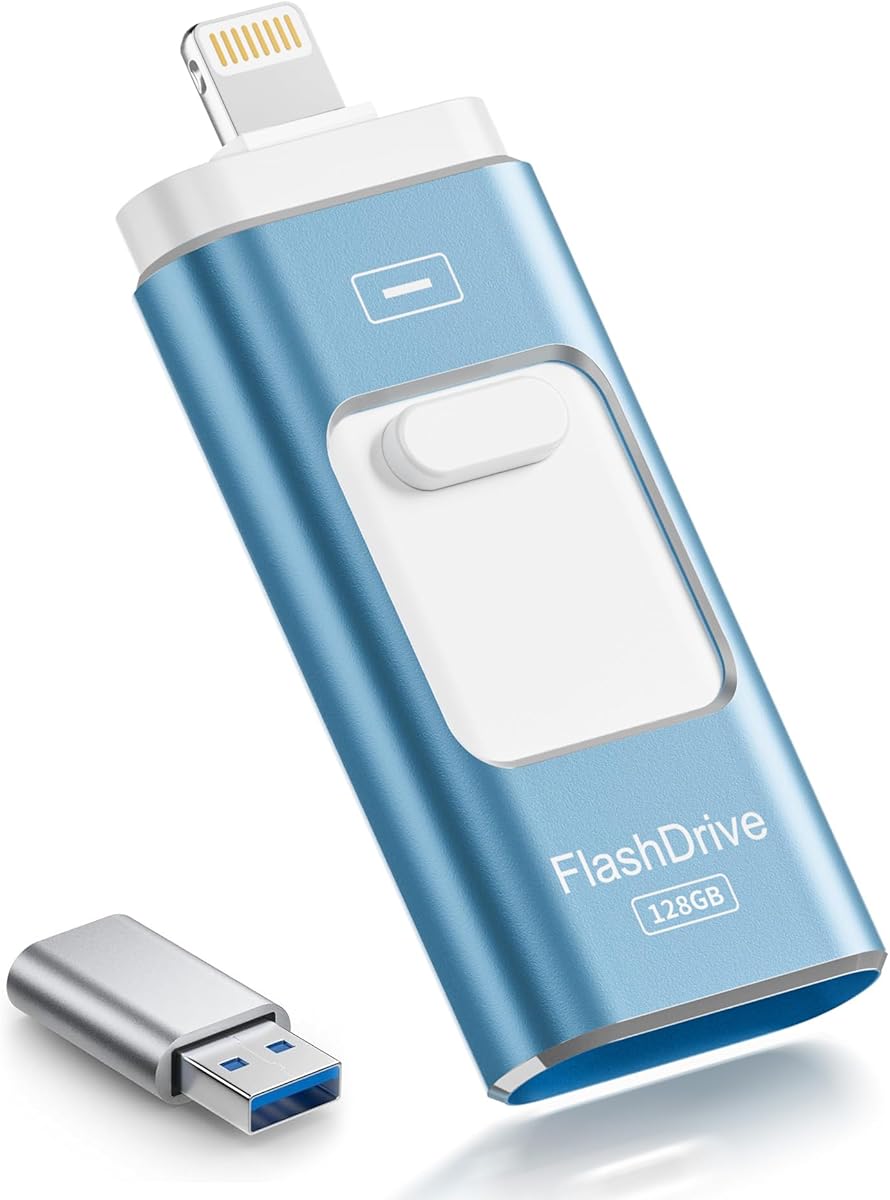
Choosing an MFi-Certified iPhone Flash Drive: Balancing Convenience and Performance
This 3-in-1 MFi-certified flash drive offers direct iPhone expansion via Lightning, but its true value depends on your specific workflow. Unlike standard USB drives, this product's utility hinges on Apple's MFi certification for reliable iOS connectivity and the practical implementation of its triple-interface design (Lightning, USB-A, and presumably a micro-USB or USB-C port for Android).
Key Considerations Before Buying
- MFi certification is non-negotiable for iPhone users; it ensures the Lightning connector is licensed by Apple, preventing iOS update blocks and connection failures common with uncertified accessories.
- The advertised 'USB 3.0 High-Speed' spec often applies only to the USB-A port; data transfer over the Lightning port is typically limited by Apple's protocol and can be significantly slower, a key performance distinction.
- For a 128GB capacity, verify the usable space after formatting and the companion app's functionality, as iOS requires proprietary apps to manage files, which can be clunky compared to native Android OTG support.
What Our Analysts Recommend
Prioritize reviews detailing real-world transfer speeds for large video files from iPhone to drive, not just synthetic benchmarks. A quality indicator is a well-reviewed companion app with seamless background operation and reliable photo/video backup automation, as the hardware is only half the solution.
USB Flash Drives Market Context
Market Overview
The market for iPhone-compatible flash drives is crowded, with significant variation in build quality and app stability despite similar MFi chipsets. Products like this aschblau 3-in-1 drive compete on convenience, attempting to replace cloud subscriptions for users with limited cellular data or privacy concerns.
Common Issues
Frequent pain points include fragile swivel connectors, poorly optimized companion apps that crash during large transfers, and misleading speed claims where USB 3.0 only functions on the computer-side port. Heat dissipation during sustained writes can also throttle performance.
Quality Indicators
Look for drives that use name-brand NAND flash (though rarely advertised) and have a robust, one-piece metal housing to protect the connector joints. High-quality products feature apps with direct Camera Roll integration and reliable contact with the manufacturer for firmware/app updates.
Review Authenticity Insights
Grade B Interpretation
A 'B' grade with a 15% estimated fake review rate suggests a generally trustworthy review pool, but caution is warranted. The adjusted rating of 3.90/5 (down from 4.22) indicates that inflated, likely incentivized reviews are masking some legitimate criticisms.
Trust Recommendation
Focus on the 85% of reviews deemed authentic. Pay particular attention to verified purchase reviews from the last 6 months that mention long-term durability and app updates, as these are harder to fake and reflect real-world use beyond the unboxing phase.
Tips for Reading Reviews
Search for reviews mentioning specific failure points like 'connector loosened after 3 months' or 'app crashed during 20GB video backup.' Disregard generic praise about 'great product' and prioritize detailed experiences with the file management app and cross-platform file transfers.
Expert Perspective
This product's core appeal is its targeted convenience for iPhone users needing immediate, local storage expansion without a computer. The adjusted 3.90 rating is a more realistic benchmark, signaling good but not exceptional performance, with some users likely experiencing the common pitfalls of app instability or slower-than-expected Lightning transfers. The high number of genuine reviews provides a solid basis for evaluation, but the rating adjustment is a red flag that some negative experiences have been artificially diluted.
Purchase Considerations
Weigh the convenience of a physical, portable solution against the friction of using a third-party app for file management. This drive is most justifiable for users who frequently move large media files between iPhones, Android devices, and PCs and have been frustrated by cloud upload/download times or data caps.
Comparing Alternatives
Shoppers should compare the companion app ratings and warranty terms of similar MFi drives, as the software experience often differs more than the hardware.


