
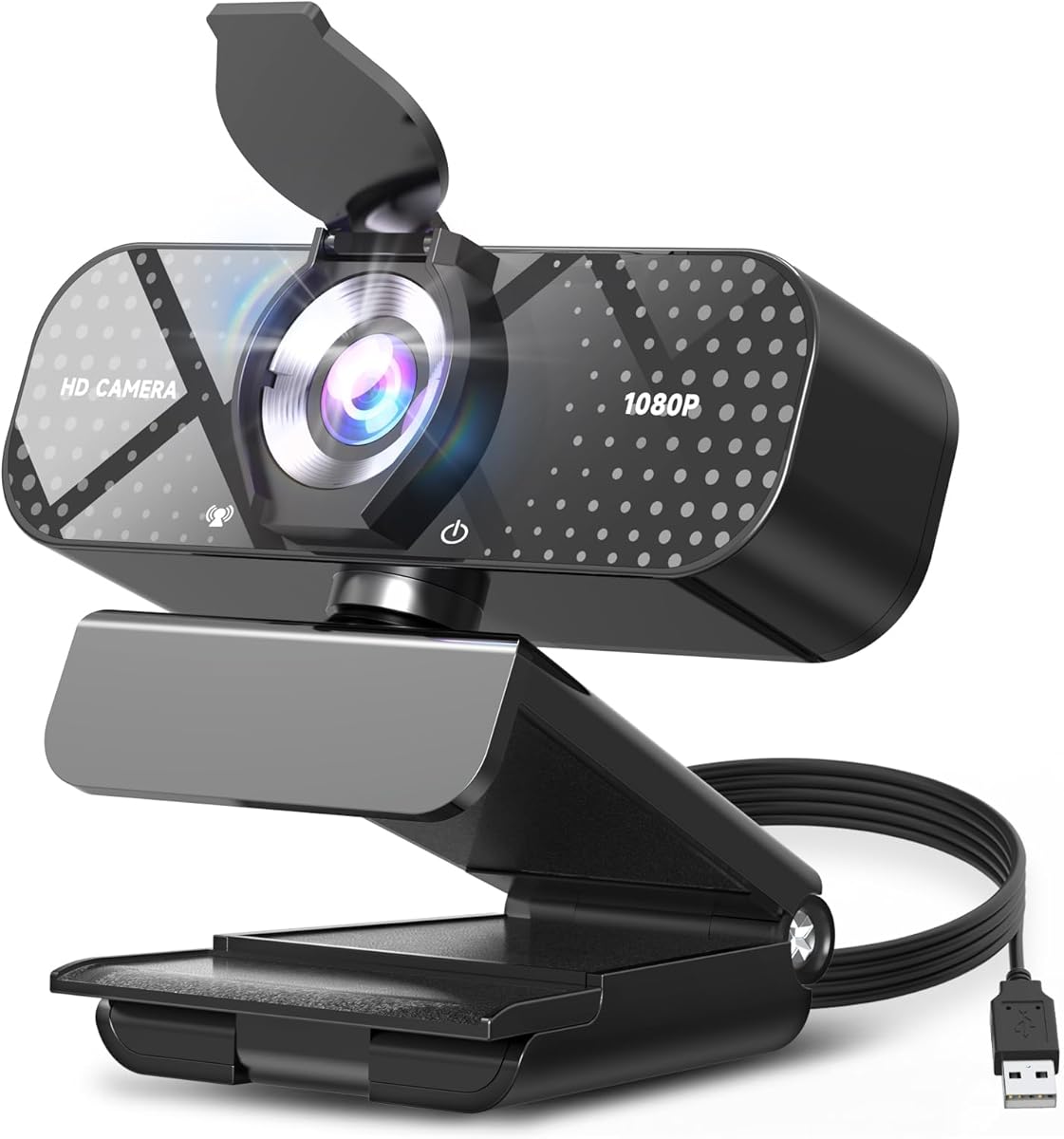
What to Know Before Buying a 1080p Webcam With Privacy Shutter
This FHD 1080p webcam bundles the features remote workers and students actually need: a built-in noise-reducing microphone, automatic light correction, a physical privacy shutter, and a wide-angle lens, all over plug-and-play USB. Because it's a fixed-focus 1080p camera rather than a 4K unit, the right question isn't whether it can do everything—it's whether its specific trade-offs match how you'll use it.
Key Considerations Before Buying
- Automatic light correction is the headline feature here: it helps in dim home offices and backlit windows, but expect some softness in very low light since the sensor is 1080p, not 4K. If you present in a dark room, add a desk lamp rather than relying on the correction alone.
- The built-in noise-reducing microphone is convenient for calls in Zoom, Teams, or Meet, but it won't match a dedicated USB or headset mic in echoey rooms. For solo calls it's fine; for podcasting or noisy shared spaces, plan on a separate mic.
- The physical privacy shutter is a real advantage over software-only toggles—it blocks the lens at the hardware level, which matters for laptops left open in shared spaces. Check that the shutter slides smoothly and doesn't rattle when the camera is mounted on a monitor.
What Our Analysts Recommend
For a 1080p webcam, look for honest frame-rate specs (30fps is standard; 60fps is rare at this price), a wide-angle field of view that fits two people without heavy distortion, and a clip that grips both thin laptop lids and thicker monitors. Also verify the mounting flexibility—many budget webcams only sit flat on a monitor and can't tilt down for desk-level shots.
Webcams Market Context
Market Overview
The webcam market has split into two tiers: premium 4K models for streamers and creators, and 1080p workhorses for remote work and online classes. The 1080p segment has become crowded with near-identical designs, so differentiation now comes from extras like privacy shutters, microphone quality, and light correction rather than raw resolution.
Common Issues
The most frequent complaints in this category are washed-out images in backlit rooms, microphones that pick up keyboard clatter, and flimsy clips that sag on curved monitors. Another recurring issue is driver or compatibility friction—some webcams claim plug-and-play but need software for features like light correction to work properly.
Quality Indicators
A trustworthy 1080p webcam should specify its field of view (typically 70–90 degrees), confirm UVC compliance for driver-free use on Windows, macOS, and Linux, and show real sample footage rather than only studio-lit marketing shots. Build quality—a metal or reinforced clip, a lens cover that stays put—is a better signal than extra megapixel claims.
Review Authenticity Insights
Grade B Interpretation
A Grade B authenticity rating with an estimated 15% fake review rate means most of the 261 reviews are likely genuine, but a meaningful minority may be incentivized or templated. The adjusted rating of 4.60/5 versus the displayed 5.00/5 suggests the genuine consensus is strong but not flawless—expect a few real complaints about lighting or mic performance.
Trust Recommendation
Treat the 5.00/5 headline rating with mild skepticism and focus on the 4.60 adjusted score, which is still solid for a budget 1080p webcam. Read reviews that mention specific setups—desktop vs. laptop, lighting conditions, call platforms—since those are harder to fake and more useful to you.
Tips for Reading Reviews
Prioritize reviews with photos or videos of actual image quality, and look for mentions of the privacy shutter and light correction working as advertised. Be wary of short five-star reviews that only praise 'great quality' without naming a use case; conversely, a critical review that details a fixable issue (like needing a firmware update) is often more trustworthy.
Expert Perspective
This webcam is a sensible pick for buyers who want a single plug-and-play device for video calls without paying for 4K they won't use. The combination of automatic light correction, a noise-reducing mic, and a hardware privacy shutter covers the practical needs of remote work and online learning. The adjusted 4.60 rating suggests it delivers on those basics, though the 15% estimated fake-review rate means you should verify performance claims against detailed reviews. It is not a creator-grade camera—don't expect crisp low-light footage or broadcast-quality audio.
Purchase Considerations
Weigh whether you need a wide-angle lens for group calls or a narrow field of view for solo desk work, and confirm the clip fits your monitor thickness. If you frequently take calls in noisy shared spaces, budget for an external microphone; if you present in dim rooms, a small ring light will do more for image quality than any built-in correction.
Comparing Alternatives
Before buying, compare with similarly priced 1080p webcams from Logitech and Razer, and consider whether a 2K or 4K model is worth the jump if you record video regularly.


