
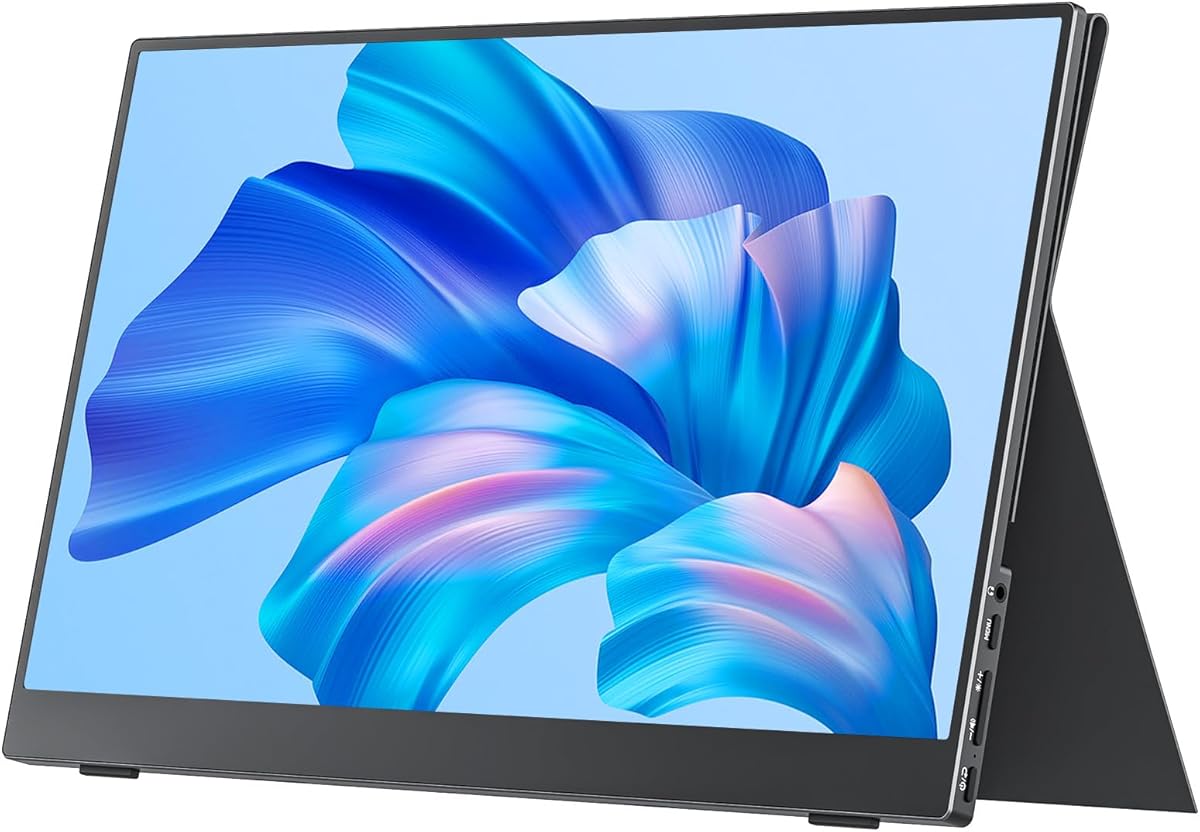
Choosing a Portable Monitor: What the cocopar 15.6" Model Reveals About Key Features
When evaluating the cocopar 15.6-inch portable monitor, focus on its specific combination of 1080p resolution, 60Hz refresh rate, and 85% sRGB color coverage. This profile suits productivity and casual gaming, but understanding its connectivity—dual USB-C and HDMI—determines compatibility with your laptop, gaming console, or mobile device.
Key Considerations Before Buying
- Connectivity versatility is critical: This monitor's inclusion of both USB-C (for power and video from modern laptops) and HDMI (for consoles like PS5/Xbox) means checking your device's output ports to avoid needing extra adapters.
- The integrated cover-stand design eliminates carrying a separate case but assess if its fixed angles work for your ergonomic needs, especially for all-day work sessions versus the flexibility of a VESA mount.
- For a 15.6-inch screen, 1080p (141 PPI) provides clear text, but the 85% sRGB color gamut indicates it's calibrated for general use, not professional photo editing where 100% sRGB or Adobe RGB is standard.
What Our Analysts Recommend
In portable monitors, prioritize panels with matte anti-glare coatings for travel use, which this cocopar model features. Also, verify the power draw; efficient USB-C Power Delivery support means it can often run from your laptop without a separate power brick, a key convenience factor for mobility.
Monitors Market Context
Market Overview
The portable monitor market is crowded with brands offering similar 15.6-inch 1080p panels, making differentiation hinge on build quality, included accessories, and color accuracy claims. The cocopar enters a competitive segment where premium brands charge more for higher refresh rates or touchscreens.
Common Issues
Users frequently report issues with screens requiring external power despite 'single-cable' claims, washed-out colors on budget panels, and flimsy kickstands. The integrated cover on this model addresses durability but may limit viewing angle adjustments compared to detachable stands.
Quality Indicators
Look for monitors specifying sRGB coverage percentage (like this 85% claim) rather than vague 'vivid color' statements. Quality units also use IPS panels for wider viewing angles, which is standard for this size, and include both HDMI and USB-C cables in the box, as the cocopar does.
Review Authenticity Insights
Grade B Interpretation
A 'B' grade with an estimated 15% fake review rate suggests the majority of the nearly 10,000 reviews are trustworthy, but a portion may be incentivized. The high 4.6 adjusted rating (down from a perfect 5.0) still indicates strong authentic satisfaction, particularly for a budget-friendly portable monitor.
Trust Recommendation
Focus on verified purchase reviews that mention specific use cases like 'connecting to a MacBook for coding' or 'using with a PlayStation 5,' as seen in the genuine feedback. Be slightly skeptical of overly effusive reviews that don't detail setup or daily use.
Tips for Reading Reviews
For technical products like monitors, prioritize reviews discussing real-world battery drain on the host laptop, clarity of text at 1080p, and the actual brightness (in nits) for outdoor use—details that genuine users typically provide.
Expert Perspective
The cocopar monitor presents a compelling value proposition based on its authentic 4.6/5 rating, offering core features (1080p, dual connectivity, included stand) at a competitive price point. Its 85% sRGB coverage is adequate for office tasks and media consumption, though color-critical professionals should look elsewhere. The high review volume and consistency in praising its plug-and-play setup with USB-C laptops like MacBooks signal a product that delivers on its primary promise of convenient portability.
Purchase Considerations
Weigh this monitor's all-in-one design (cover, stand, screen) against potentially more feature-rich competitors if you need a higher refresh rate for competitive gaming or a touchscreen for digital note-taking. Its VESA mountability is a notable plus for permanent desk setups, adding longevity beyond travel.
Comparing Alternatives
Shoppers should compare the cocopar's specs and bundle against similar-priced models from brands like Lepow or Arzopa, specifically checking for brightness levels (typically 250-300 nits) and warranty terms.






