
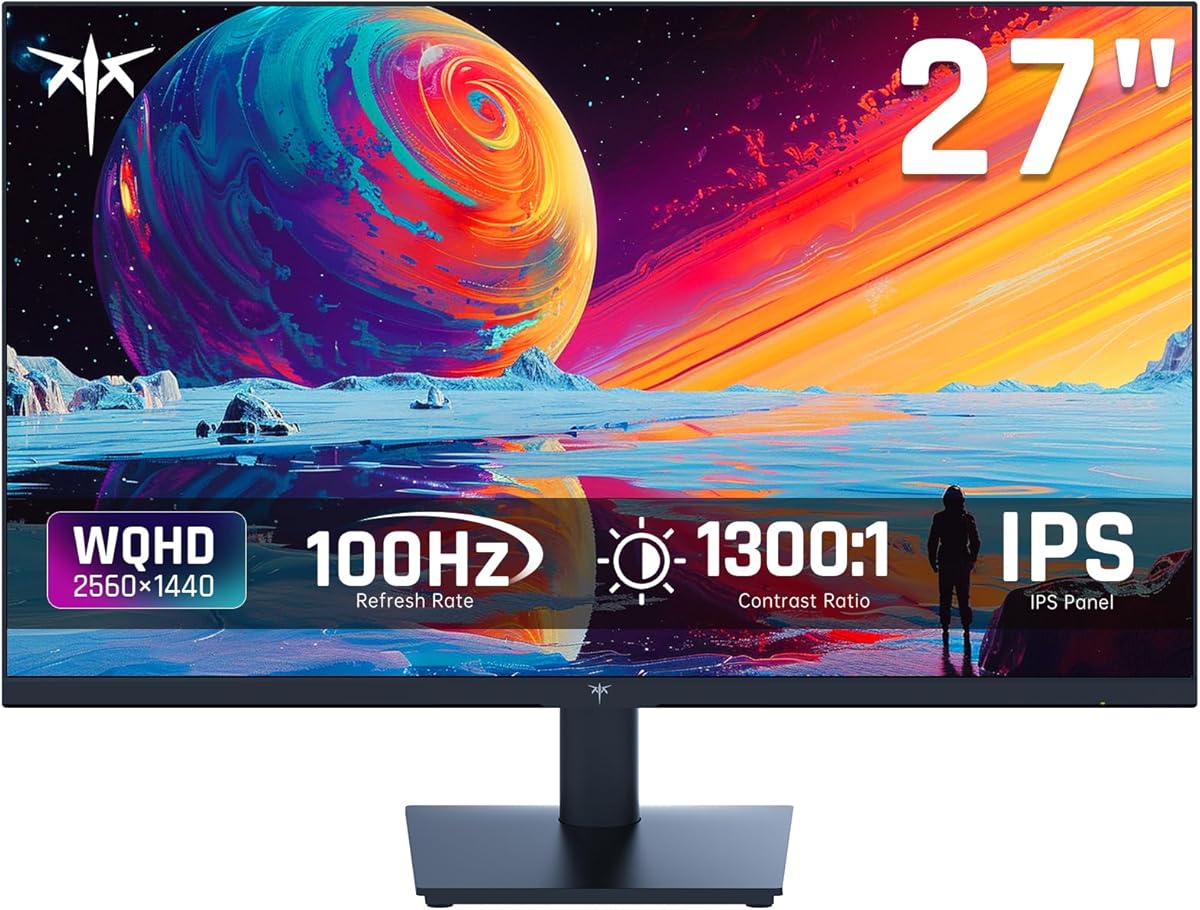
Balancing QHD clarity, 100Hz smoothness, and color accuracy for hybrid use
The KTC 27-inch QHD monitor targets users who need both productivity and casual gaming capabilities. Its 123% sRGB color gamut and 100Hz refresh rate represent a specific middle ground between office work and entry-level gaming monitors.
Key Considerations Before Buying
- The 100Hz refresh rate offers a noticeable improvement over standard 60Hz for scrolling and casual gaming, but isn't the 144Hz+ standard for serious competitive gaming.
- The 123% sRGB color coverage suggests oversaturation for standard content creation; calibrating to 100% sRGB may be necessary for accurate color work.
- FreeSync/G-Sync compatibility at this price point helps reduce screen tearing, but verify compatibility with your specific GPU for optimal performance.
What Our Analysts Recommend
Check for IPS glow uniformity in dark scenes and backlight bleeding at the edges, common quality control issues in this price segment. Verify the anti-blue light implementation doesn't create excessive yellow tint when activated.
Monitors Market Context
Market Overview
The 27-inch QHD segment is intensely competitive, with brands like KTC challenging established names by offering higher refresh rates and color gamuts at aggressive prices. This creates value but requires careful scrutiny of panel quality and feature implementation.
Common Issues
Budget IPS panels often exhibit backlight inconsistency and color accuracy variance out of the box. Many monitors in this category claim HDR support but lack the brightness and local dimming for true HDR experiences.
Quality Indicators
Look for consistent pixel response times across the refresh range and minimal inverse ghosting. Genuine 8-bit color depth (not 6-bit+FRC) and factory calibration reports indicate better panel selection and quality control.
Review Authenticity Insights
Grade B Interpretation
A Grade B with 15% estimated fake reviews suggests generally reliable feedback, but approximately 1 in 7 reviews may be artificially positive. The adjusted rating of 4.50/5 from 4.89/5 indicates some review inflation.
Trust Recommendation
Focus on verified purchase reviews that mention specific use cases like photo editing, coding, or particular games. Be skeptical of reviews that don't address the monitor's actual limitations, like its modest 100Hz ceiling.
Tips for Reading Reviews
Prioritize reviews discussing color calibration experiences, FreeSync/G-Sync functionality with specific graphics cards, and long-term reliability over several months of use.
Expert Perspective
This monitor represents a calculated compromise: offering better-than-basic 100Hz refresh and wide color gamut at a QHD resolution, but likely making panel quality trade-offs to hit its price point. The 4.50 adjusted rating suggests genuine satisfaction among most buyers, particularly those transitioning from 1080p or 60Hz displays. The hybrid positioning means it won't excel at either professional color work or competitive gaming, but serves both adequately.
Purchase Considerations
Consider whether your workflow truly benefits from 123% sRGB or if standard 100% coverage would suffice. The 100Hz refresh provides diminishing returns if your GPU can't consistently push high frame rates at 2560x1440 in your preferred games.
Comparing Alternatives
Compare against monitors with similar specs but different panel types (VA for contrast, TN for response time) to ensure this IPS implementation matches your priority.






