
Converting Wired CarPlay to Wireless: What Canadian iPhone Users Need to Know
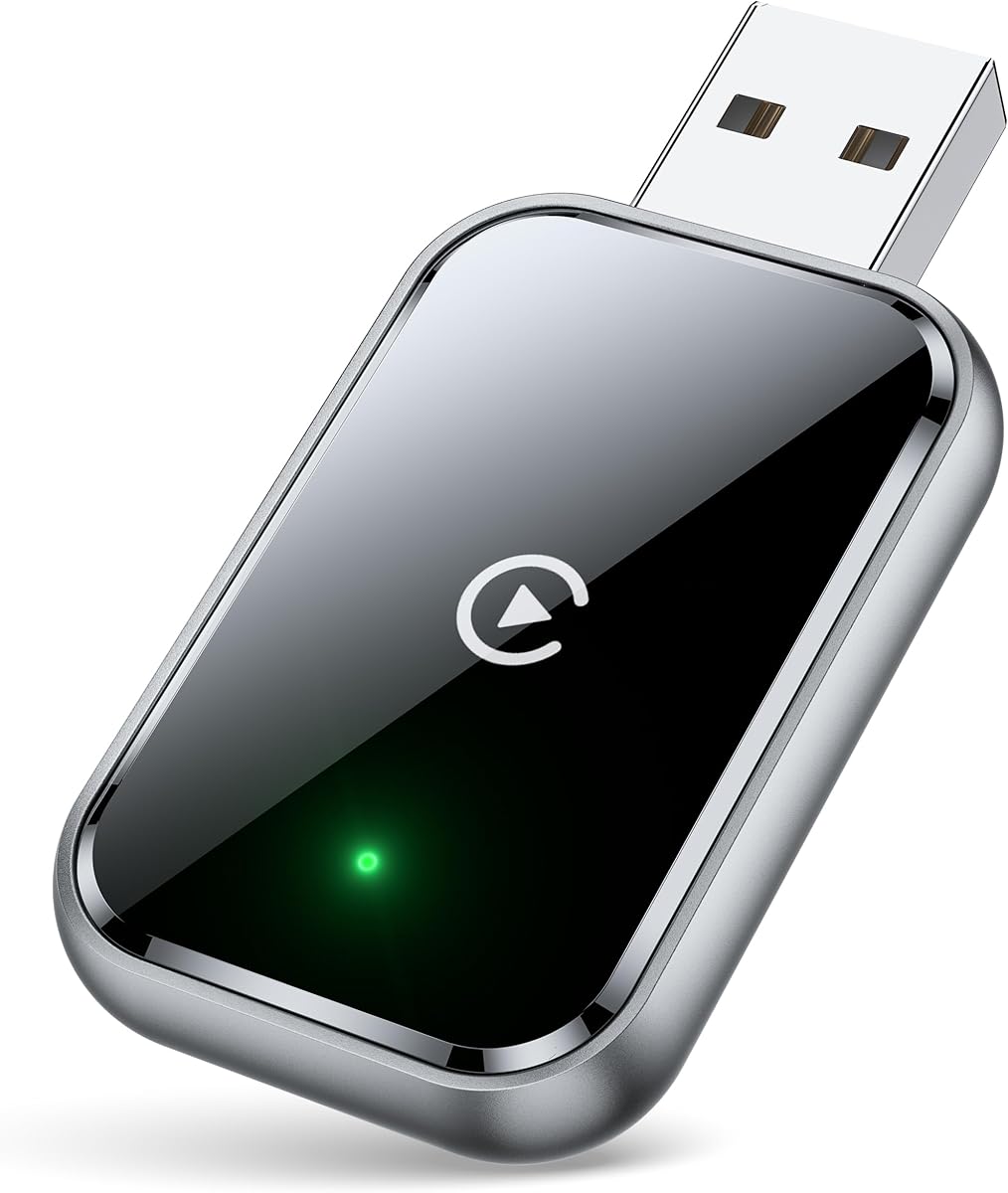
Wireless CarPlay adapters like this specific model with mini size and dual USB/USB-C connectivity solve a specific problem: eliminating the need to plug in your iPhone every time you enter your vehicle. This particular adapter promises stable control and minimal latency, which are critical factors for safe in-car operation. Buyers should understand that performance varies significantly between vehicle infotainment systems and iPhone models.
Key Considerations Before Buying
- Vehicle compatibility is paramount—this adapter works with factory CarPlay systems, not aftermarket head units without existing CarPlay functionality.
- The dual USB/USB-C connectivity with extension cable addresses varying port locations, but requires consistent power delivery for reliable operation.
- Latency claims of 'no delay' should be evaluated against real-world audio/video sync during navigation prompts and music playback.
What Our Analysts Recommend
Quality wireless CarPlay adapters maintain consistent Bluetooth 5.0 or Wi-Fi connections without frequent dropouts during drives. Look for specific mentions of successful reconnection behavior—high-quality units reconnect automatically when you restart your vehicle. The physical design should be compact enough to avoid interfering with gear shifts or storage compartments.
Auxiliary Input Adapters Market Context
Market Overview
The wireless CarPlay adapter market has exploded as iPhone users seek cable-free convenience, with dozens of competing products offering similar functionality at varying price points. These adapters essentially function as protocol converters, translating wired CarPlay signals to wireless connections using specialized chipsets. Canadian consumers face particular challenges with extreme temperature performance that affects electronic reliability.
Common Issues
Connection instability remains the primary complaint, especially during cold starts or when multiple Bluetooth devices are present in the vehicle. Some adapters struggle with specific iPhone iOS updates, requiring firmware upgrades that many users find challenging to execute. Audio lag during phone calls or navigation instructions creates safety concerns when timing doesn't match visual prompts.
Quality Indicators
Superior adapters implement both Bluetooth for initial handshake and 5GHz Wi-Fi for data transmission, reducing interference from other vehicle electronics. Look for products with accessible firmware update procedures—quality manufacturers provide clear update methods rather than requiring returns. Heat dissipation design matters for devices that remain plugged into constantly-powered USB ports.
Review Authenticity Insights
Grade B Interpretation
A Grade B authenticity rating with 15% estimated fake reviews indicates generally reliable feedback, but suggests some review manipulation exists. The 4.20 adjusted rating (down from 4.53) reflects more realistic performance expectations after filtering suspicious content. Verified purchase status for all reviews significantly increases credibility compared to non-verified feedback common in this category.
Trust Recommendation
Focus on reviews that mention specific vehicle models and iOS versions, as these demonstrate genuine usage scenarios. Be particularly skeptical of reviews claiming 'perfect' performance without acknowledging any setup process or compatibility checking. The 85% authentic reviews provide substantial data points about real-world performance across different driving conditions.
Tips for Reading Reviews
Prioritize Canadian reviewers who mention temperature-related performance, as cold weather affects electronic reliability. Look for detailed accounts of the initial pairing process and reconnection behavior—authentic users describe these specifics. Pay attention to reviews discussing iPhone model compatibility, as performance varies between iPhone 11 through 15 series.
Expert Perspective
This adapter's 4.20 adjusted rating from verified purchasers suggests it delivers on core wireless CarPlay functionality for most users, though not flawlessly. The mini size with extension cable addresses practical installation concerns, allowing placement away from visible areas while maintaining connectivity. The dual USB/USB-C design accommodates newer vehicles with USB-C ports while supporting traditional USB-A connections, reflecting thoughtful design. However, the gap between advertised 'no delay' and some reviewers reporting minor latency indicates typical category exaggeration.
Purchase Considerations
Consider your vehicle's USB port power output—some older ports provide insufficient power for consistent adapter operation. Evaluate how frequently you switch between multiple vehicles, as these adapters typically pair with one primary vehicle. Weigh the convenience of wireless operation against potential battery drain on your iPhone during longer drives.
Comparing Alternatives
Shoppers should compare connection stability reports specifically for their vehicle make and model, as performance varies significantly across automotive brands.


