
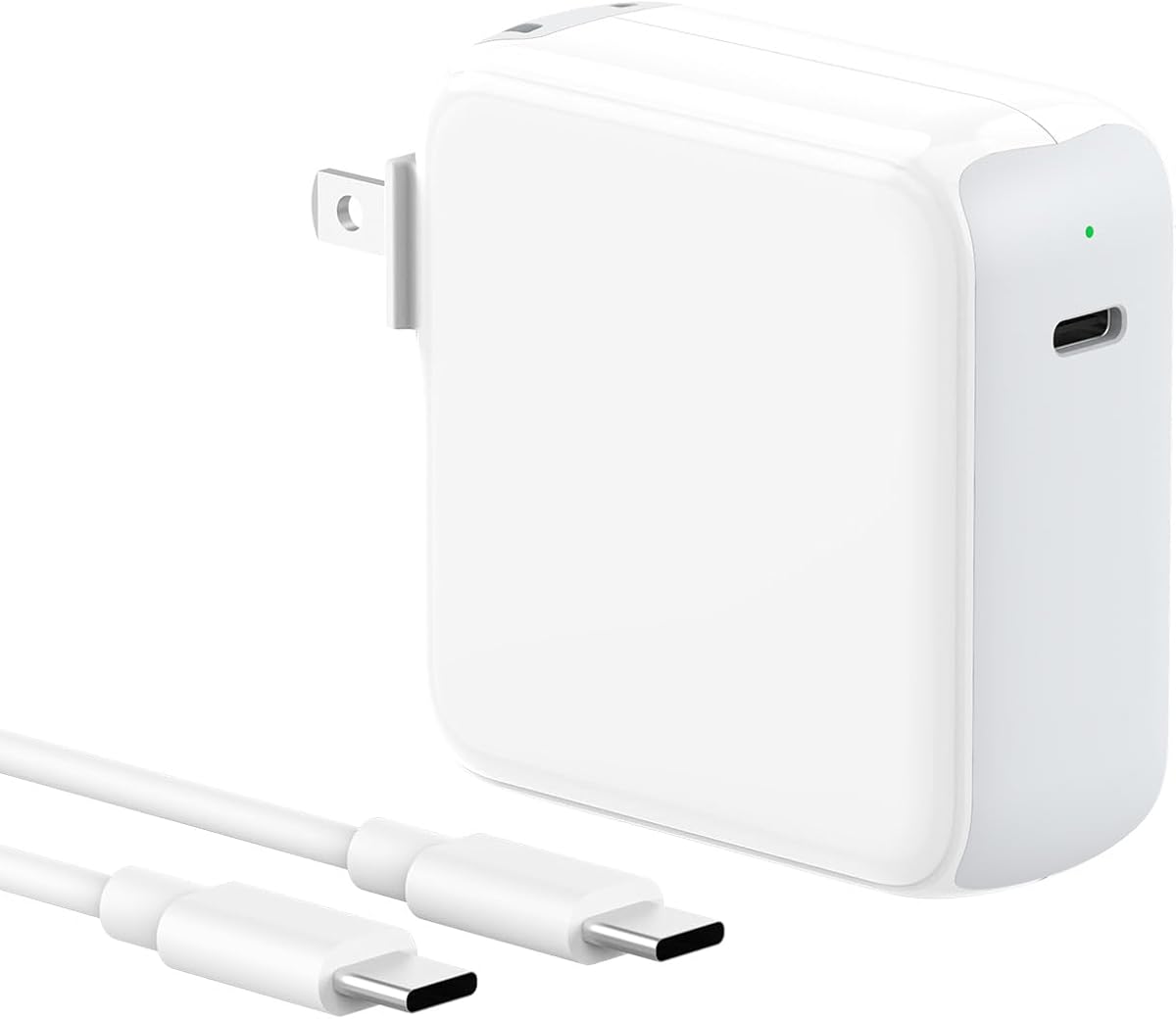
Choosing a Reliable 70W USB-C Charger for Your MacBook
The IFEART 70W USB-C charger is designed to power a wide range of MacBook Air and Pro models from 2016 to 2025, and it includes a 6.6-foot USB-C cable. With so many third-party chargers available, it's important to understand how wattage, compatibility, and build quality affect performance and safety.
Key Considerations Before Buying
- Wattage and compatibility: A 70W charger can adequately power most 13-inch and some 14-inch MacBooks, but for 15-inch or 16-inch MacBook Pro models under heavy load, you may need a higher-wattage adapter to maintain full charging speed. Check your model's recommended wattage before buying.
- Cable quality and length: The included 6.6-foot cable is longer than many stock cables, which adds convenience, but ensure it supports the necessary power delivery (at least 60W for 70W charging) and data transfer if you plan to use it for more than charging.
- Portability and build: If you travel frequently, consider the charger's size and weight, as well as whether the prongs fold in. Durable construction and safety certifications (like UL or ETL) are also key indicators of a reliable product.
What Our Analysts Recommend
Look for chargers that explicitly list compatibility with your specific MacBook model and year, and that support USB Power Delivery (PD) and Programmable Power Supply (PPS) for efficient charging. Safety features like over-current, over-voltage, and temperature protection are essential. A reputable brand with positive reviews and a warranty is also a good sign.
Chargers & Adapters Market Context
Market Overview
The market for third-party laptop chargers has grown significantly as more devices adopt USB-C, but quality varies widely. Many budget options cut corners on safety components, while premium brands charge a premium for reliability. Consumers now expect fast charging, compact designs, and broad compatibility.
Common Issues
Common problems include chargers that overheat, fail prematurely, or don't deliver the advertised wattage, leading to slow charging. Some chargers also lack proper safety certifications, posing risks to expensive laptops. Additionally, cables may not support full power delivery, further limiting performance.
Quality Indicators
High-quality chargers typically have certifications from recognized testing laboratories (e.g., UL, ETL, CE), use durable materials, and include multiple protection features. They also provide clear specifications and compatibility information, and often come with a warranty of at least 12 months.
Review Authenticity Insights
Grade B Interpretation
The B authenticity grade indicates that while most reviews are genuine, there is a moderate risk of some fake or incentivized reviews (estimated at 15%). This means the adjusted rating of 4.10/5 is likely closer to the true customer satisfaction than the original 4.44/5.
Trust Recommendation
Given the 15% fake review percentage, it's wise to approach the 4.44 rating with caution and focus on the adjusted 4.10 score. Look for reviews that mention specific use cases, long-term performance, and comparisons to other chargers to gauge real-world reliability.
Tips for Reading Reviews
When reading reviews, prioritize those with detailed pros and cons, photos, and verified purchase badges. Be skeptical of reviews that are overly enthusiastic or vague, and check multiple sources (like tech forums) for independent assessments of the charger's performance and safety.
Expert Perspective
The IFEART 70W USB-C charger offers a convenient all-in-one solution for many MacBook users, with a long cable and broad compatibility. However, the adjusted rating of 4.10/5 and 15% estimated fake reviews suggest that while most customers are satisfied, there may be some inconsistencies in quality or performance. The 70W output is sufficient for most 13-inch and 14-inch MacBooks, but may not keep up with larger Pro models during intensive tasks.
Purchase Considerations
If you need a secondary charger for travel or office use and have a MacBook Air or 13-inch Pro, this could be a cost-effective option. But if you own a 15-inch or 16-inch MacBook Pro, consider a higher-wattage charger (96W or 140W) to ensure fast charging. Also, verify that the included cable meets your data transfer needs if you plan to use it for more than charging.
Comparing Alternatives
Before purchasing, compare with similar 70W chargers from brands like Anker, Belkin, or Apple to ensure you're getting the best value and reliability for your specific MacBook model.


